
Every time Roono saves your project, it generates an immutable, content-addressed Moment. History is append-only; no code path ever overwrites past sentences.
Immutable Append-Only Saves
Moments capture the manuscript and the project structure. Saves are content-addressed. A deleted sentence remains on an earlier Moment. No control rewrites or erases that track.
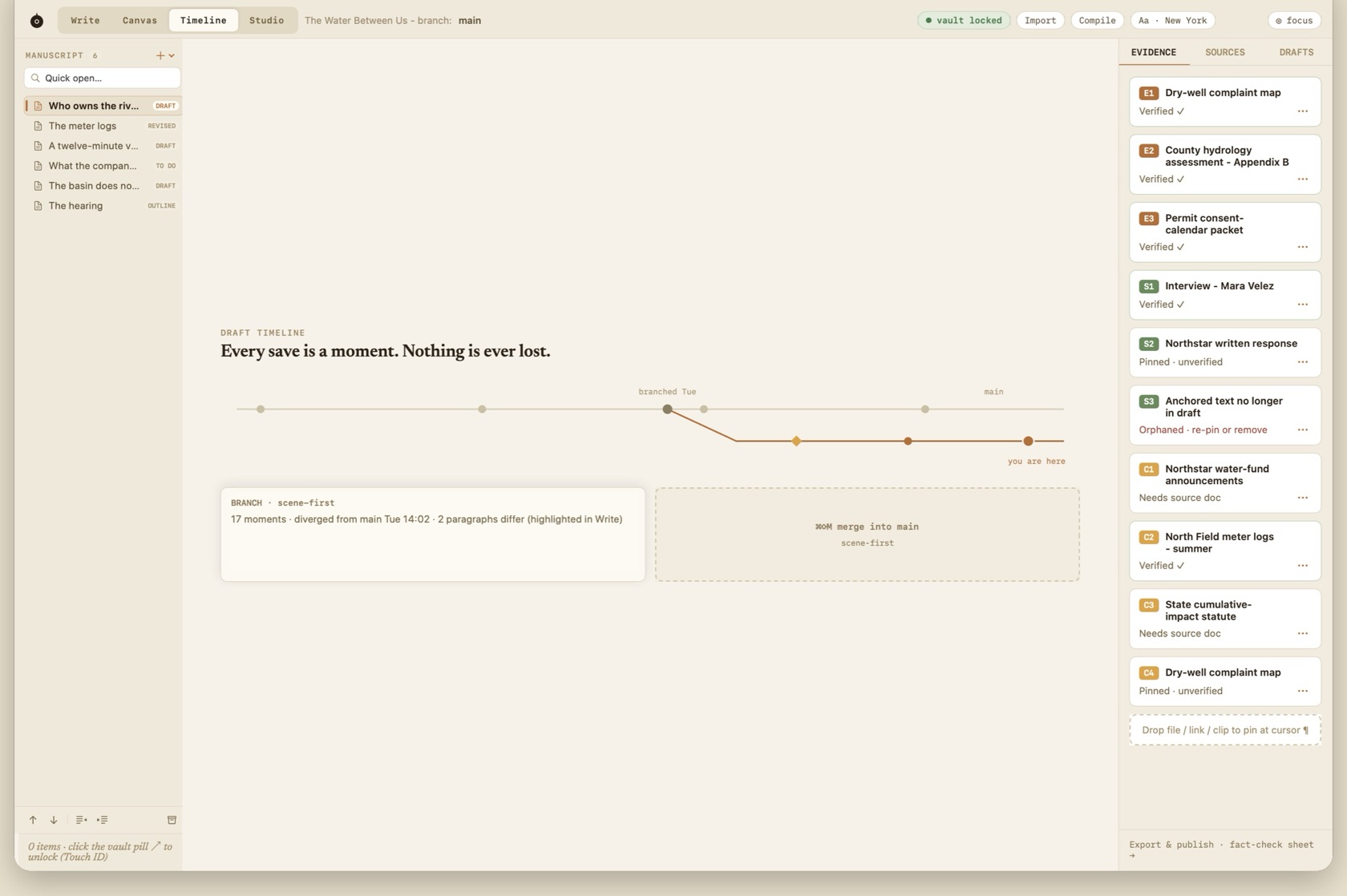
⌘S saves a Moment. Automatic saves do the same job. Timeline (⌘3) draws them as a track.
- Main track
- The quiet rail. Dots are Moments. The current Moment is the heavier dot.
- Branch
- Start from any earlier Moment. The branch is its own rail. Write highlights what differs from main.
- ◆ Agent run
- A gold diamond for a proposal run. The proposal itself is reviewed in Write, not typed out of the terminal.
- Sessions & Marks
- Quiet ticks for a writing session, and a soft marker for a Mark. They are not prose Moments.
Branching From Any Moment
In Timeline Mode (⌘3), your project's revision history appears as an interactive railway track. Click any moment in the past and choose 'Branch Here' to explore an alternative narrative path without disturbing your main draft.
Inline Comparison & Diffs
Compare branches side by side. Deleted passages appear in soft red strikethrough, while additions appear in quiet green highlights.