Canvas is the research corkboard: offline clips, photos, interview cards, character sheets, and evidence, connected by threads and readable beside the draft.
Card Types & Notes
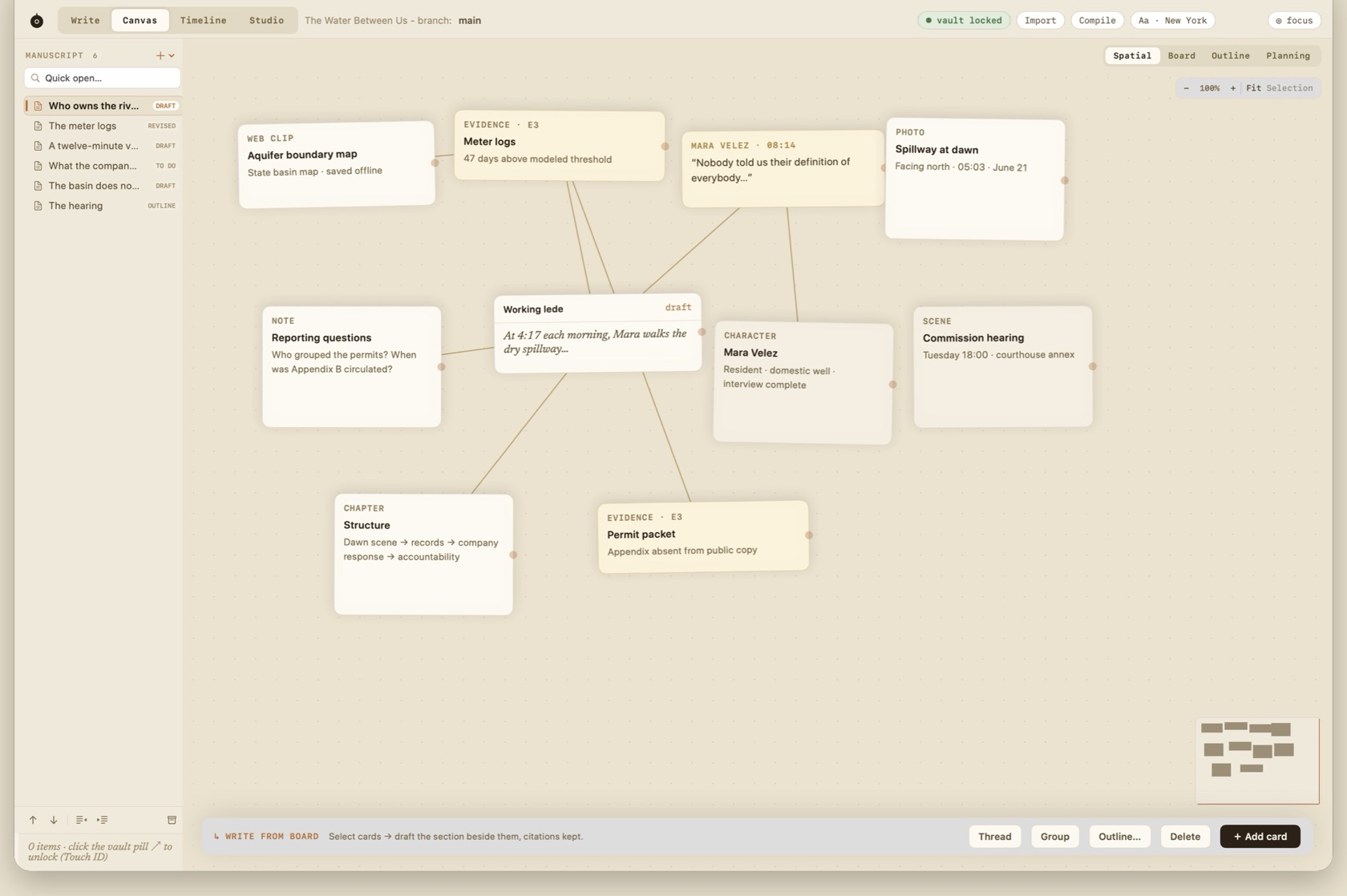
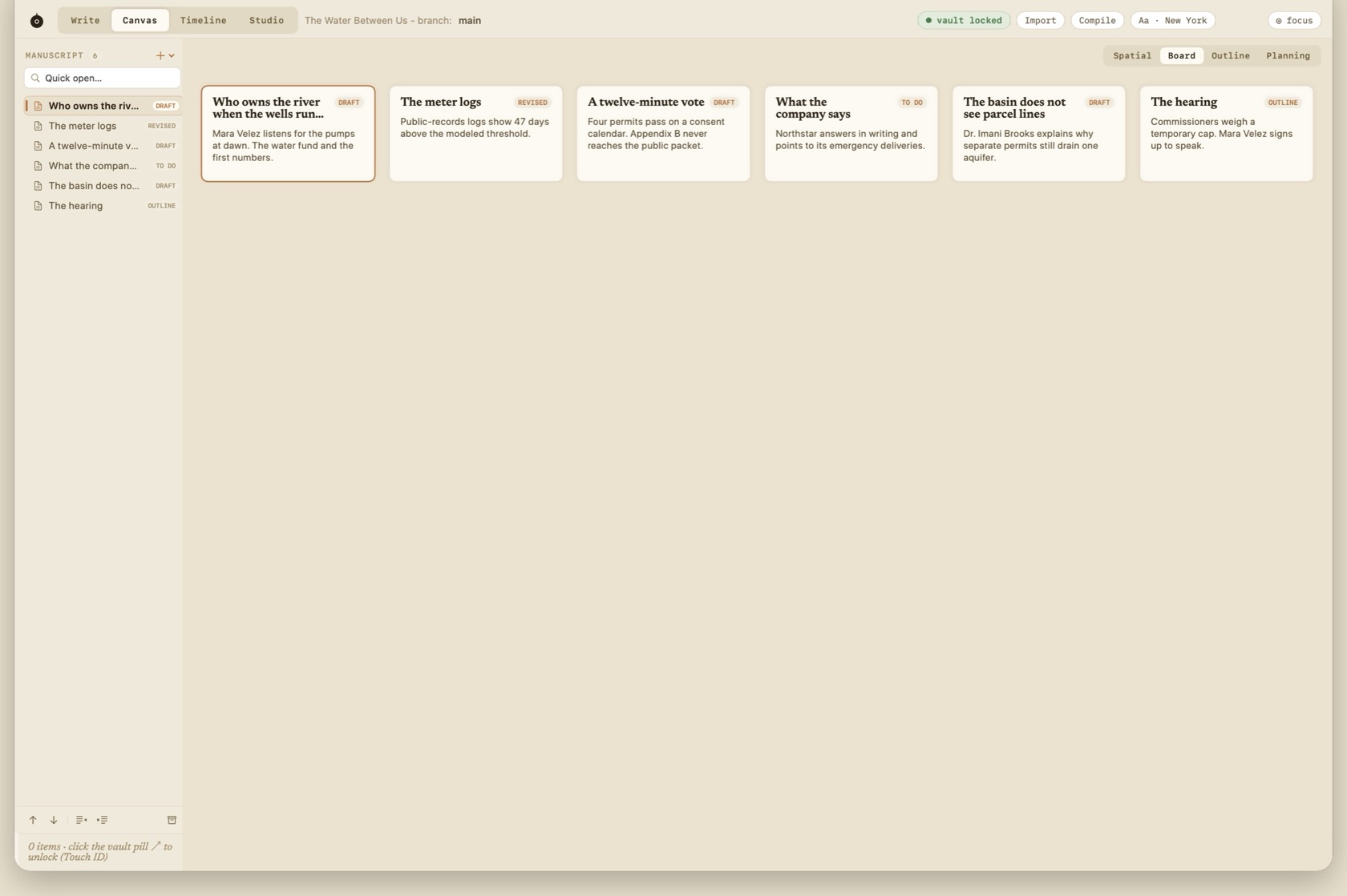
Canvas has four lenses over one Project Map: Spatial, Board, Outline, and Planning. Spatial is the freeform corkboard. Board lays the manuscript sections out as cards.
Card types are web clip (saved offline), photo, interview clip, character sheet, chapter or draft card, and evidence card. Interview clips use the warm clip paper.
- + Add card
- New card on the board.
- Thread
- Connects exactly two selected cards. The line is a dashed relationship, not a paragraph.
- Group
- Groups two or more selected cards.
- Outline…
- Map to Outline. Turns the ordered selection into manuscript sections or a roadmap.
- ↳ Write from Board
- Opens the draft beside the selected cards and keeps the citations.
Connection Threads
Draw a thread between cards to record a relationship: a source to a claim, a character to a scene, a photo to the paragraph it supports. Threads stay on the board.
Write From Board Split View
Select cards and draft beside them. Citations and pins travel with the material you pull into the manuscript, so the sentence and its proof stay attached.