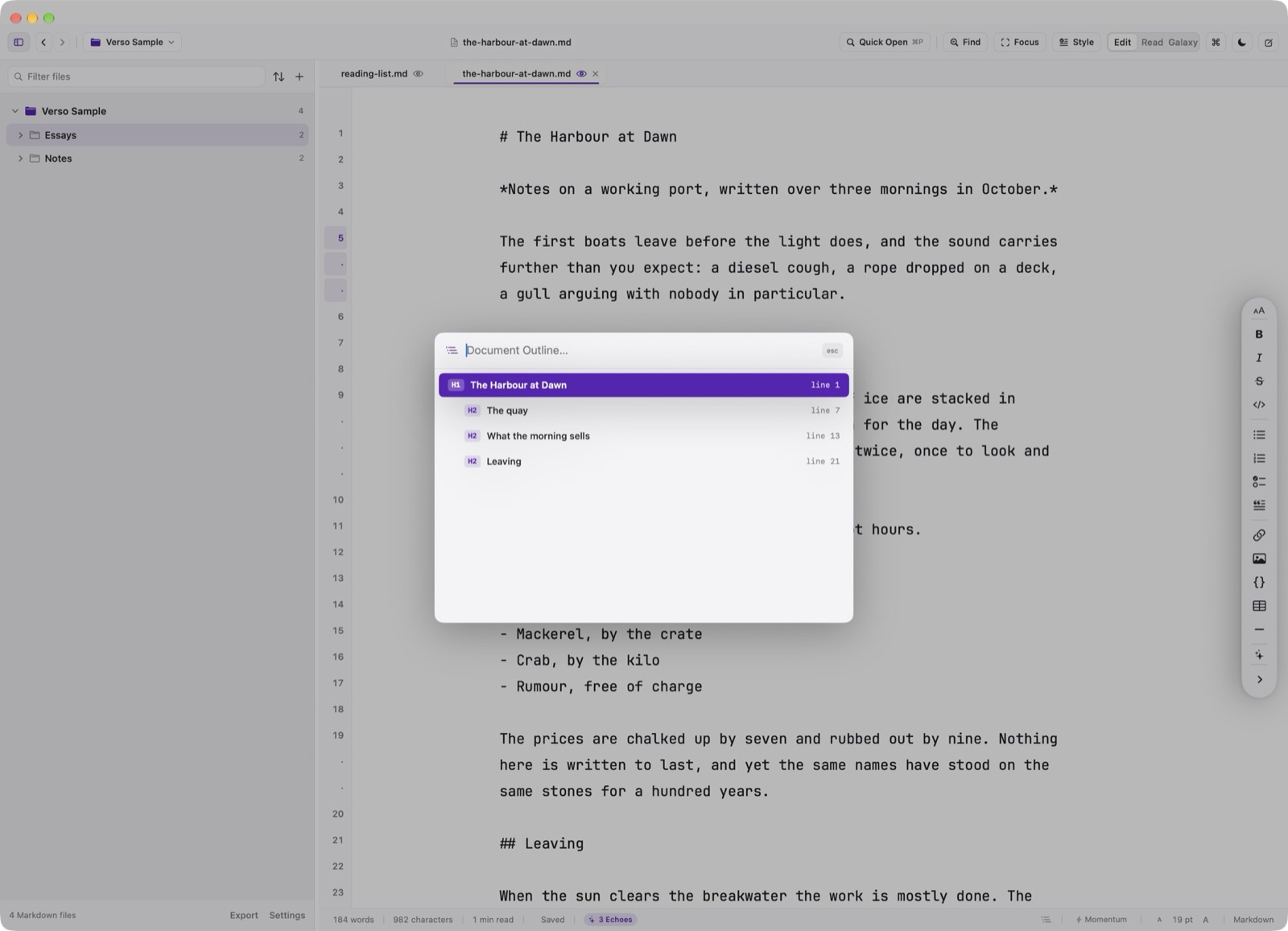
Navigate between hundreds of Markdown documents in milliseconds without leaving the keyboard.
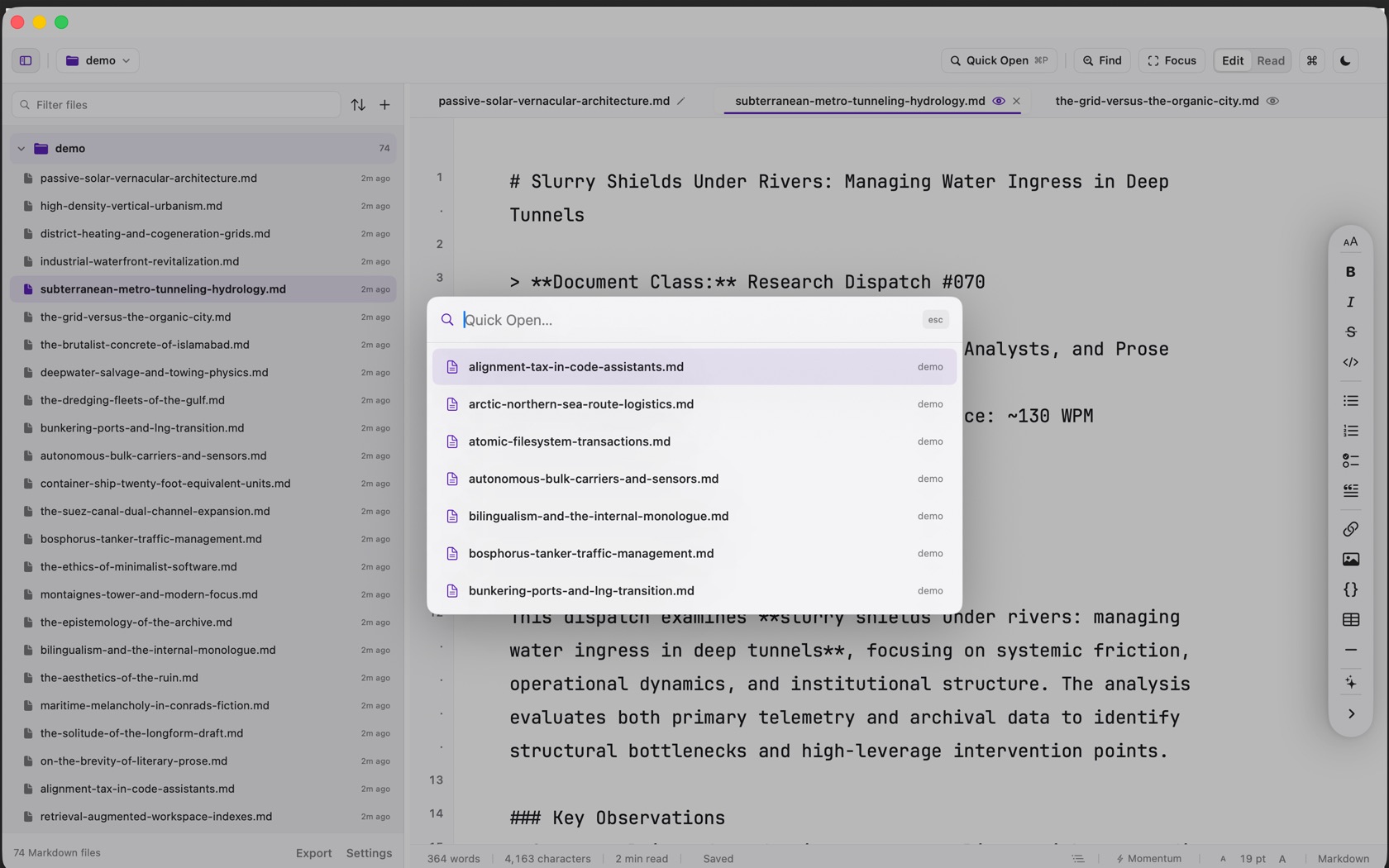
Fuzzy Quick Open (⌘P)
Press Cmd P anywhere in the app to summon the Quick Open palette. As you type, Verso fuzzy-matches filenames and directory paths across all configured workspace roots.
On Apple Intelligence-enabled Macs (macOS 15.0+), Quick Open also incorporates conceptual NaturalLanguage vector search: searching for 'quarterly budget' surfaces notes discussing financial allocations even if the word 'budget' is absent from the filename.
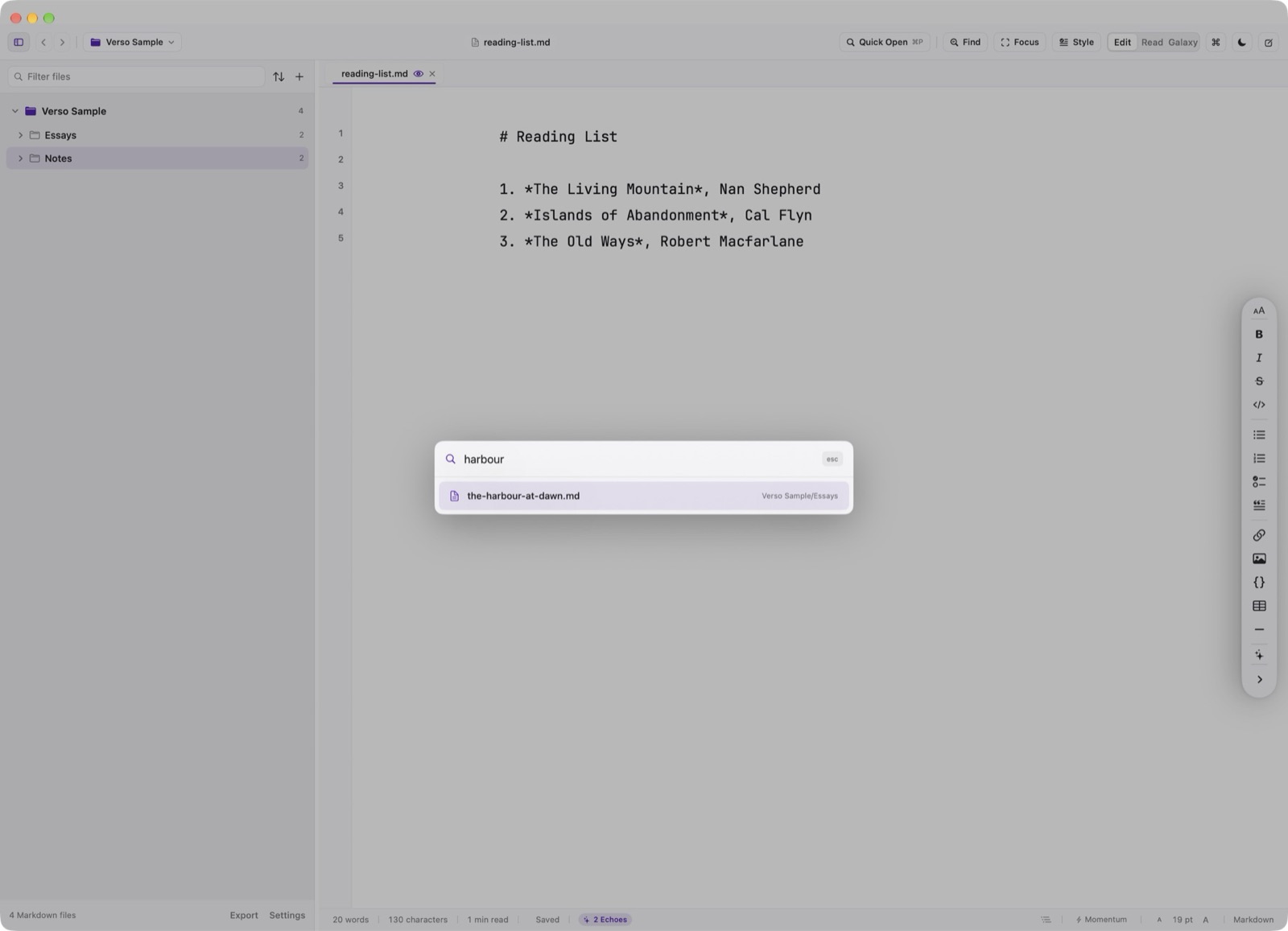
- Fuzzy Substring Search
⌘P - Fast letter-jump matching across filenames and subfolder paths.
- Conceptual Semantic Search
macOS 15+ - On-device Core ML embedding ranking based on high-level topic relevance.
Tab Buffers & Session Restoration
Verso supports multi-document tabs within each workspace. Each tab retains its own file buffer, complete undo/redo stack, vertical scroll position, and individual Edit or Read mode state.
When you close and reopen Verso, your exact open tabs, selected document, and split state are restored instantly from lightweight session state.
Tab Cycling Shortcuts
Next tab is Option Command Down. Previous tab is Option Command Up. Close Tab is Command W. While more than one tab is open, Command W closes the tab rather than the window.