
Find and replace text across your document without modal dialogue boxes obscuring your writing.
Opening the Find Bar (⌘F)
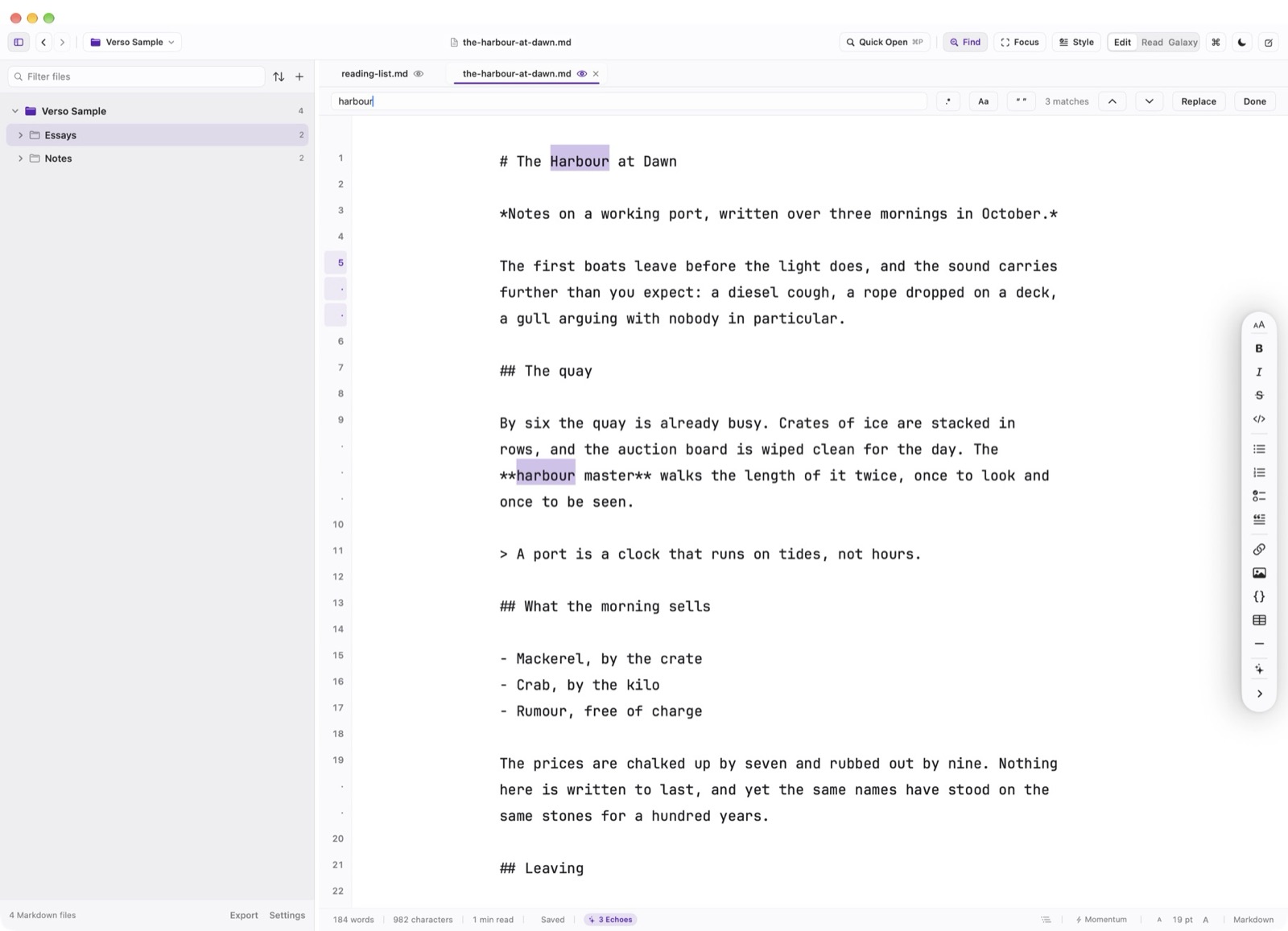
Find in the header, or Command F, opens the find bar. It is a bar, not a separate window.
Regular Expressions & Match Options
Three chips sit on the bar. .* turns the query into a regular expression. Aa matches case. The quote chip matches a whole word.
Replace & Replace All
Replace All is on the same bar. Undo is Command Z.