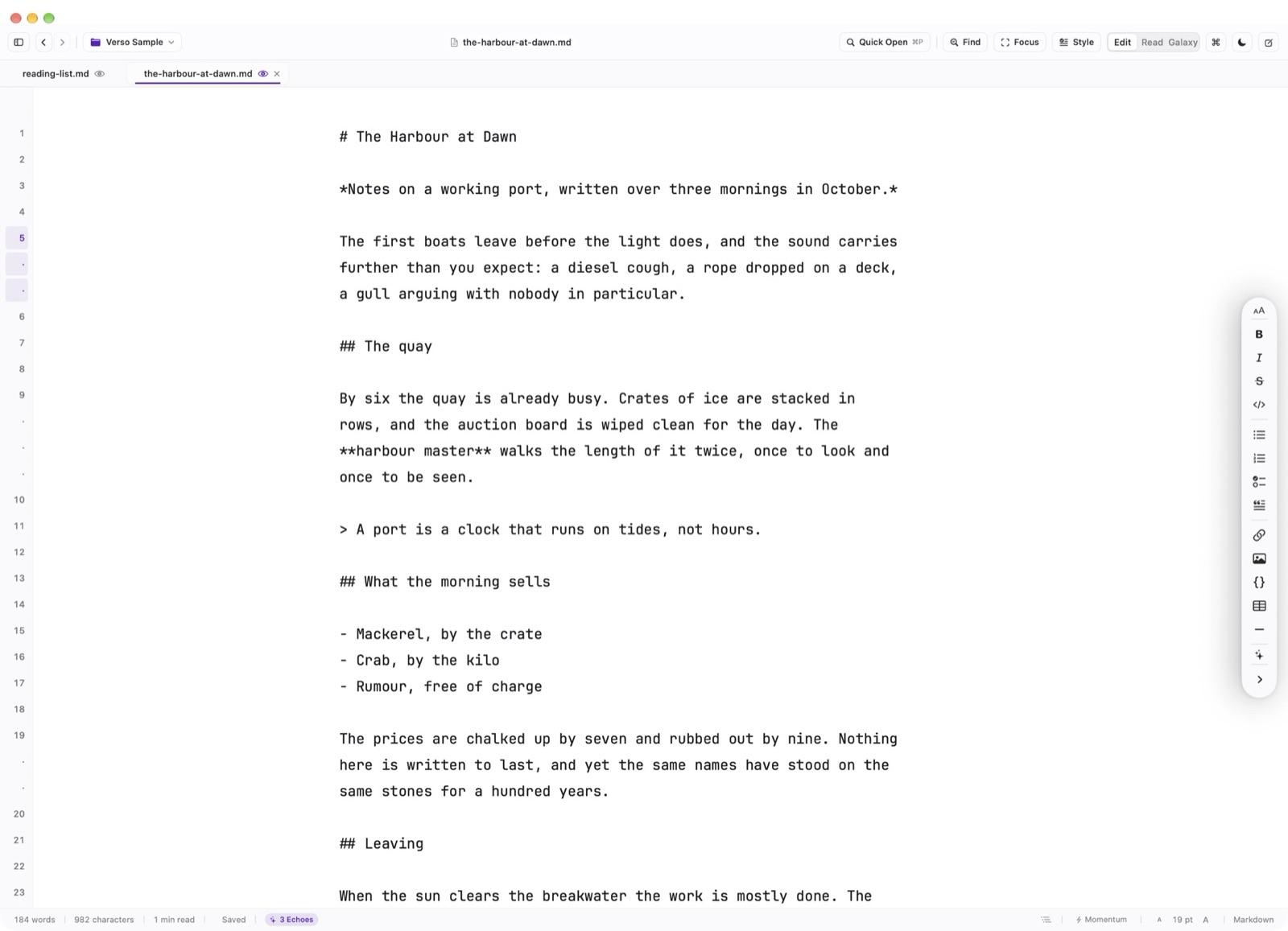
Verso provides a focused, distraction-free environment that combines the speed of a high-performance code editor with the typographic refinement of a book layout engine.
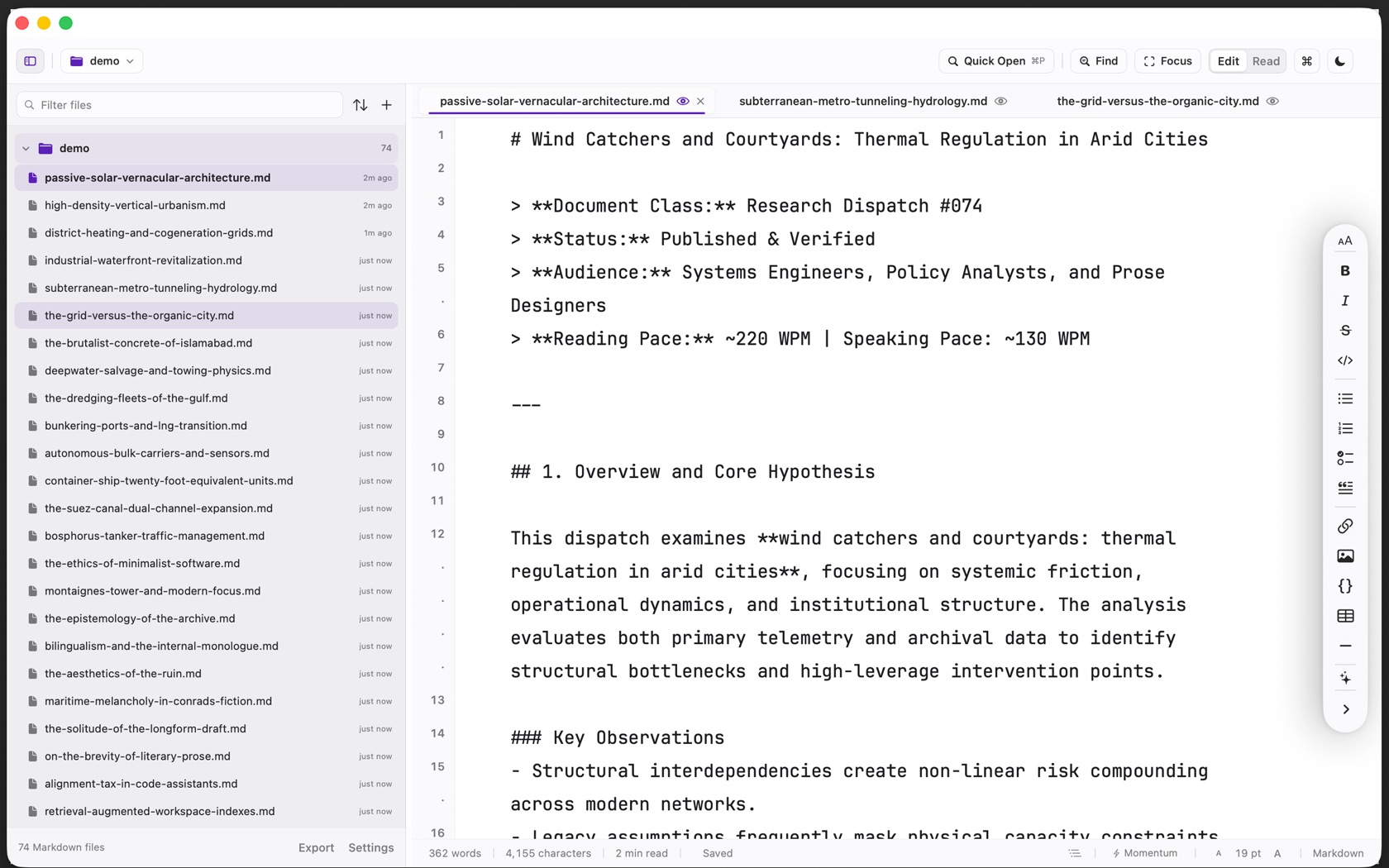
The Core Surfaces
The main window is composed of four coordinated surfaces: the 48pt Header Bar along the top, the 268pt Folder Tree sidebar on the left, the centered writing canvas in the center, and the 30pt Status Bar along the bottom.
Every surface adheres to macOS Human Interface Guidelines, featuring native SF Pro iconography, translucent materials, and fluid Dark Mode transitions.
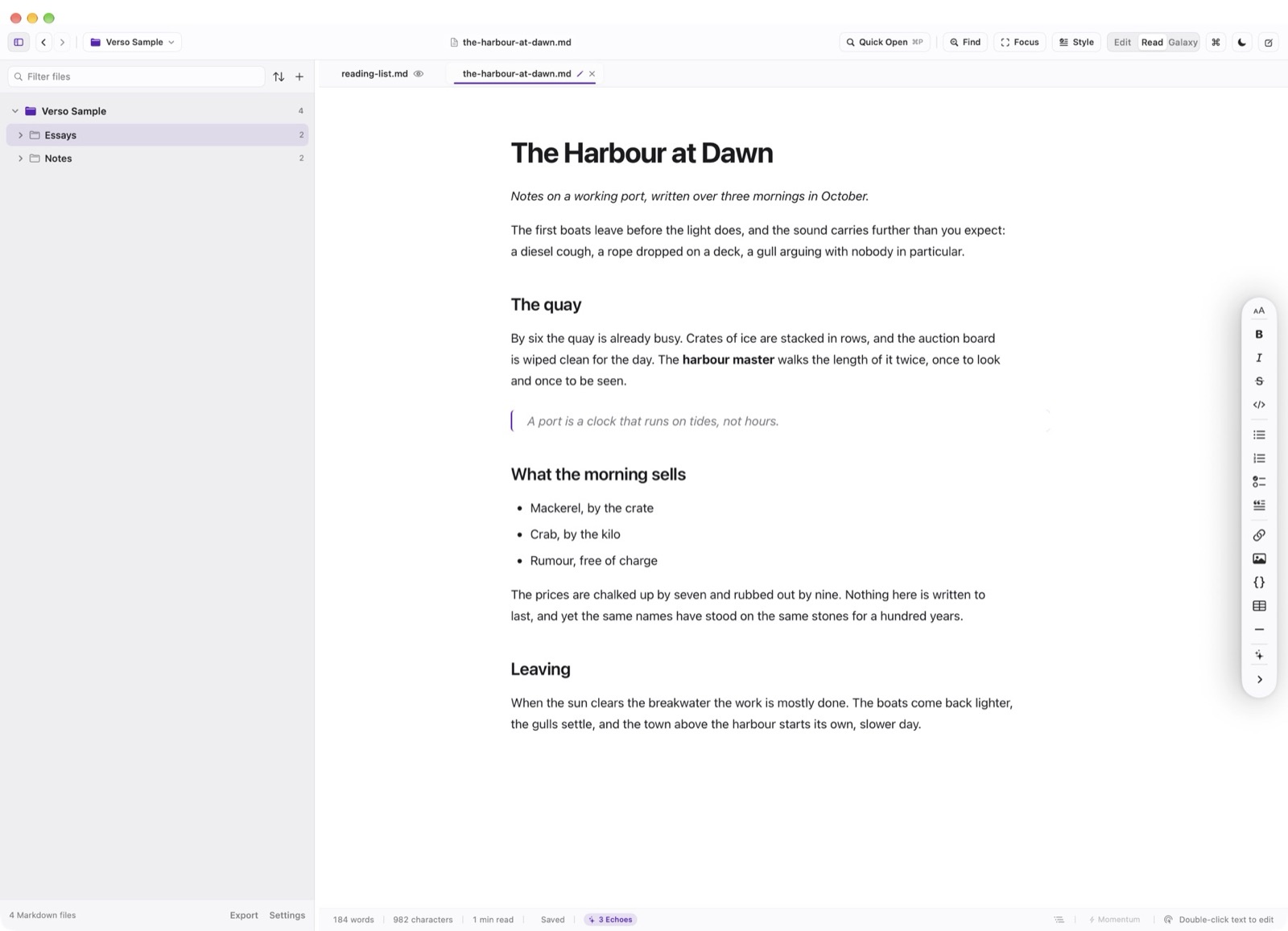
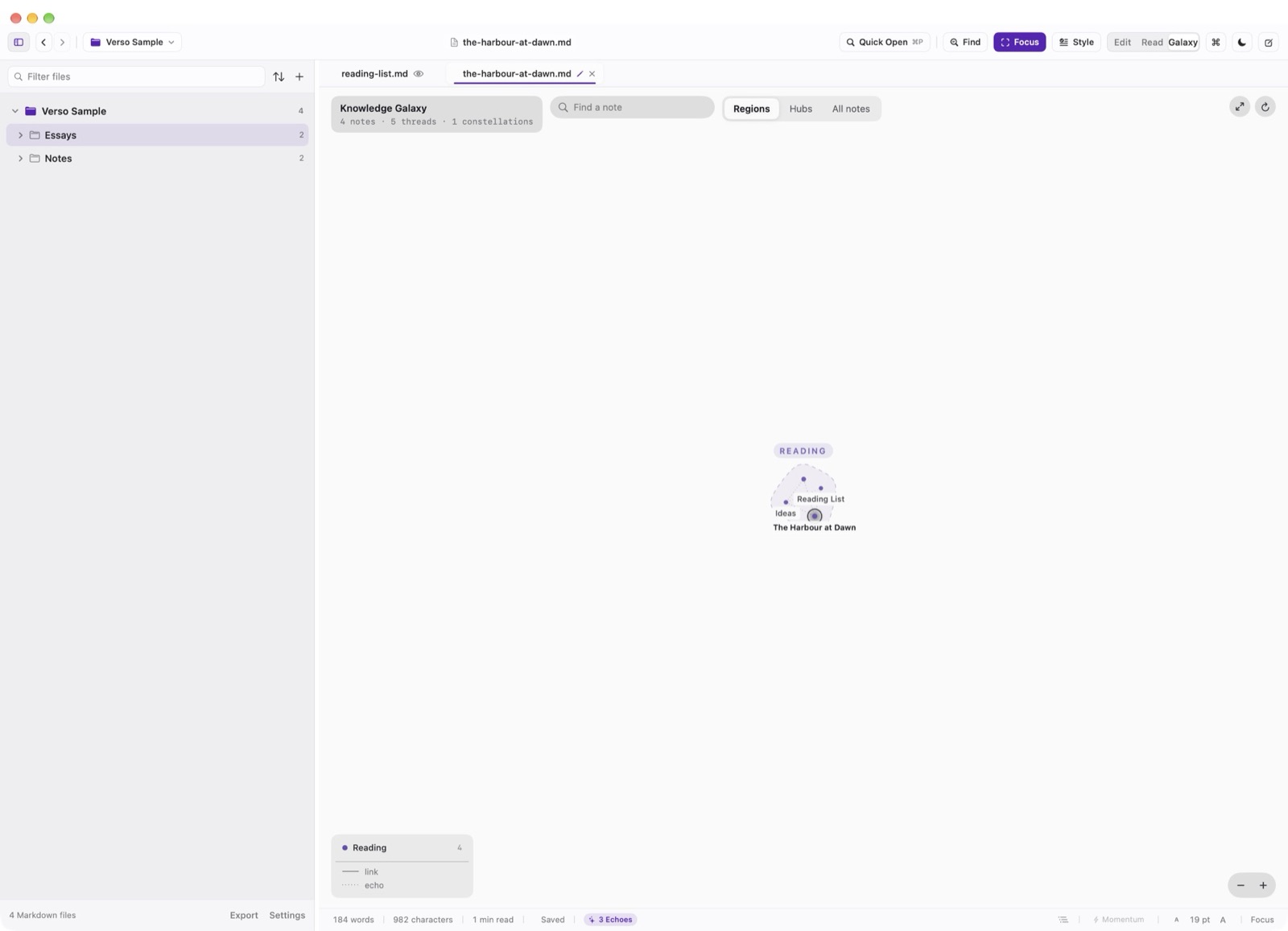
The 48pt Header Strip
The header hosts window traffic lights, workspace title breadcrumbs, save state indicators, Quick Open (Cmd P), Find & Replace (Cmd F), Focus Mode (Cmd Shift F), and the Edit / Read mode toggle (Cmd R).
The Folder Tree Sidebar
Press Cmd 0 to toggle the sidebar. The tree automatically hides build directories (such as .git, node_modules, target, build) so you see your actual documents rather than compiler artifacts. Non-Markdown files are dimmed, and active files display live dirty-buffer indicators.
The Centered Writing Canvas
The writing surface is capped at a comfortable 760pt measure to prevent line lengths from becoming excessively long on wide Studio Displays. Source line numbers appear in the left gutter, while the vertical Markdown formatting rail docks to the right margin.