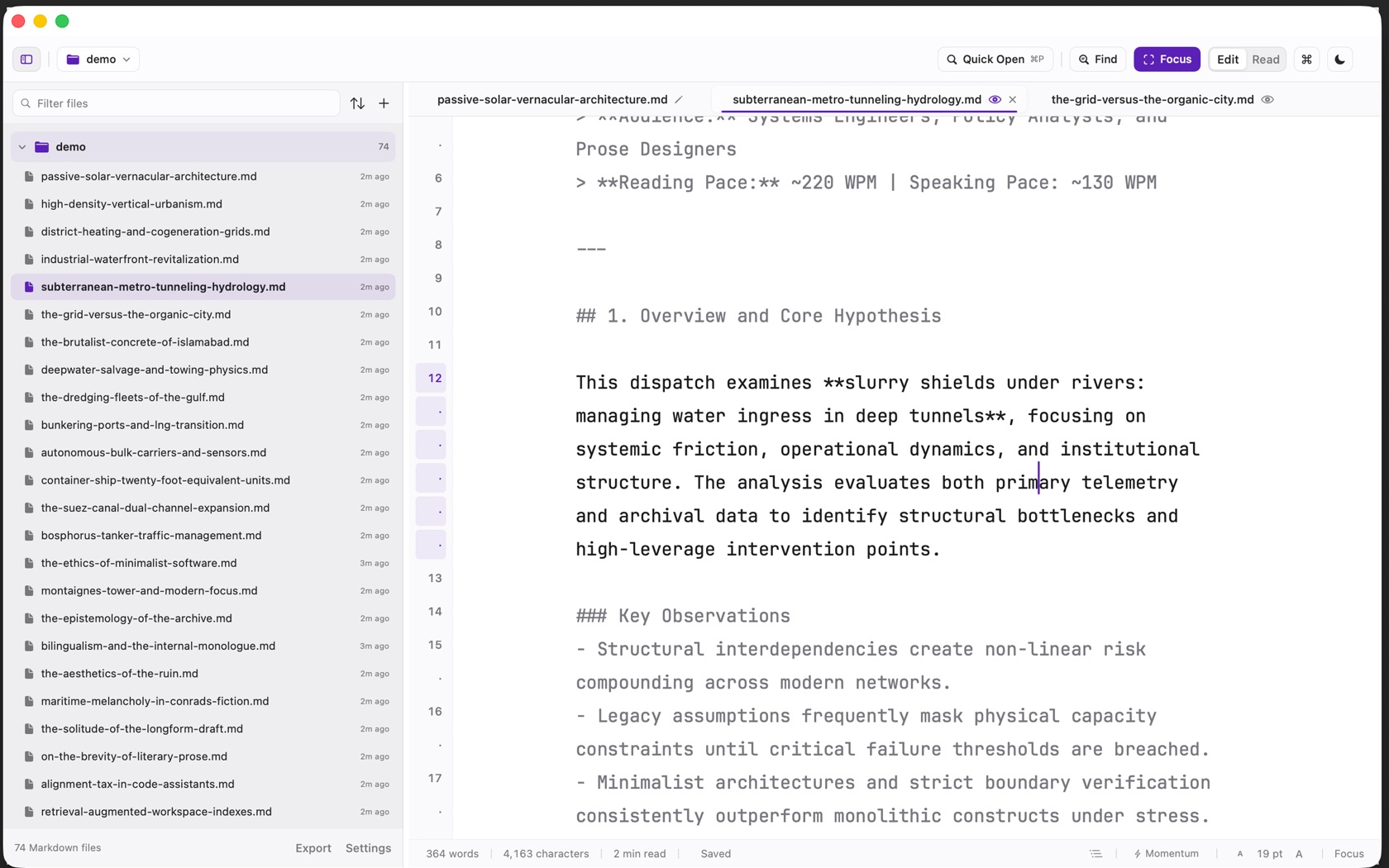
The workspace is one window on a folder of Markdown files. The header is 48 points. The status bar is 30.
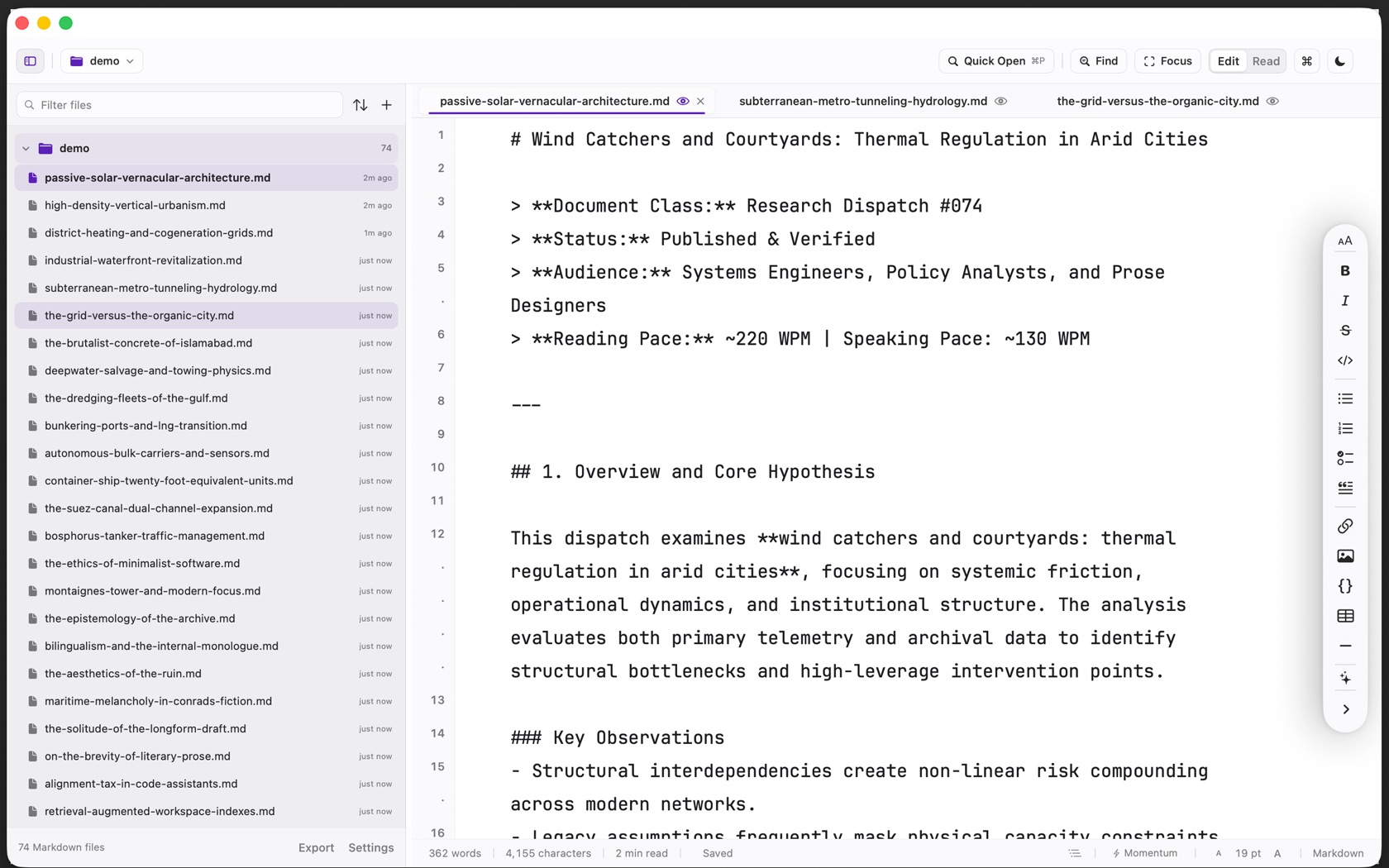
The Header Bar
- Sidebar ⌘ 0
- Shows or hides the folder tree.
- Back / Forward
- Back is ⌃ ⌘ ← . Forward is ⌃ ⌘ → .
- Folder menu
- The folder name opens the workspace switcher: folders already open, recent folders, Add Folder to Workspace, Open Folder, and Close Current Folder. The shortcut sheet calls this ⇧ ⌘ O .
- Quick Open ⌘ P
- A field labeled Quick Open. Results show the filename and the folder. Escape closes it.
- Find ⌘ F
- The find bar. Chips are
.*for a regular expression,Aafor match case, and whole word. Replace All is on that bar. - Focus ⇧ ⌘ F
- The button fills. Other paragraphs dim. The status bar reads Focus. The sidebar stays.
- Edit / Read ⌘ R
- The segmented control. Galaxy is the third mode, ⇧ ⌘ G .
- Shortcuts and appearance
- ⌘ / opens the shortcut sheet. ⇧ ⌘ A switches light and dark. New Document is ⌘ N .
The Folder Tree Sidebar
Filter files sits at the top. Each folder row shows its Markdown count. Each file shows when it was edited. The footer of the sidebar reads the Markdown file count, then Export and Settings.
- Add Folder to Workspace is inside the folder menu, with Recent and Open Folder (⌘ O ). Close Folder is ⇧ ⌘ W .
- Settings panes are General, Editor, Intelligence, Appearance, and Export. A Licence pane appears on a direct build.
Multi-Document Tab Strip
Each open file is a tab, with a close control. Next tab is ⌥ ⌘ ↓ . Previous tab is ⌥ ⌘ ↑ . Close Tab is ⌘ W .
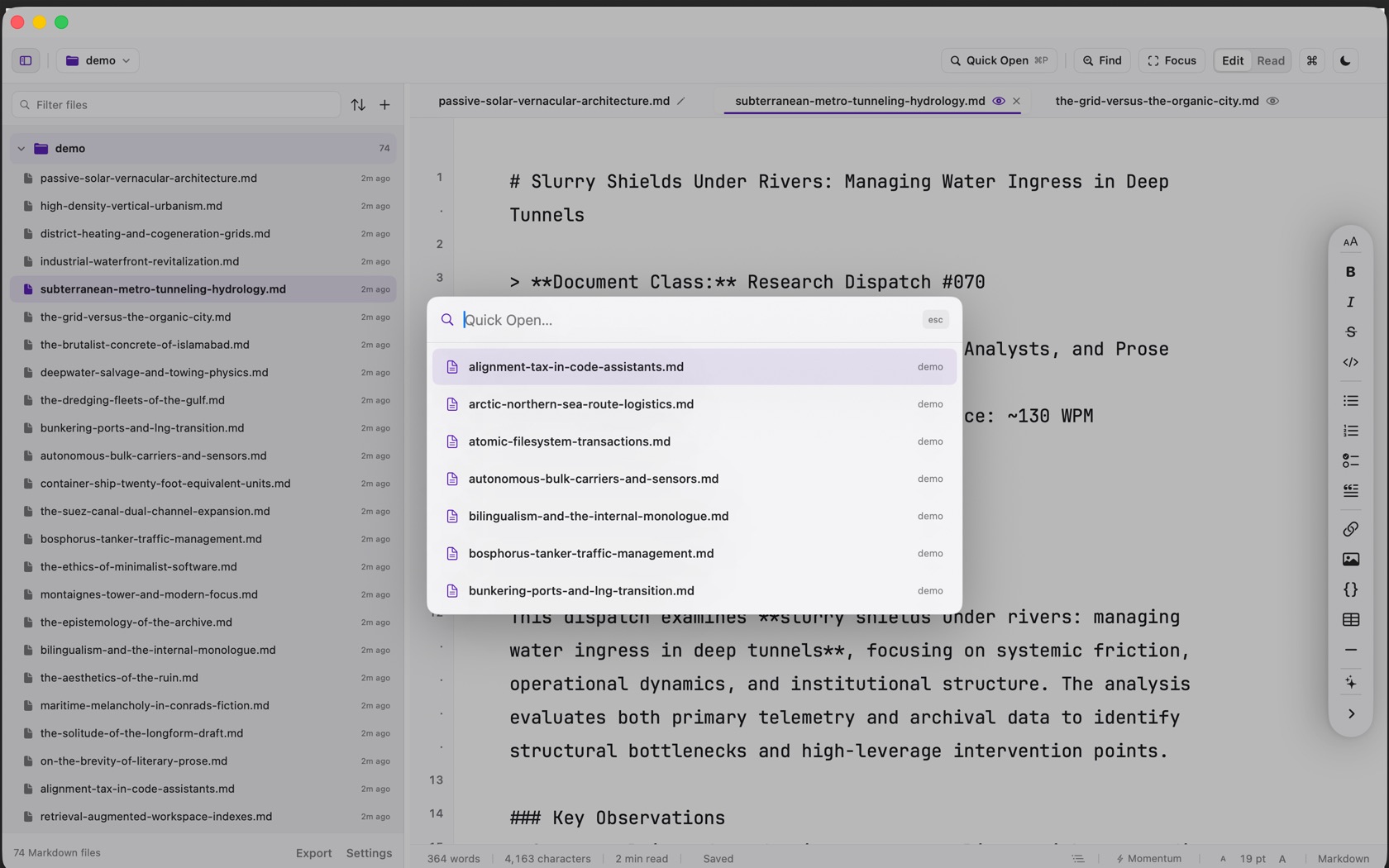
The Writing & Reading Area
- Line numbers ⇧ ⌘ L
- Logical source lines. A wrapped continuation is a dot, not a new number. The Editor pane says so, and the switch is there.
- Format rail
- Heading (⌘ 1 through ⌘ 6 , body ⌘ 7 ), bold, italic, strikethrough, inline code, lists, quote, link, image, code block, table, and horizontal rule. Writing Tools is ⌃ ⌘ W .
- Read
- The same file, set as type. The status bar says double-click text to edit.
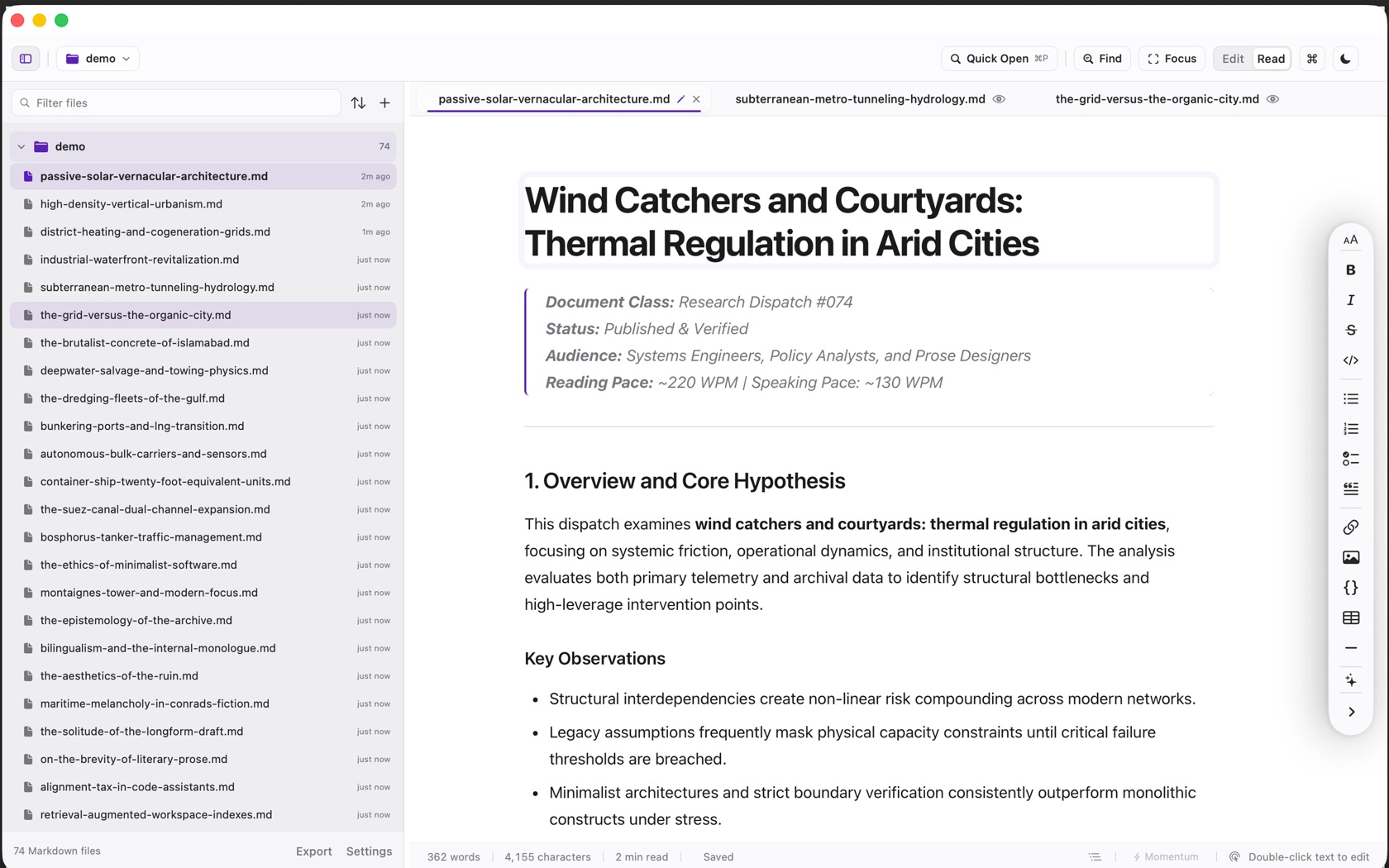
The Status Bar
- Counts. Words, characters, and minutes to read. Clicking them opens statistics (⌥ ⌘ I ).
- Save state. Saved, Saving, or Unsaved.
- Outline. The list button. Its help names ⇧ ⌘ O , the same chord the shortcut sheet gives the folder menu.
- Momentum. The bolt. ⌥ ⌘ M . The help calls it drafting without deleting paragraph breaks. It is available in Edit.
- Right edge. In Edit, the point size and the word Markdown, or Focus when Focus is on. In Read, the double-click hint.