
Verso turns standard filesystem directories into a cohesive, high-speed workspace without copying, moving, or indexing your files into a proprietary vault.
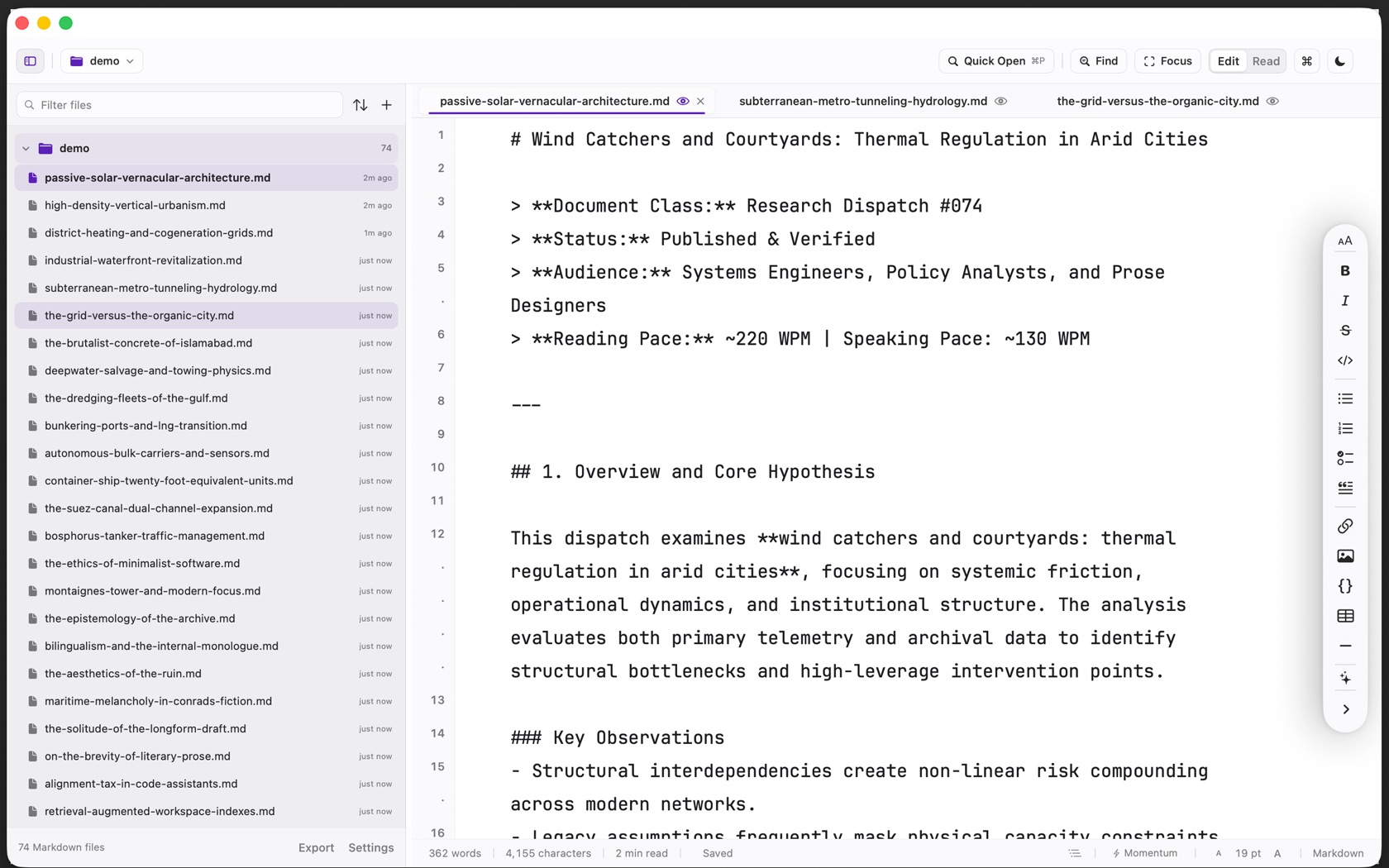
The Workspace Switcher
The folder name in the header opens the switcher. It lists the folders already in this workspace, then Recent, then Add Folder to Workspace, Open Folder, and Close Current Folder. The shortcut sheet opened with Command Slash calls that menu Shift Command O.
Each folder keeps its own place in the sidebar. Close Folder is Shift Command W.
FSEvents & Recursive Watchers
Verso attaches native macOS FSEvents (and Linux inotify) watchers to your folder roots. If you pull changes from Git or modify a document in another editor, Verso detects the change immediately.
If your buffer is clean, the editor reloads the updated file silently. If you have unwritten changes, a non-modal conflict bar appears offering 'Reload from Disk' or 'Keep My Buffer'.
File Tree Context Operations
Right-clicking any folder or file in the sidebar reveals standard filesystem actions: New File (Cmd N), New Folder, Inline Rename (Return), Duplicate, Reveal in Finder (Cmd Shift R), and Move to Trash (Cmd Backspace).
You can also drag files between directories in the tree to move them physically on disk.