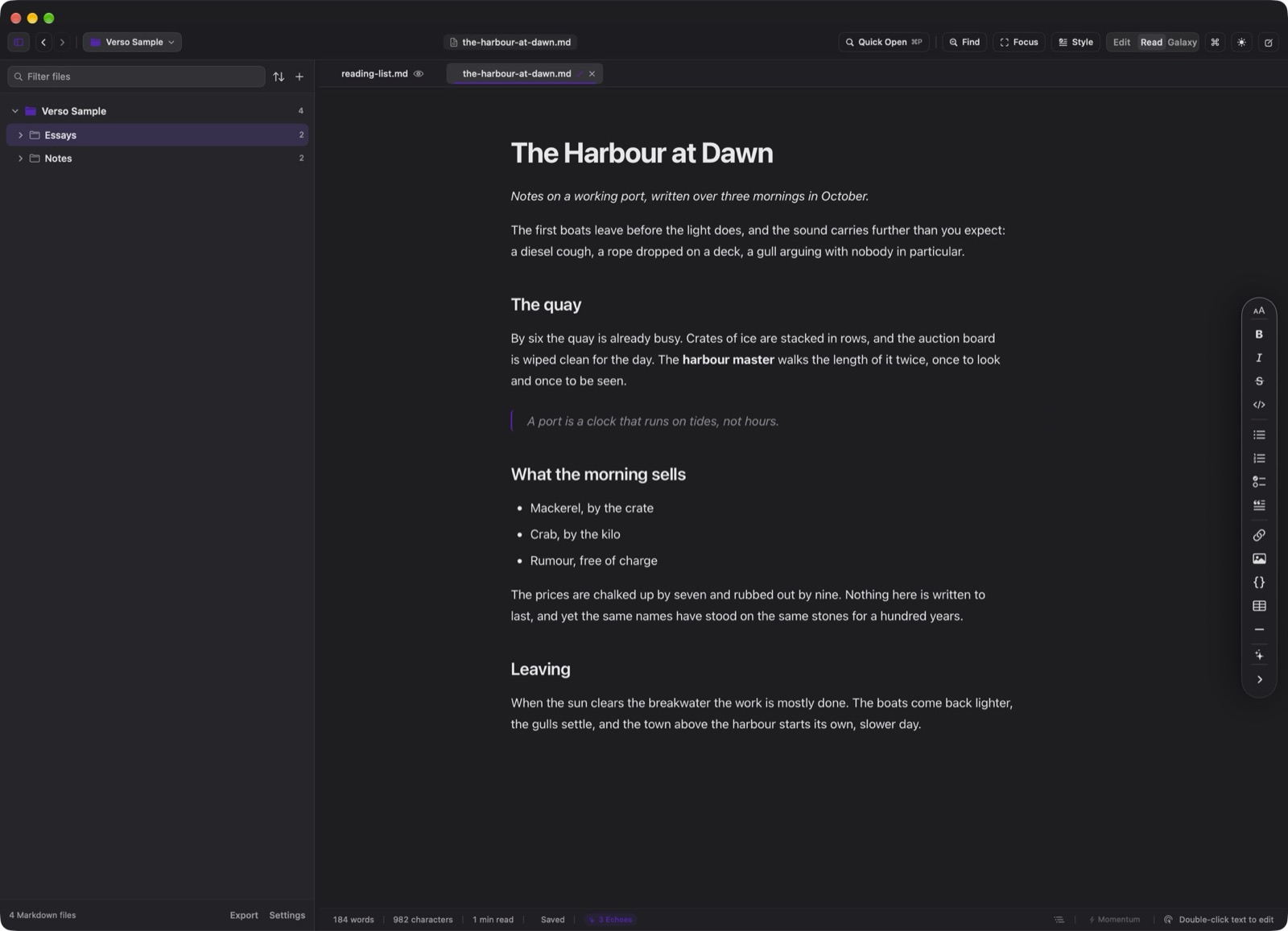
Toggle instantly between raw Markdown syntax and publication-grade reading typography with a single keystroke.
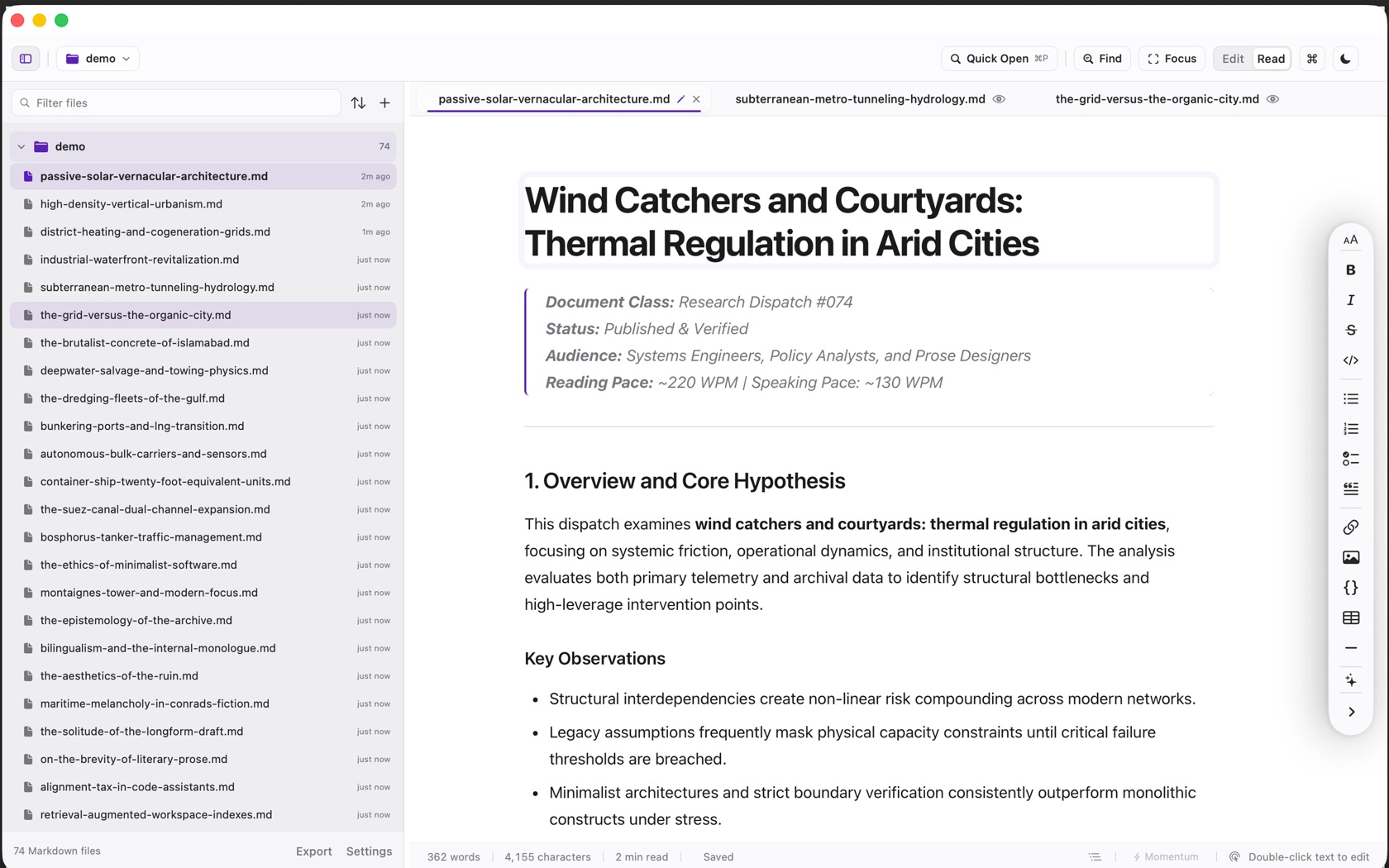
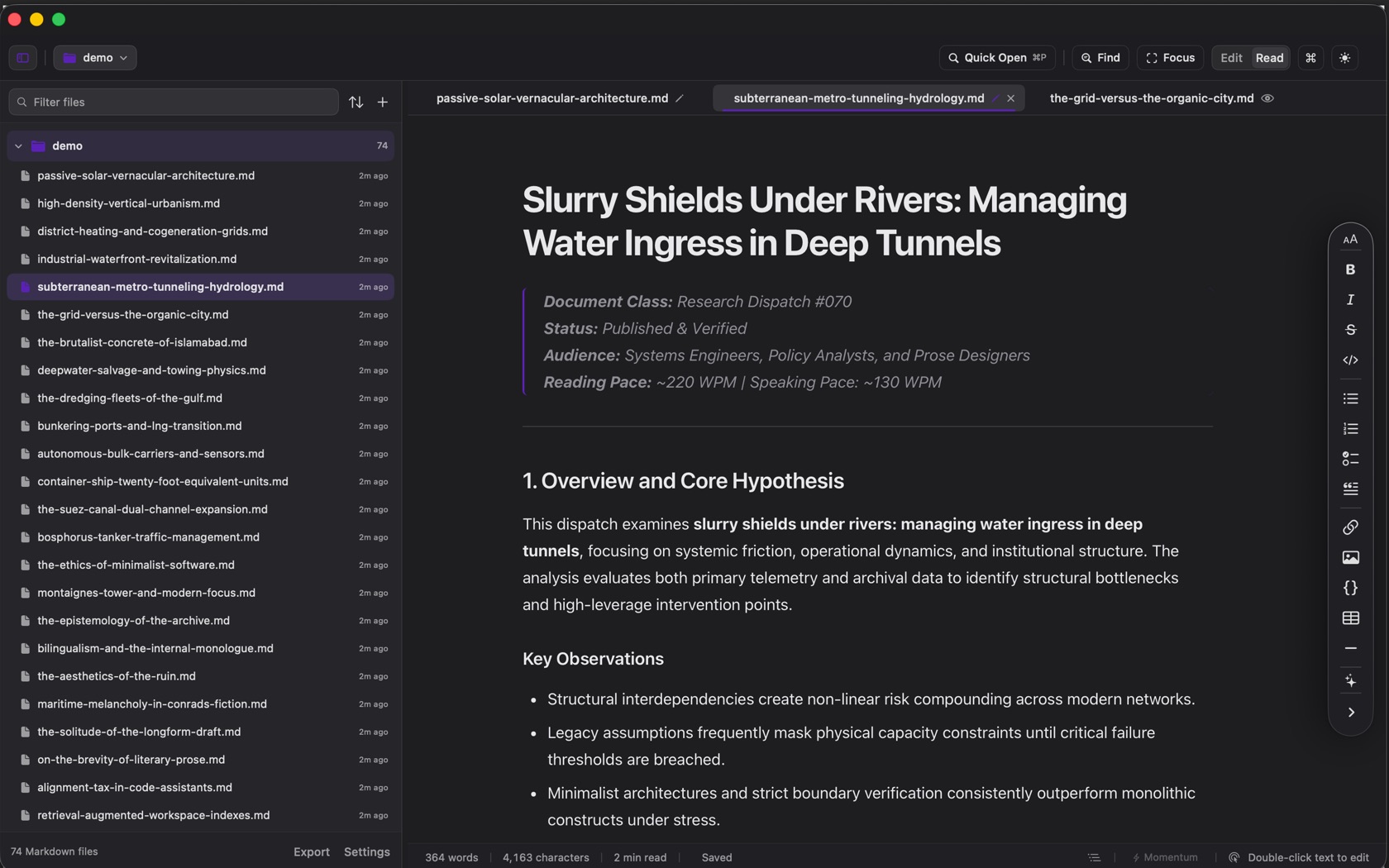
cmark-gfm Rendering Pipeline
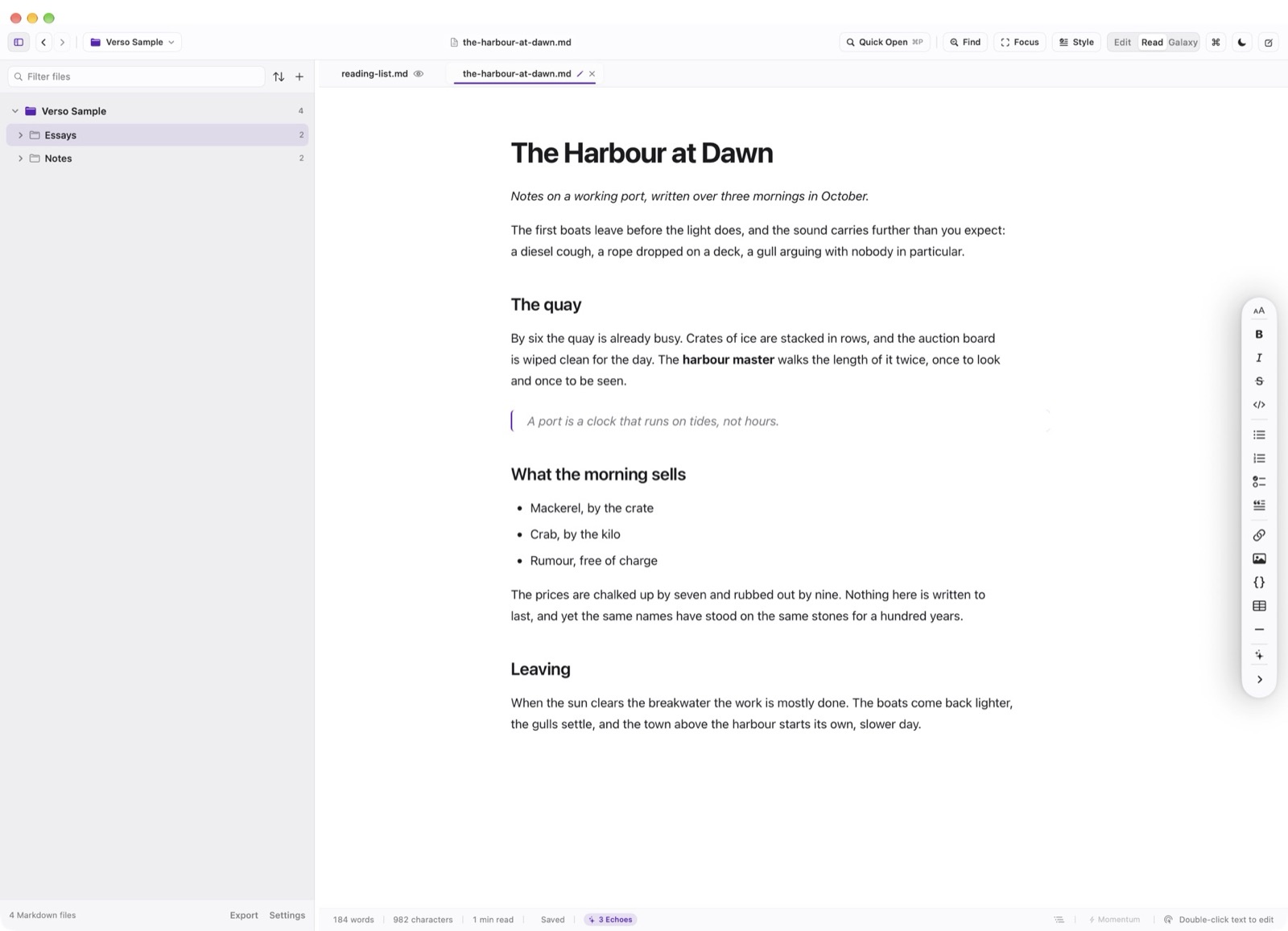
Press Cmd R to switch the active tab into Reading Mode. Verso evaluates CommonMark and GitHub Flavored Markdown (GFM) using the audited cmark-gfm engine wrapped in a secure WKWebView.
JavaScript is permanently disabled and network calls are blocked by a custom URL scheme handler that only loads local images referenced within the project folder. Rendered typography features optical kerning, proportional figures, and styled blockquotes.
Quick Edit: Double-Click to Jump
While reading a long draft in Reading Mode, you will frequently spot typos or phrasing you wish to polish. In Verso, double-clicking any rendered paragraph instantly flips the document back to Edit Mode and positions the cursor exactly at that paragraph's source line in the editor.
External web links retain their normal behavior (opening in your default browser), while internal anchors scroll smoothly through the document.
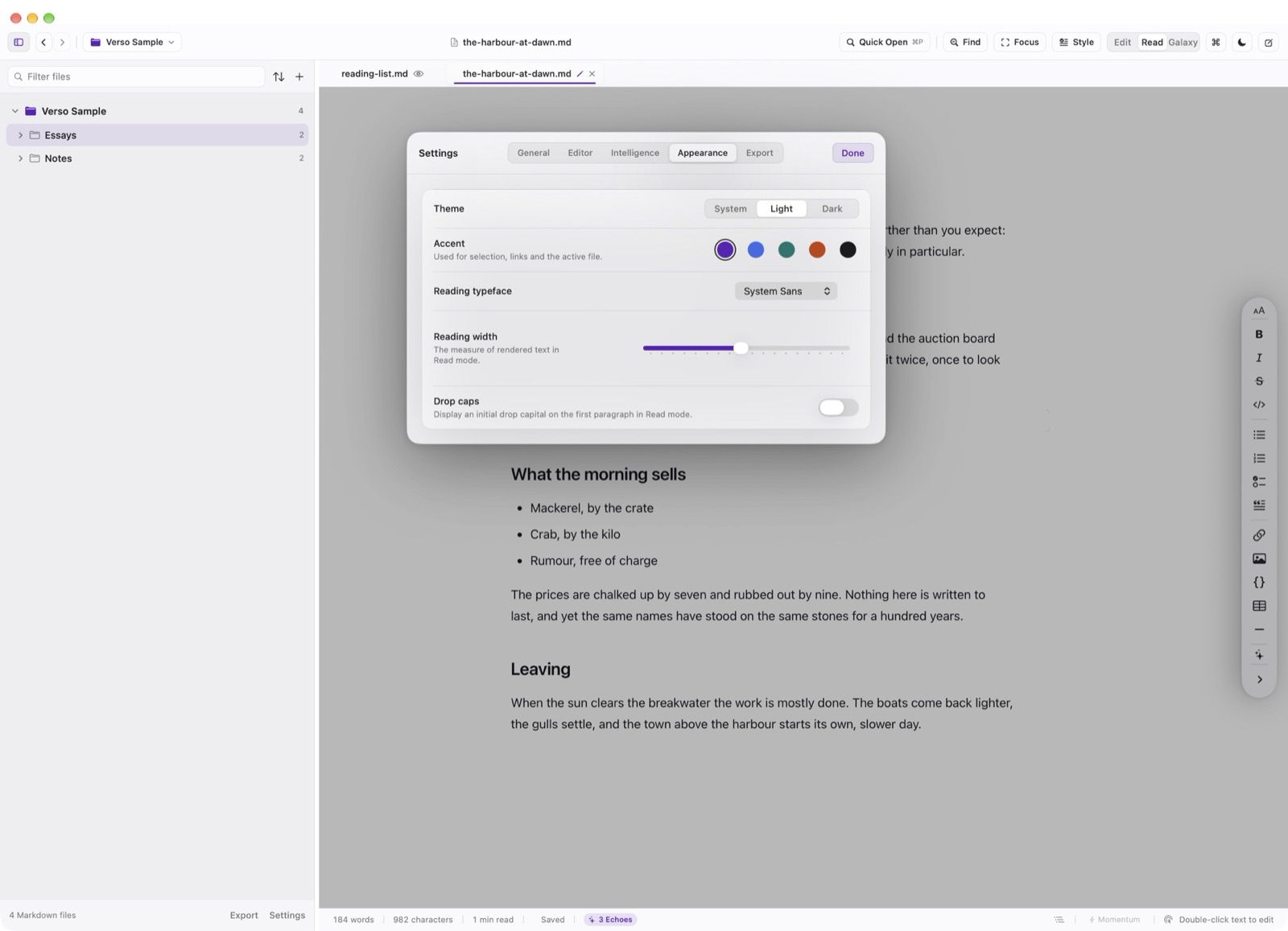
Typography & Measure Options
In Settings → Appearance, you can customize the Reading Mode font (SF Pro Text, New York Serif, or Helvetica) and adjust the reading measure between 560pt and 900pt to match your reading preferences.