
Verso incorporates native Apple Intelligence directly into the writing surface, running 100% on Apple Silicon with zero telemetry and zero cloud calls.
Writing Tools (macOS 15.2+)
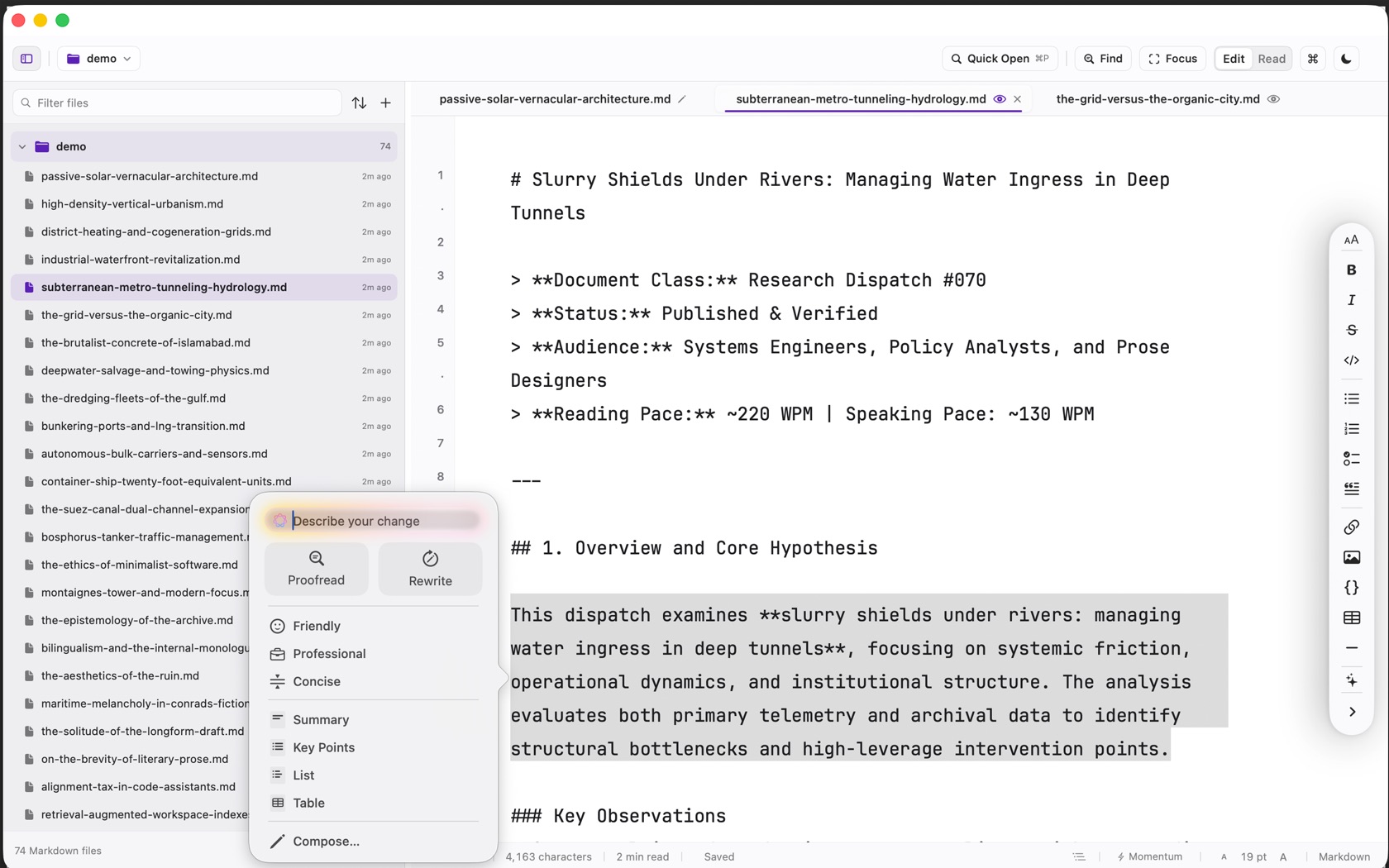
Control Command W, or the sparkle on the format rail, asks for Writing Tools when Intelligence is on. The system panel on a selection is titled describe your change.
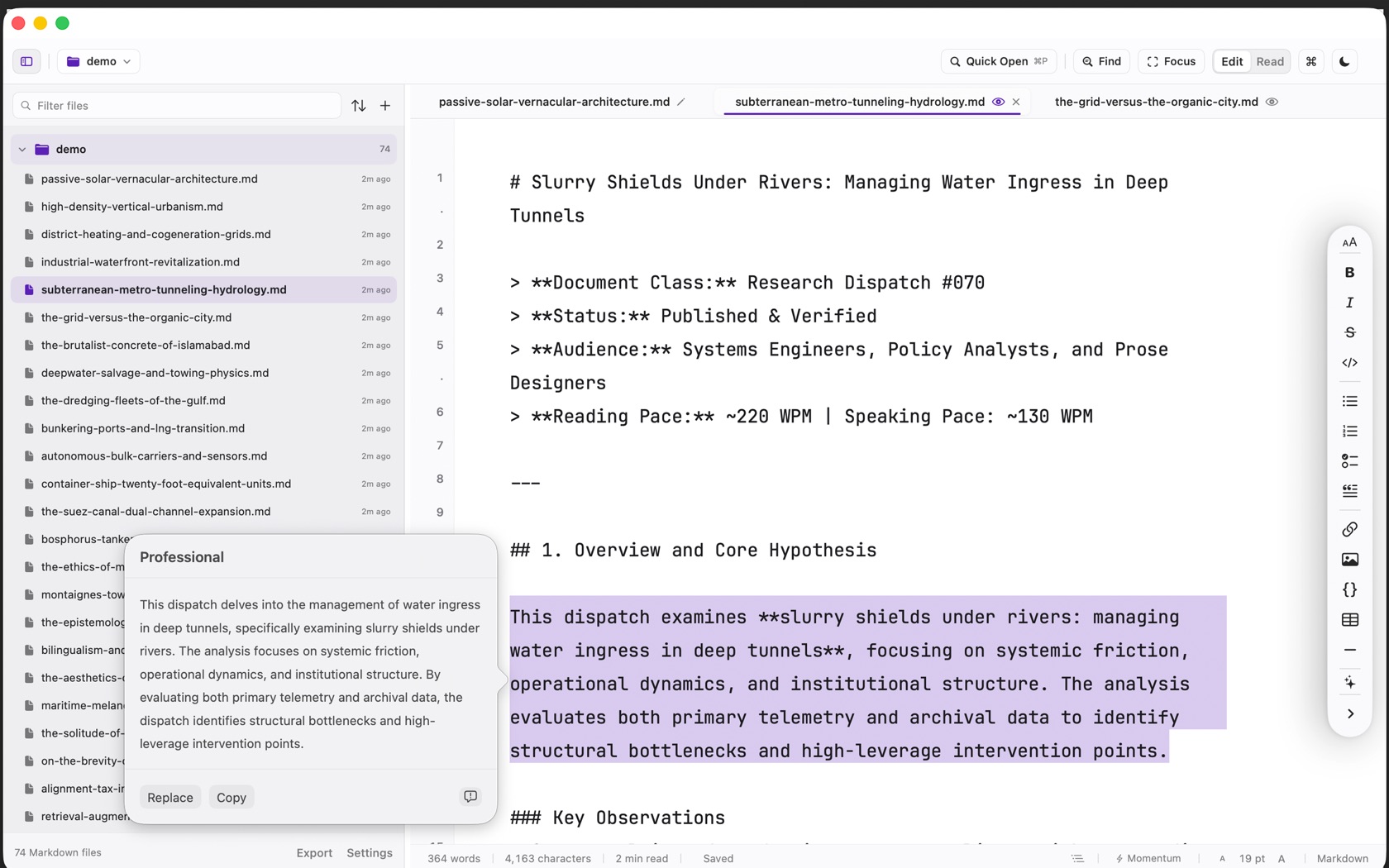
The rows are Proofread, Rewrite, Friendly, Professional, Concise, Summary, Key Points, List, Table, and Compose. A finished suggestion offers Replace and Copy. The rail menu under that also has Summarize, Convert to Task List, and Translate.
The 'Data Not Collected' Guarantee
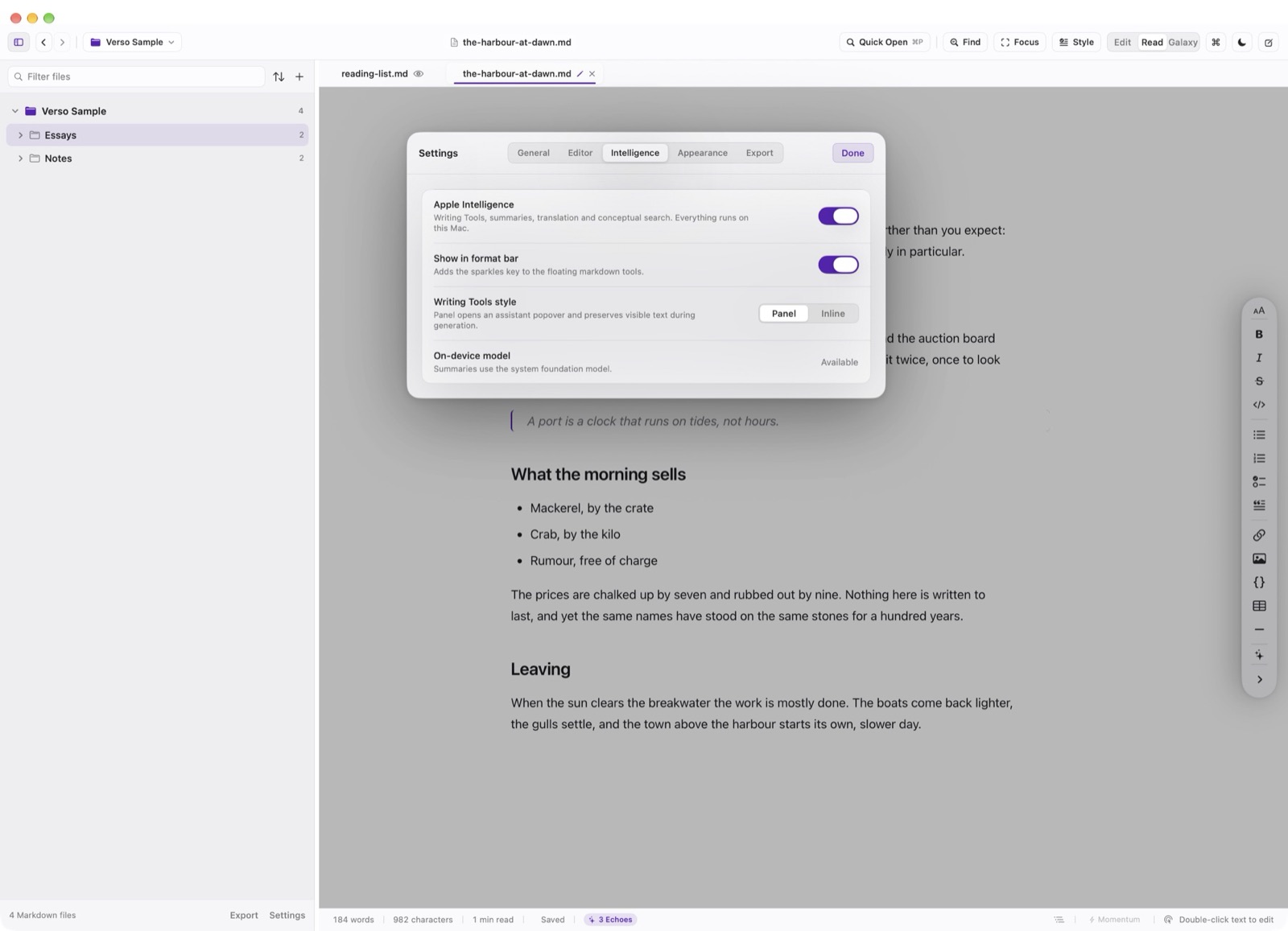
Unlike cloud-based AI writing assistants that upload your unreleased book manuscripts or confidential client notes to remote data centers, Verso executes Apple Intelligence exclusively via on-device Foundation Models.
Verso possesses no network entitlement. Your writing never leaves your local hardware, and the app's App Store privacy label remains strictly Data Not Collected.
System Translation Framework
Select any passage and choose Translate from the context menu to summon the native macOS translation sheet. Downloaded language packs translate text offline without contacting remote translation servers.