 About Verso Markdown
Verso Markdown
A calm place to write. Point Verso at any folder and write clean Markdown on your own disk.
- Plain .md files, no database
- Edit, Read, and Galaxy
- Data not collected
- One purchase for Mac and Linux
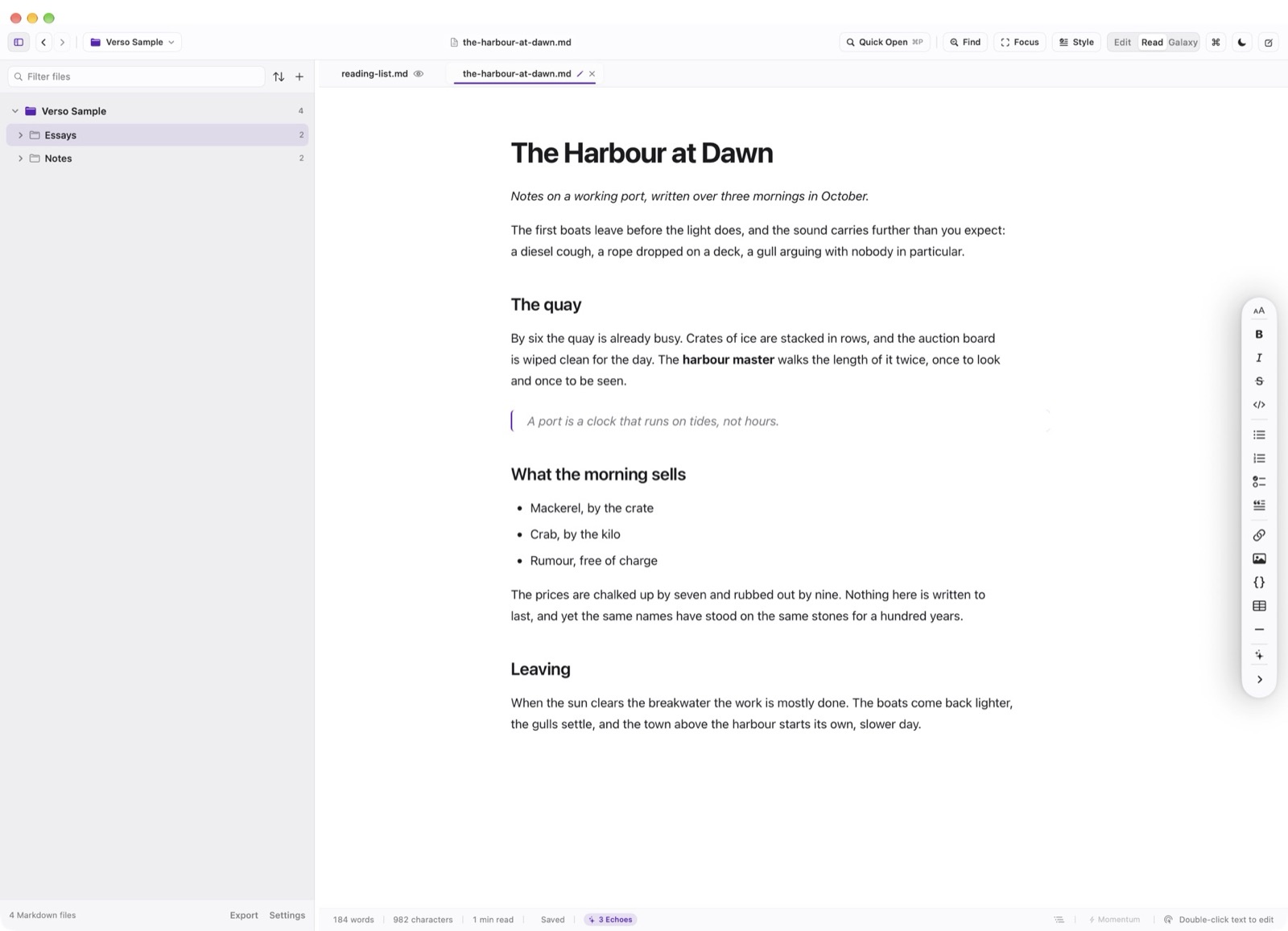
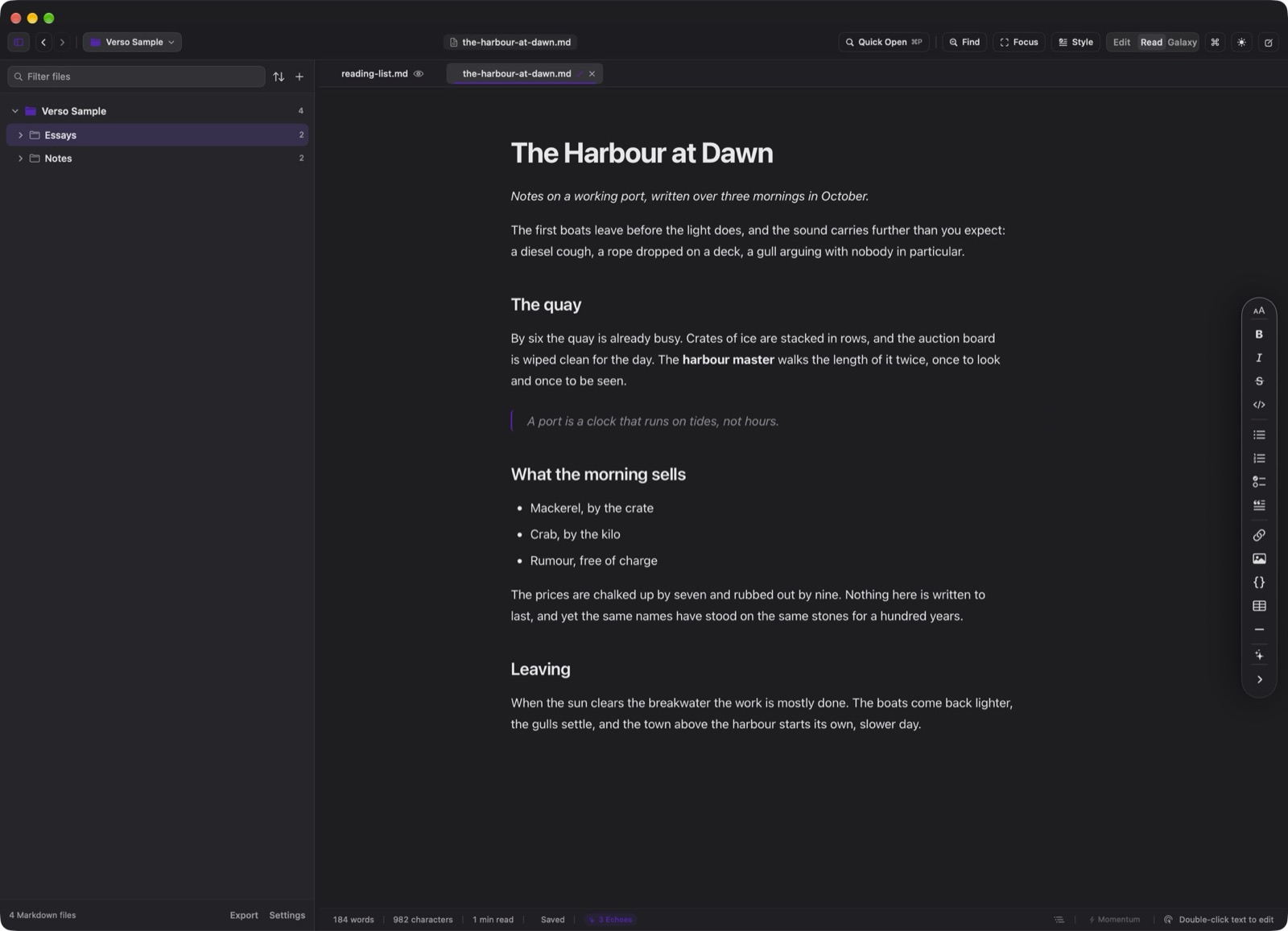
Verso opens any folder on your computer as a quiet document space. Your files stay plain Markdown on your local drive with zero cloud lock-in. Includes nested folder browsing, independent tabs, regex search, a book-like reading mode, and Momentum drafting to help you complete full drafts. One purchase covers both macOS and Linux.
Your folders, as they are
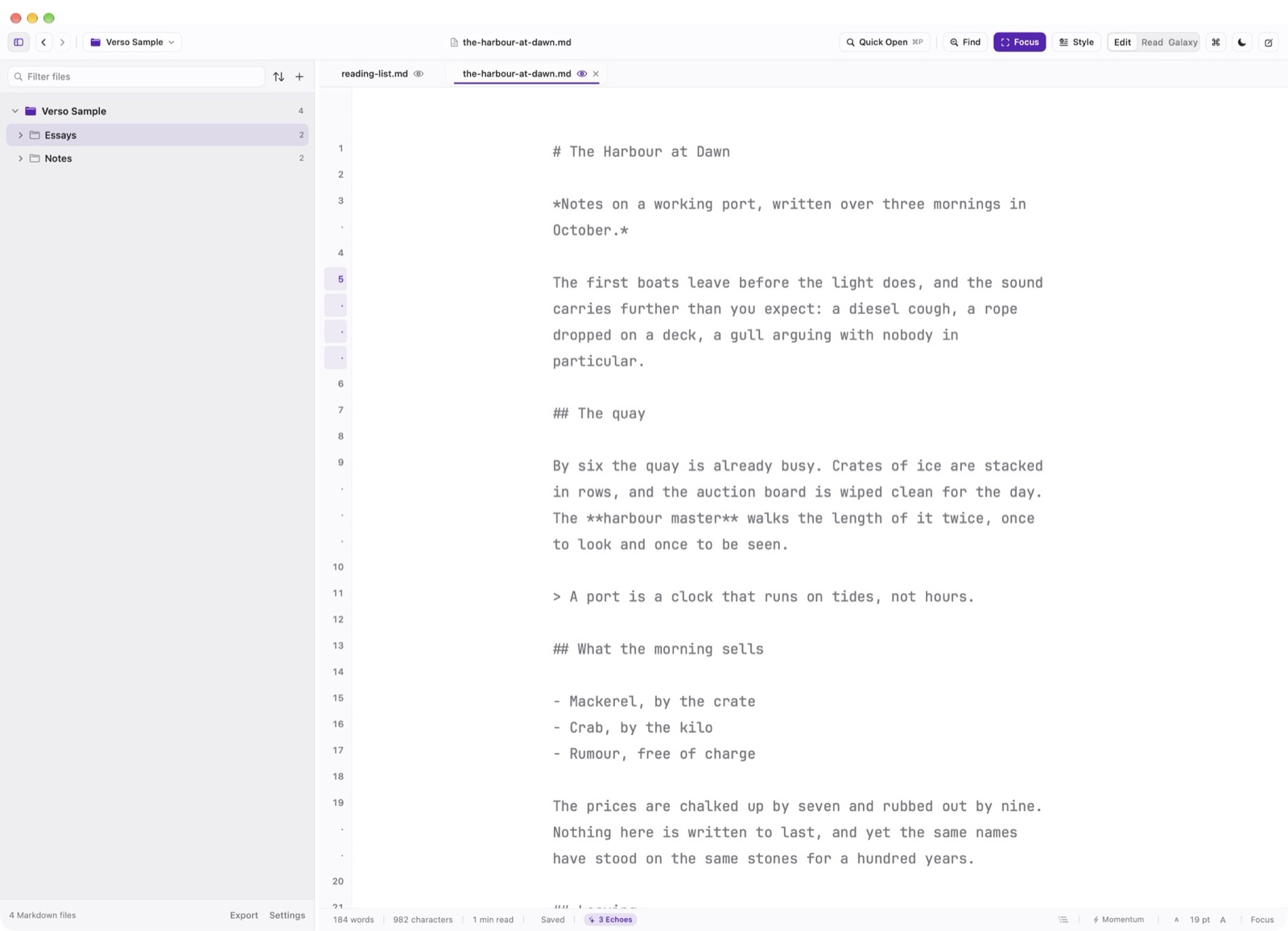
Open any folder and Verso shows its tree beside the page. Files stay plain Markdown on your drive, so every other tool can still read them.
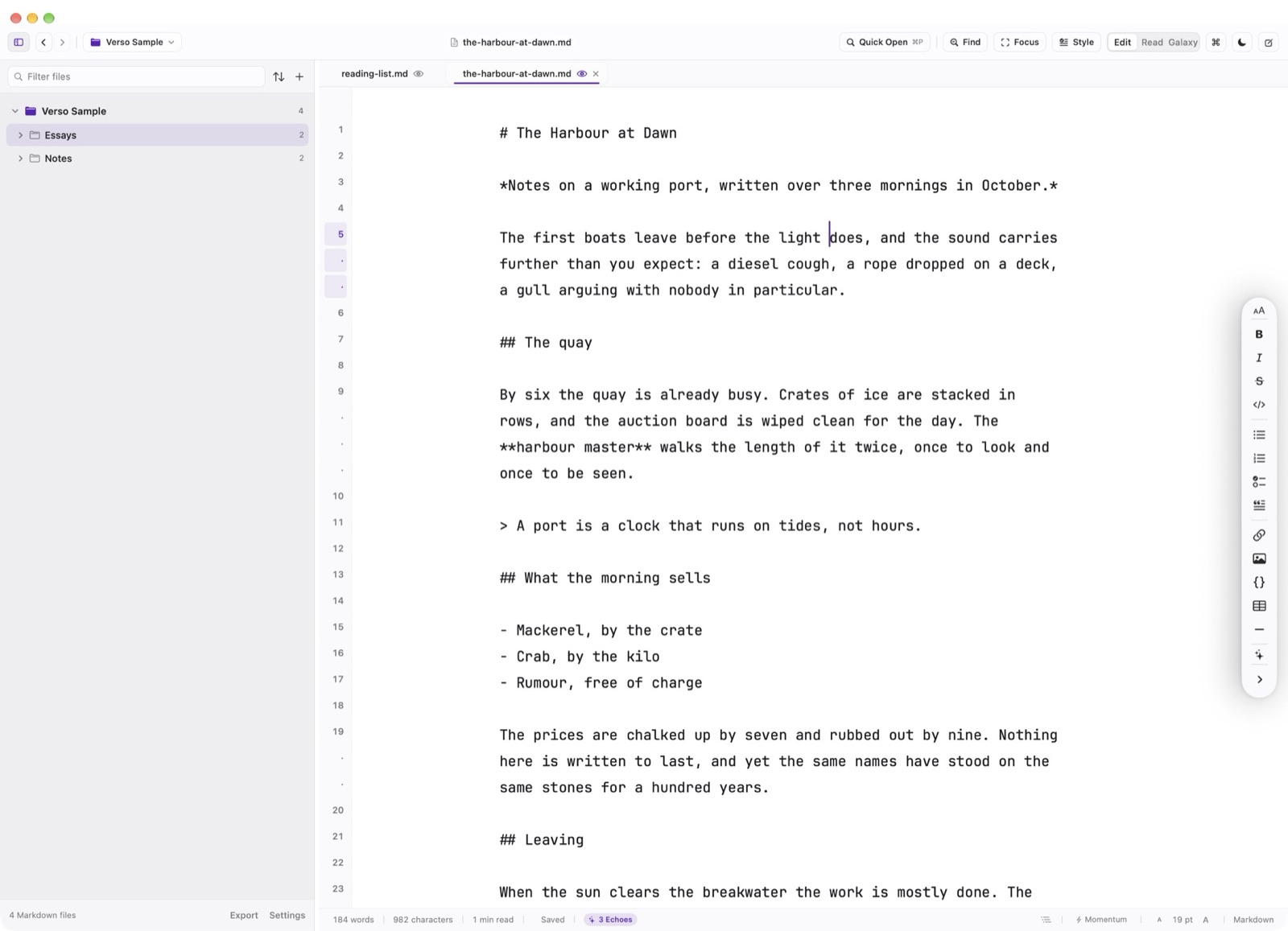
Write, then read it like a book
Read mode sets the same file as clean prose. Double-click any passage to return to the source at that line.
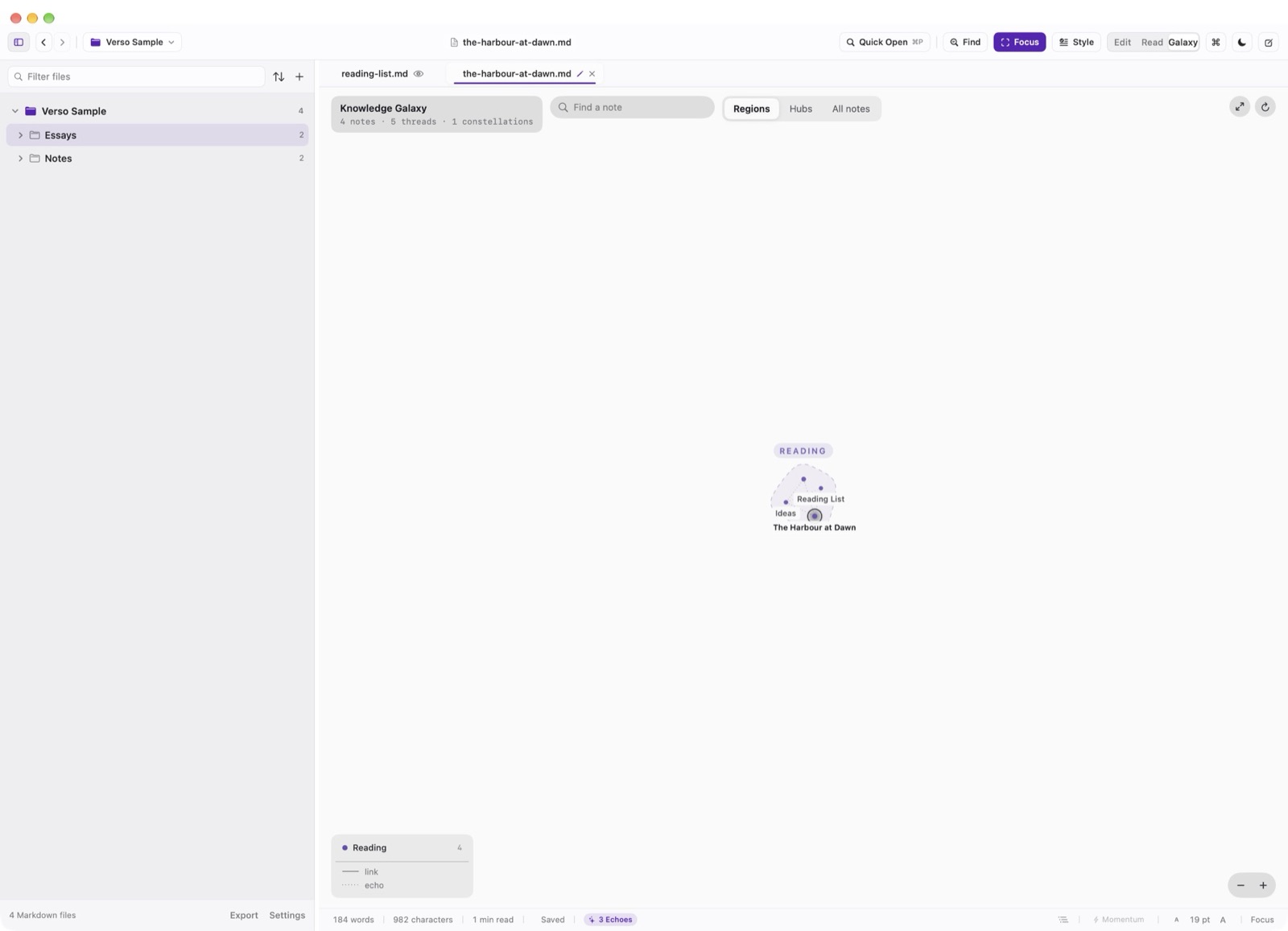
See how your notes connect
Galaxy view maps the folder as notes, threads, and constellations, and Document Statistics follows each writing session.
Focus when the draft needs it
Focus Mode quiets everything but the current passage, and Momentum Mode keeps a first draft moving forward.
- Price
- $3.99, paid once
- Runs on
- macOS & Linux
- Requirements
- macOS 14 or newer, and Linux as AppImage or .deb for x86-64 and arm64.
- Latest release
- 3.1.030 September 2026
Bought once. Yours to keep.
No subscription and no account. Questions before or after you buy go to a person at the studio.