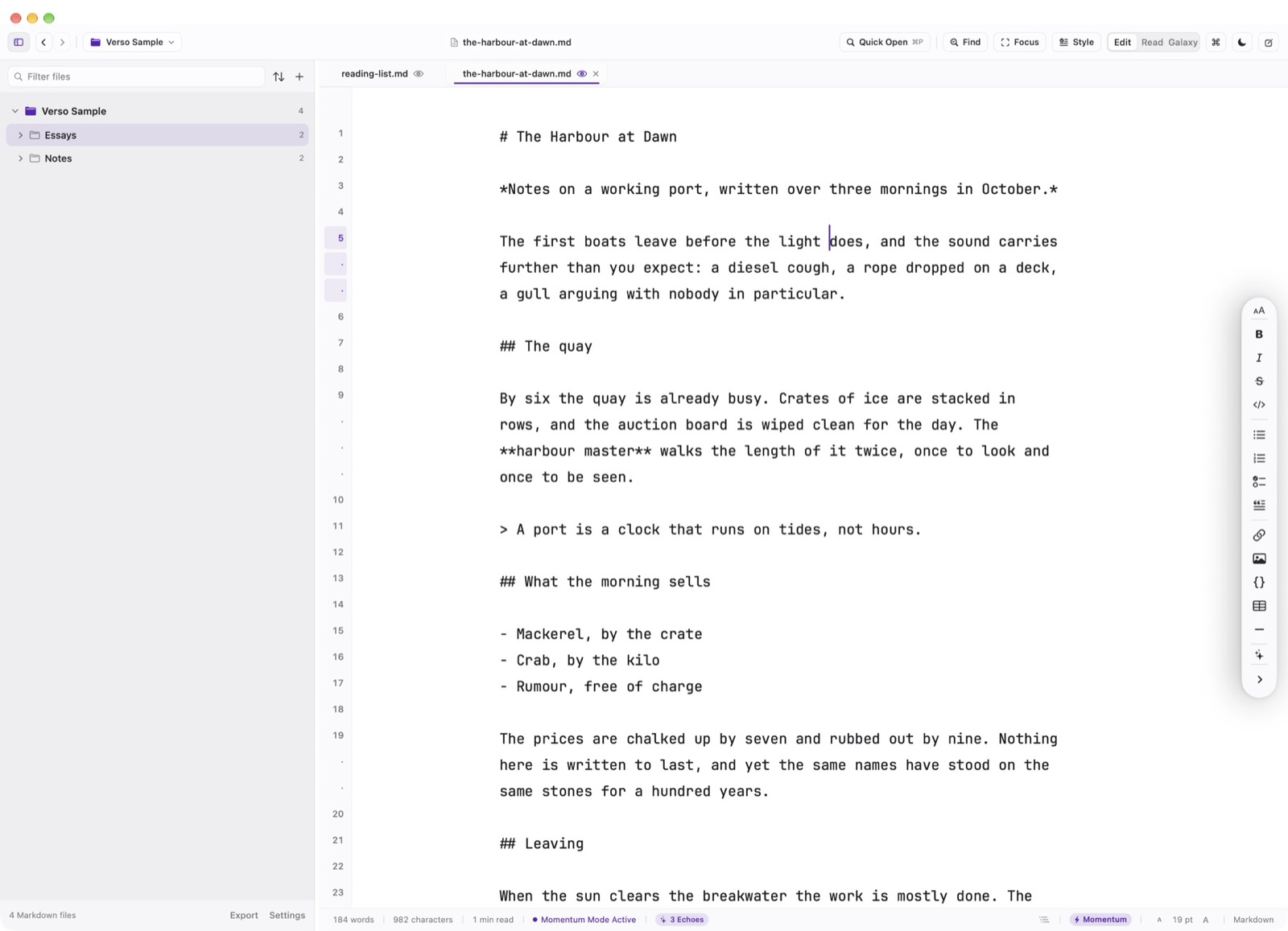
Eliminate creative resistance and maintain drafting cadence with Verso's specialized focus engines.
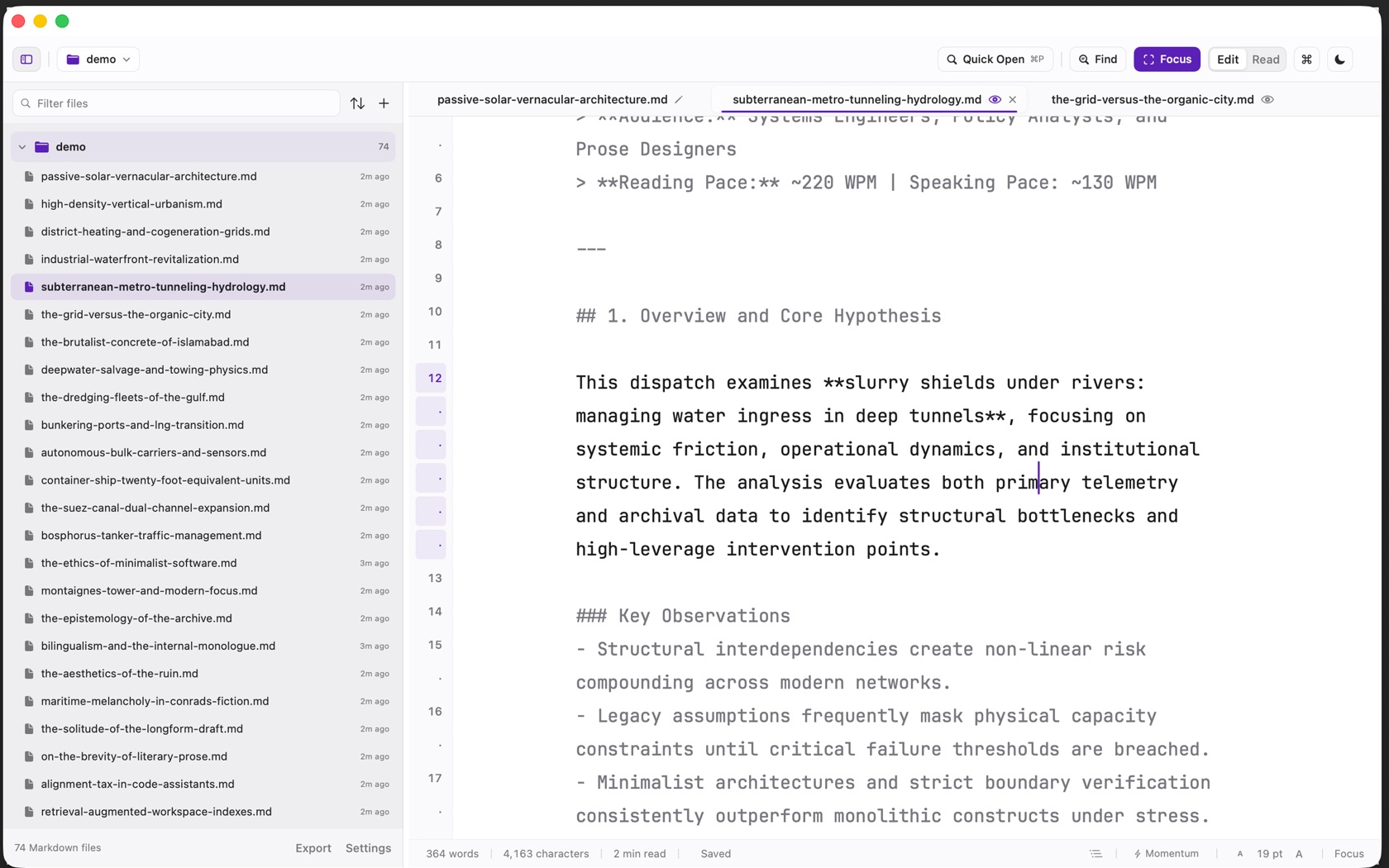
Focus Mode (⌘⇧F)
Shift Command F, or the Focus button. The button fills. Paragraphs other than the one at the caret dim. The sidebar stays. The status bar changes from Markdown to Focus. Settings, under Editor, chooses whether Focus targets the sentence or the paragraph.
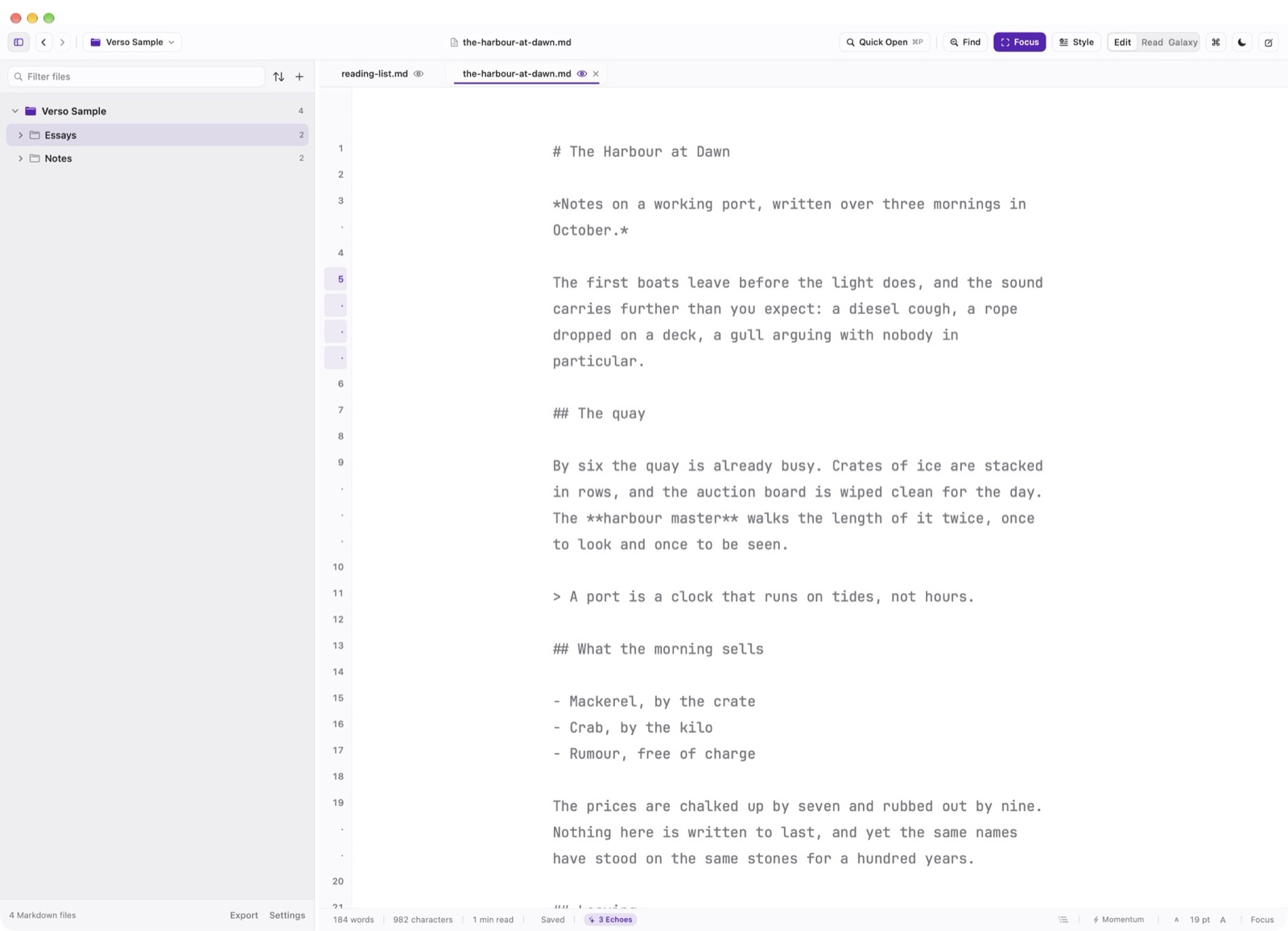
Paragraph Isolation & Measure
While in Focus Mode, all paragraphs other than the one currently containing the text cursor are dimmed to a subtle secondary opacity. Your attention is drawn naturally to the sentence you are authoring right now.
Momentum: Forward-Only Writing
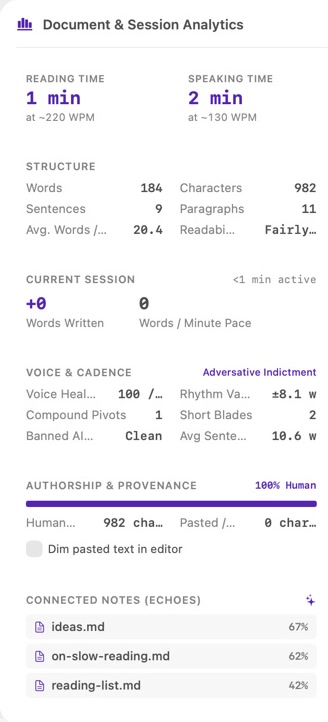
Momentum is the bolt on the status bar, and Option Command M. It is available in Edit. The help on that button calls it drafting without deleting paragraph breaks. Leave Momentum from the same control.