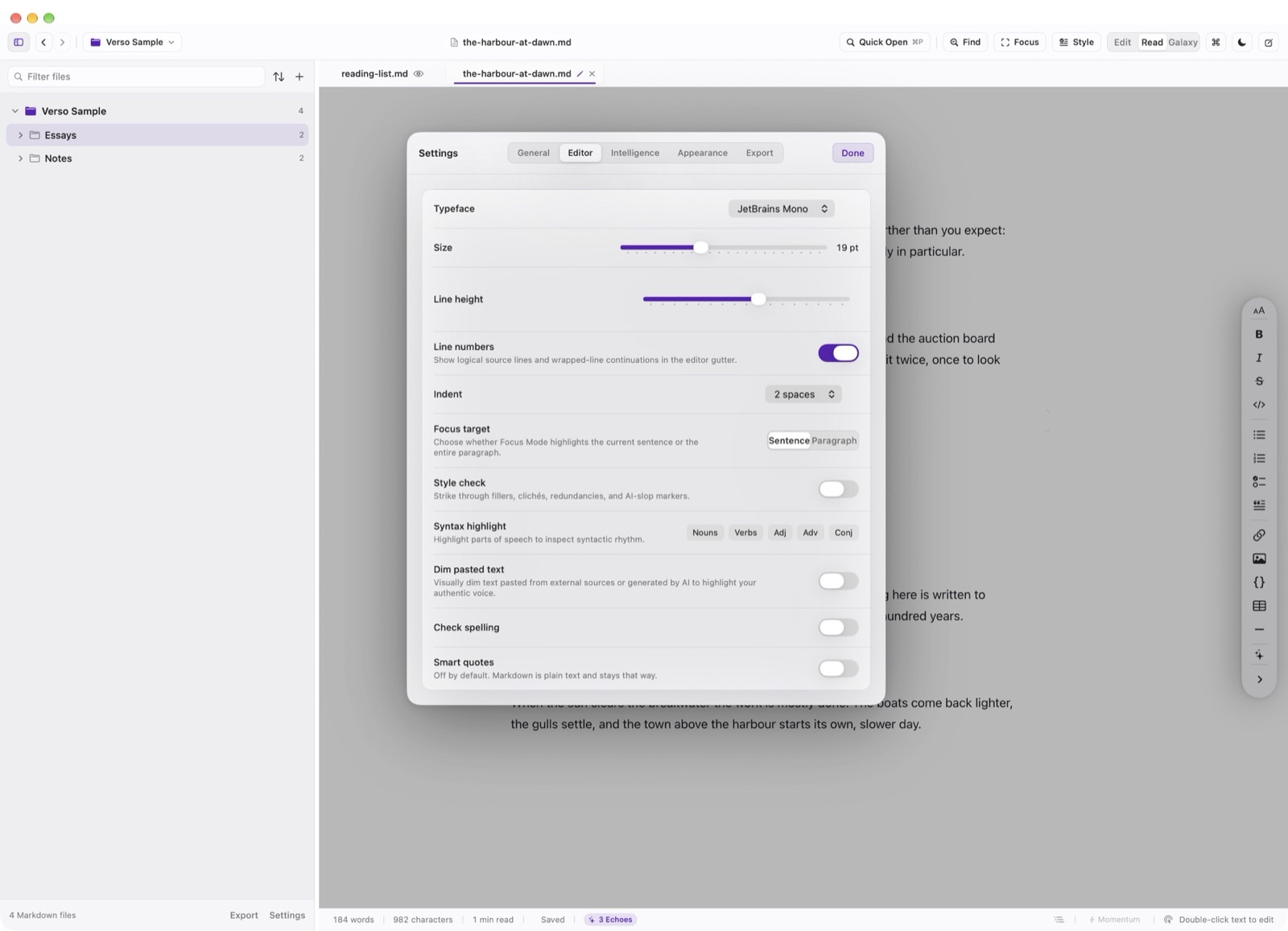
Edit shows the file as you typed it. The Editor settings pane chooses the face, the size, the line height, and whether the gutter is on.
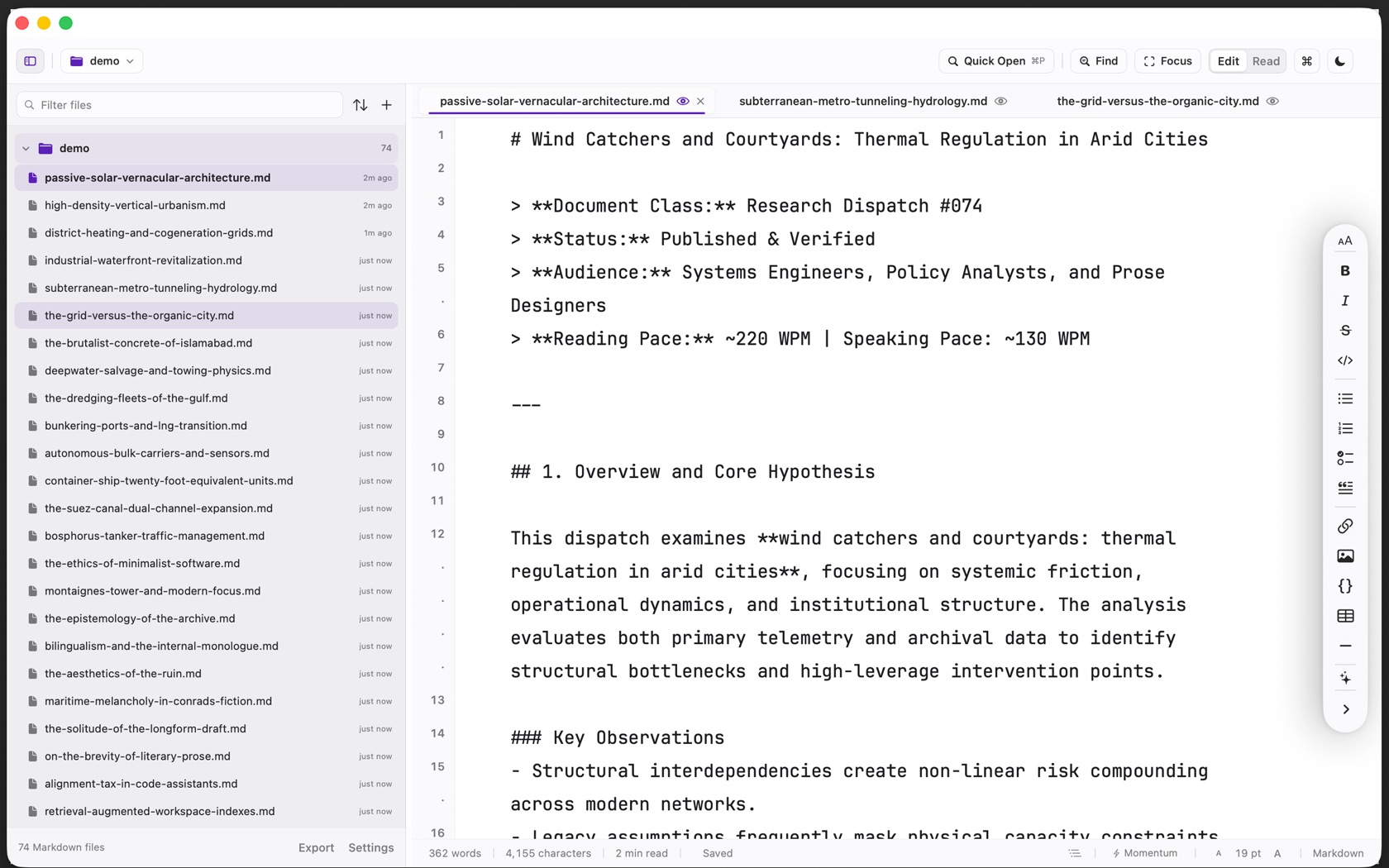
Measure & Centered Column
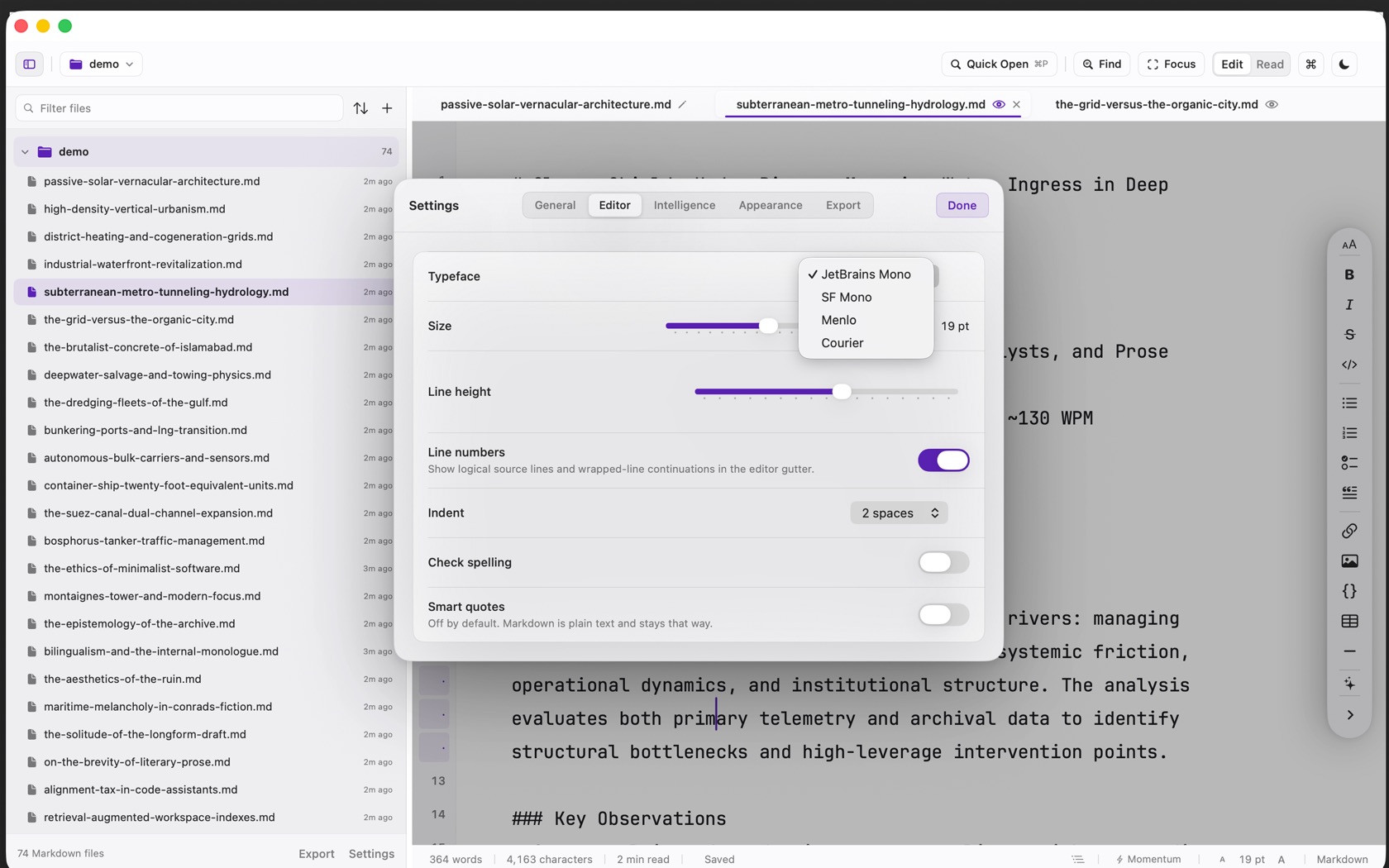
The Editor pane lists JetBrains Mono, SF Mono, Menlo, and Courier. Size and line height are sliders. The status bar prints the current point size, for example 19 pt.
Indent is a step size, shown as 2 spaces in the pane. Check spelling and smart quotes are switches. Smart quotes is off, and the note under it says Markdown is plain text and stays that way.
Source Line Gutter (⌘⇧L)
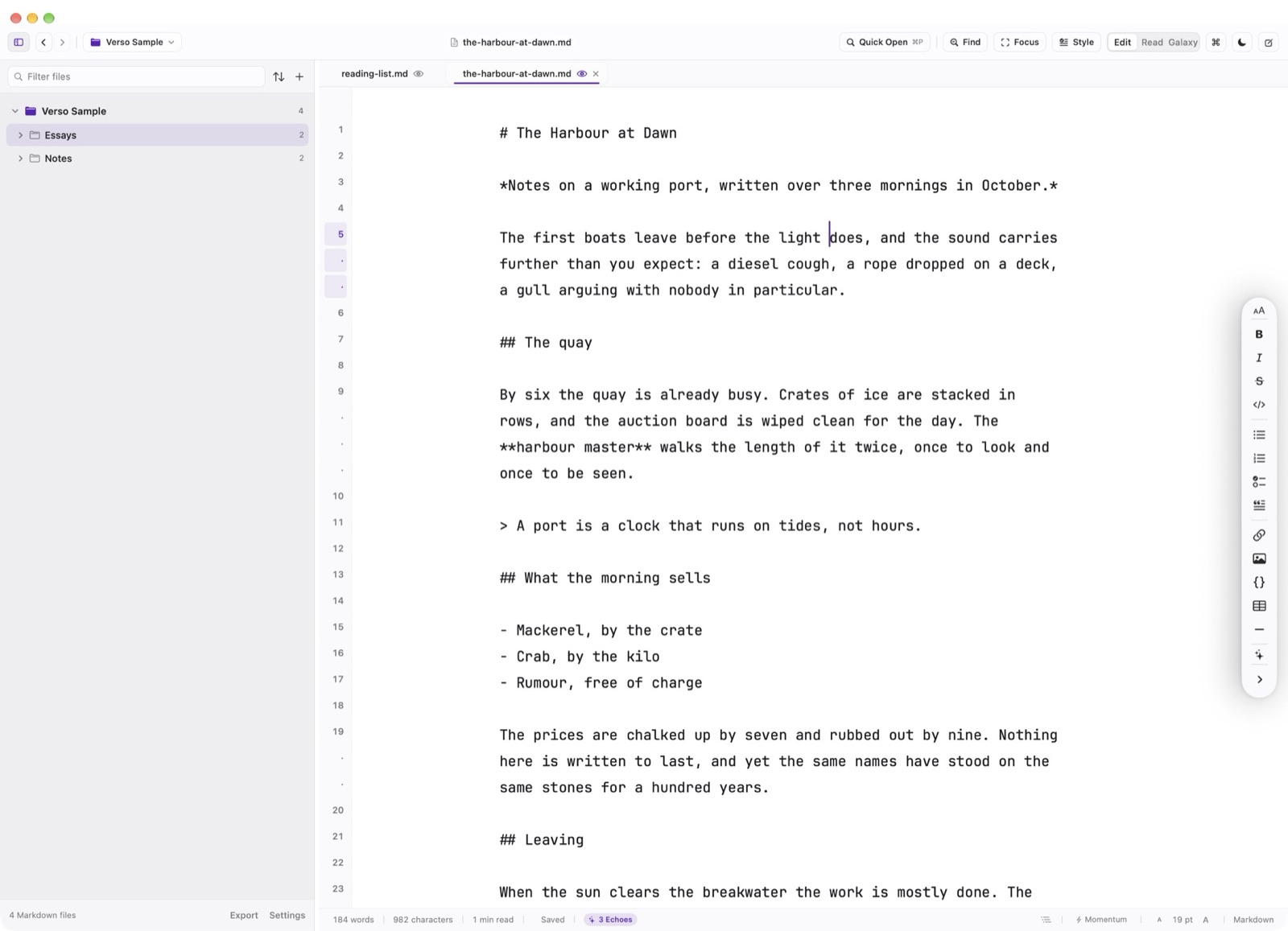
Line numbers count logical lines. A wrapped continuation is a dot in the gutter, not a new number. The Editor pane states that, and Shift Command L shows or hides the gutter. The switch is disabled outside Edit.
Dynamic Viewing Scale (⌘+ / ⌘-)
Adjust the editor's visual scale dynamically between 11pt and 32pt with Cmd + and Cmd -. This changes only the local screen viewing magnification; your underlying Markdown text files remain pure, unformatted ASCII and UTF-8 plain text.