Formatting tools should be instantly accessible when you need them, and completely invisible when you are in flow.
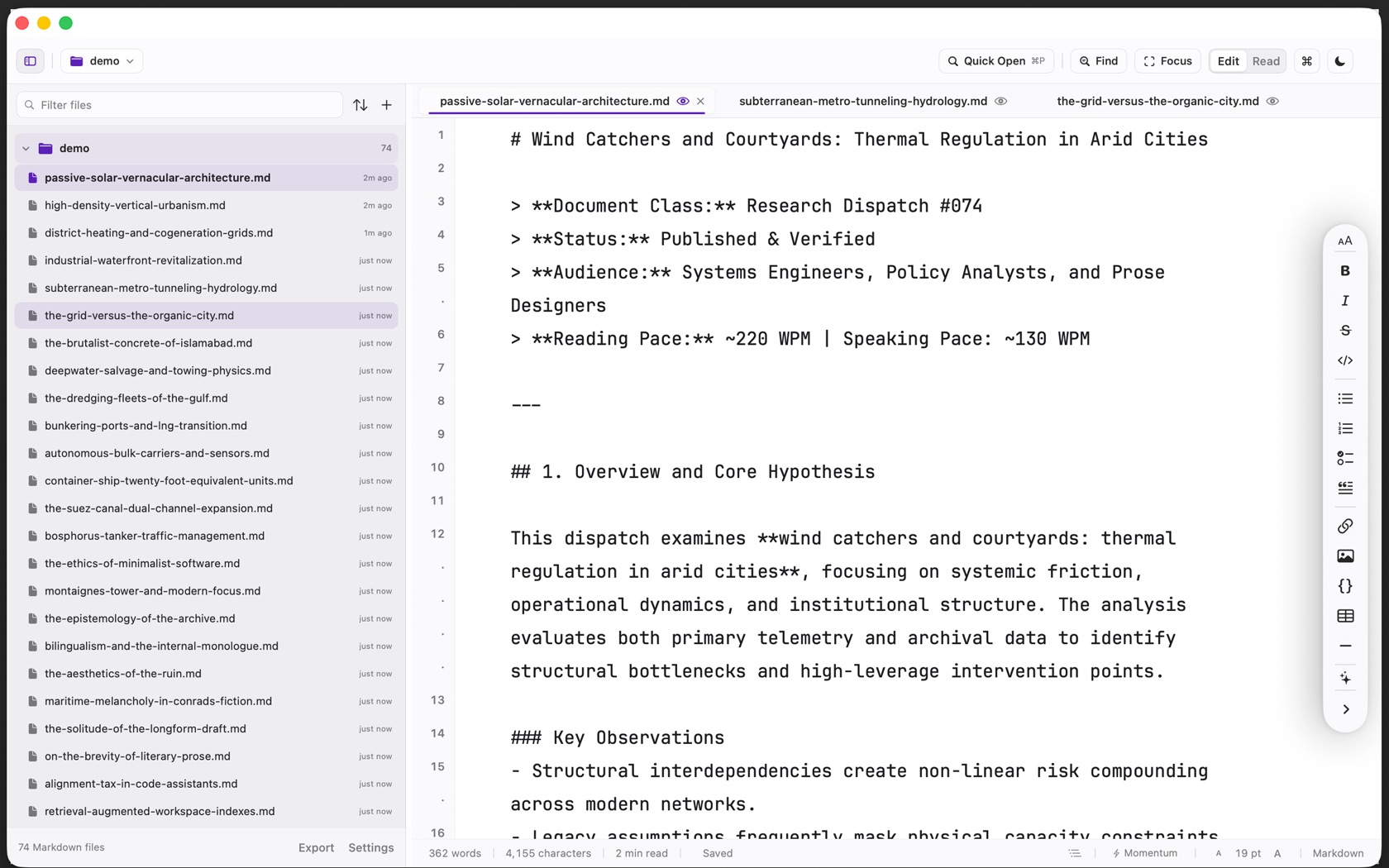
Docked Vertical Format Rail
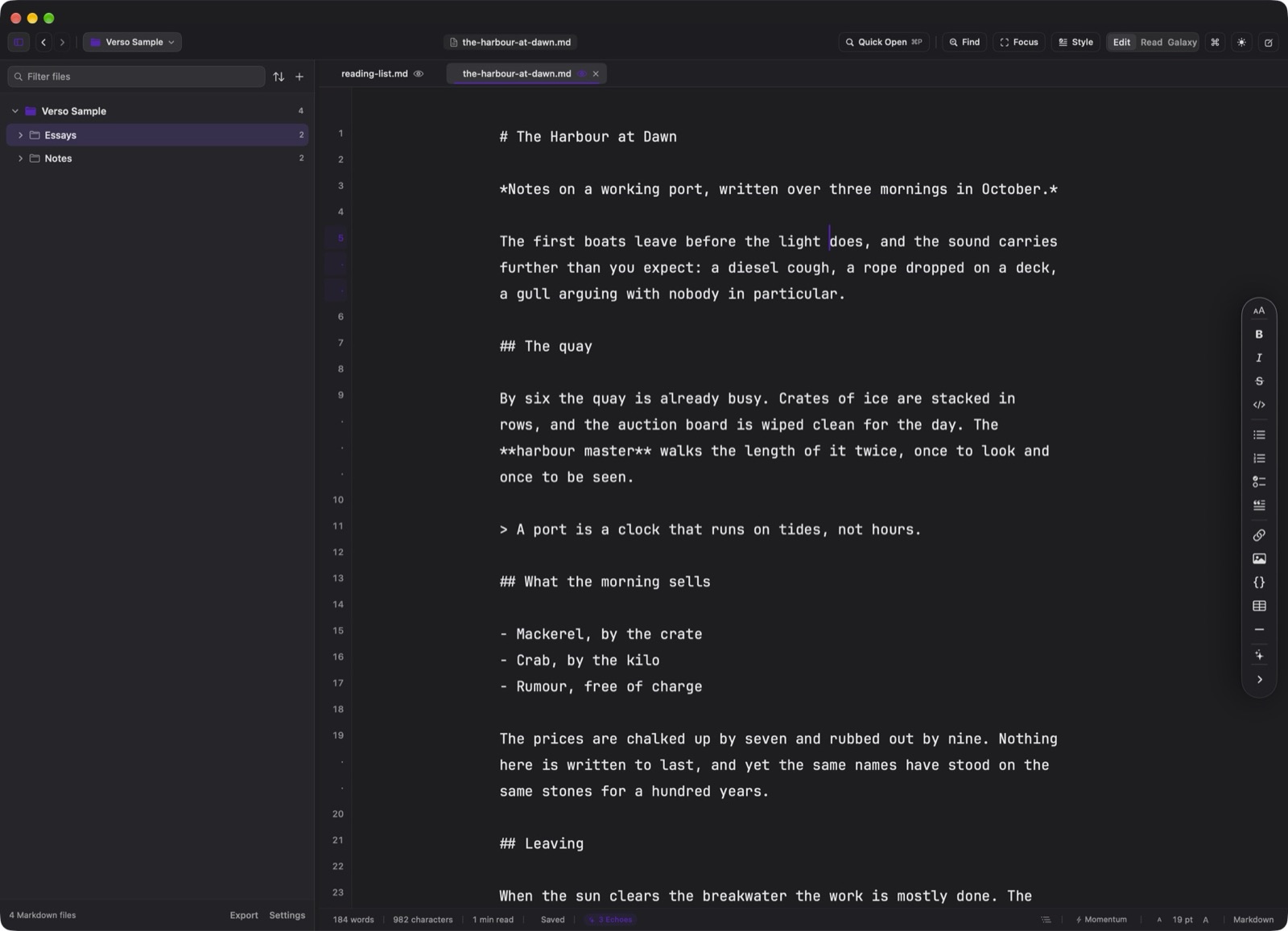
Many writing applications float formatting bubbles directly over the text cursor, causing the mouse pointer to flicker between an I-beam and an arrow while you type. Verso eliminates this friction by docking its Markdown Tools to a slim vertical rail on the trailing edge of the writing canvas.
The rail collapses to a discreet tab when not in use and hides entirely when you enter Focus Mode.
Six Grouped Formatting Menus
The expanded rail, top to bottom:
- Heading
⌘1–6 - Heading 1 through 6. Body text is ⌘7.
- Bold / Italic
⌘B / ⌘I - Emphasis.
- Strikethrough
⇧⌘X - Strike.
- Inline code
⇧⌘C - Code span.
- Lists
⇧⌘8 / ⇧⌘9 / ⇧⌘T - Bulleted, numbered, and task list. Quote is ⇧⌘'.
- Link / Image
⌘K / ⇧⌘K - Link and image.
- Code block
⇧⌘E - Fenced code. Table and horizontal rule sit under it and have no chord.
- Writing assistance
⌃⌘W - Writing Tools, Summarize, Convert to Task List, and Translate.
Full Keyboard Shortcut Parity
Every tool on the rail maps directly to standard keyboard shortcuts. You can format complex documents without ever taking your hands off the home row.