
Organize massive codebases and log repositories with high-speed filesystem navigation.
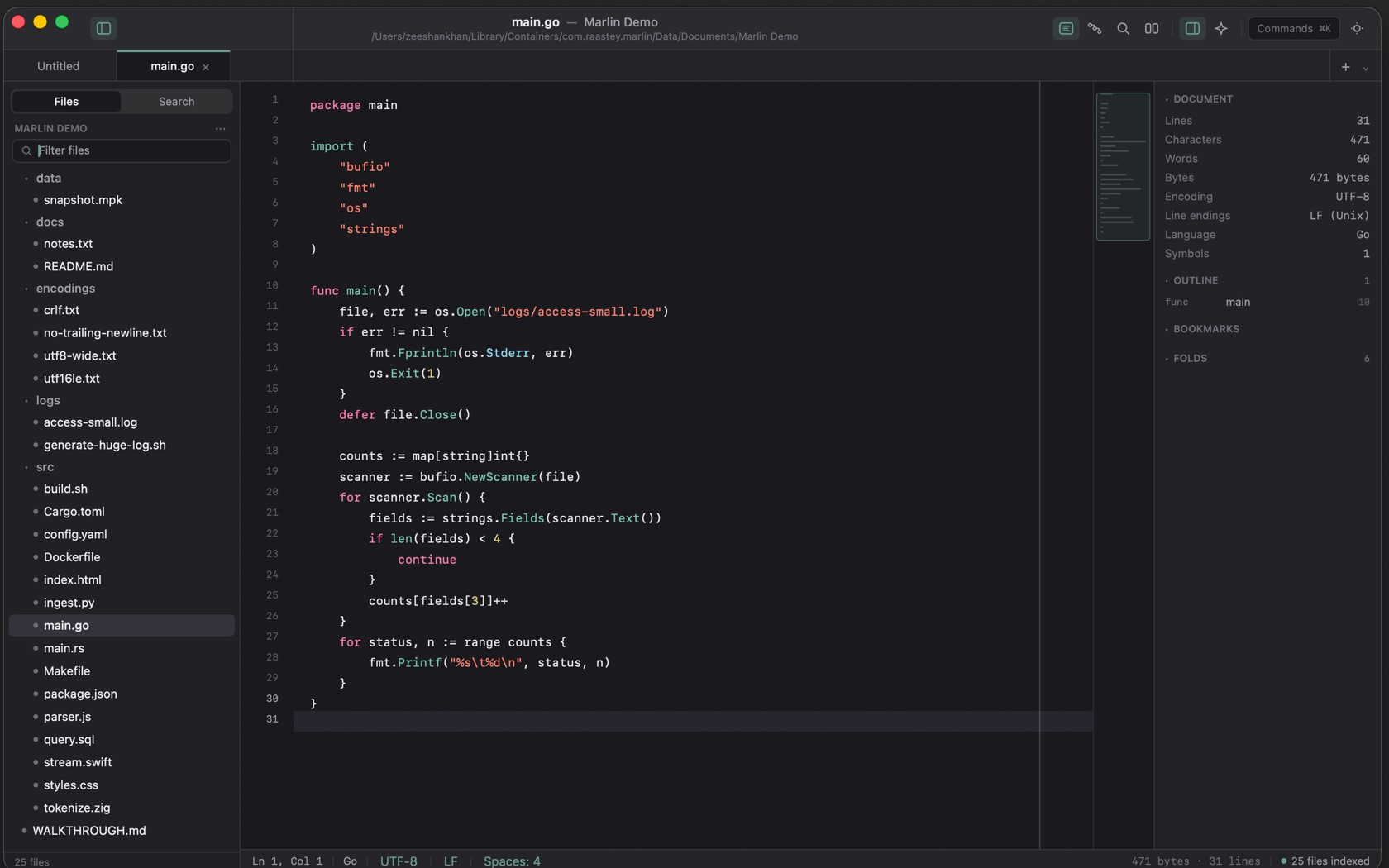
Open Folder as Project (⇧⌘N)
Open Folder as Project is ⇧⌘N. Open a single file is ⌘O. The sidebar names the project, then Filter files, then the tree. The status bar counts the indexed files.
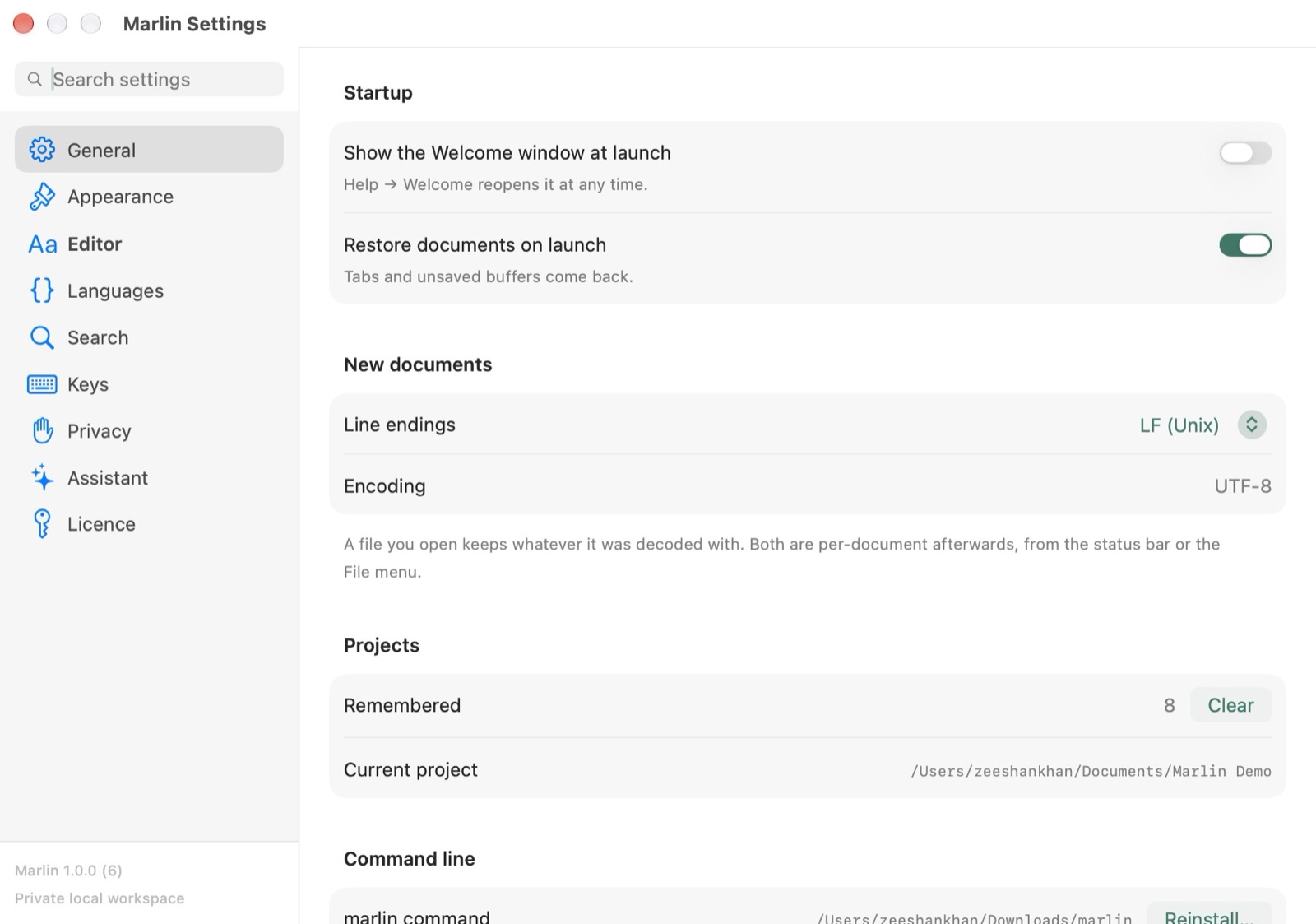
Unsaved Changes
An open file with unsaved changes shows M, drawn in the accent color, on its row in the tree.
File Tree Context Commands
A file's menu is Open, Open in Split, Use as Pipeline Source, Compare with Editor, Rename, Move to Trash, Reveal in Finder, and Copy Path. Hex mode is a separate command, ⌃⌘H.