
The defining innovation of Marlin: transform text through a visual, chainable, non-destructive streaming pipeline.
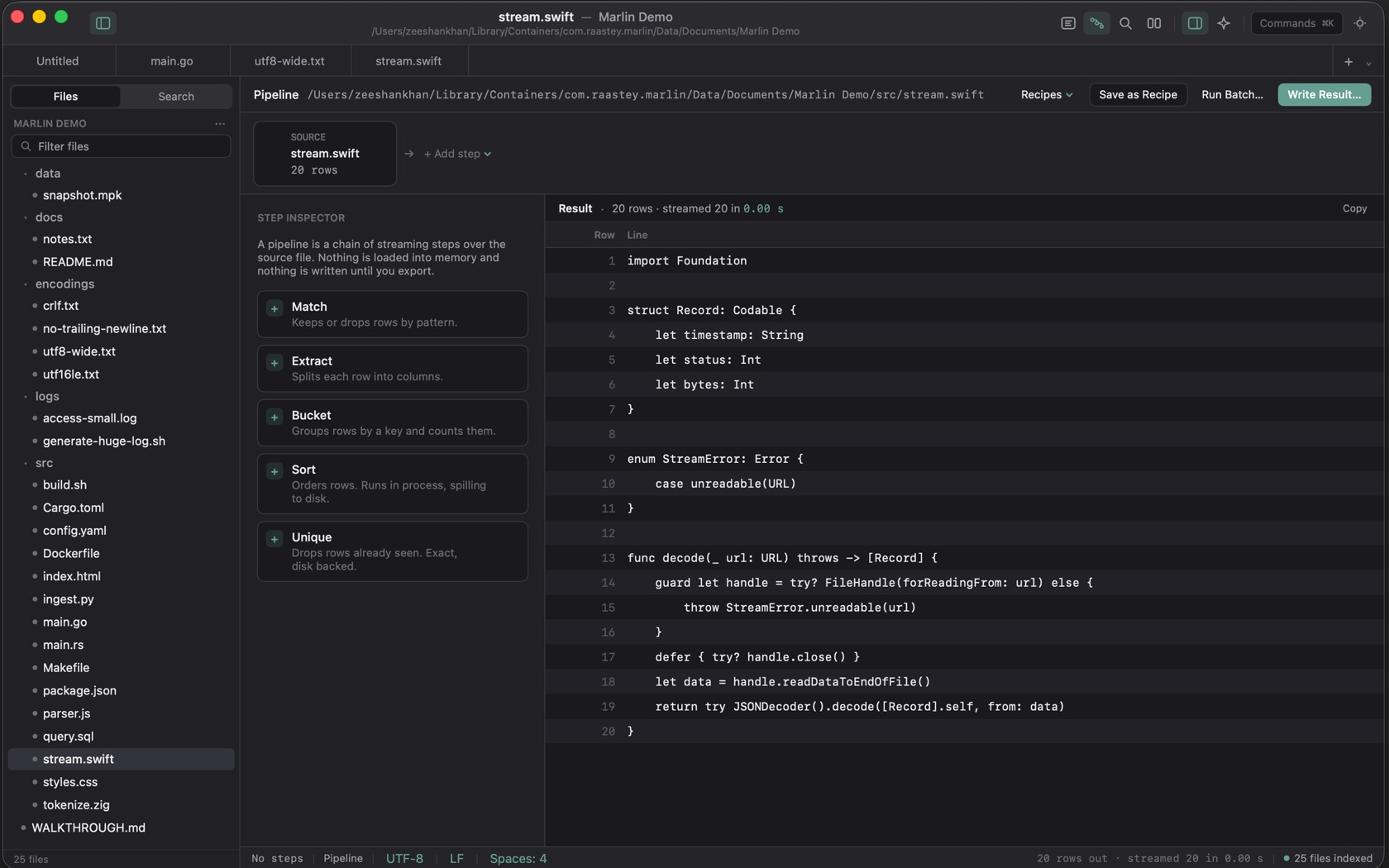
Transforms as a Visible Stream (⌥⌘P)
Pipeline is ⌥⌘P. The header is Recipes, Save as Recipe, Run Batch, and Write Result. Add step offers Match, Extract, Bucket, Sort, and Unique. A step can be dragged to a new place in the chain.
Chained Row Counts & Parameter Tweaking
The source card names the file and its row count. On the shot that is stream.swift, 20 rows. The result line under the preview reads how many rows came through and how long the stream took. Match can keep matching rows or drop them.
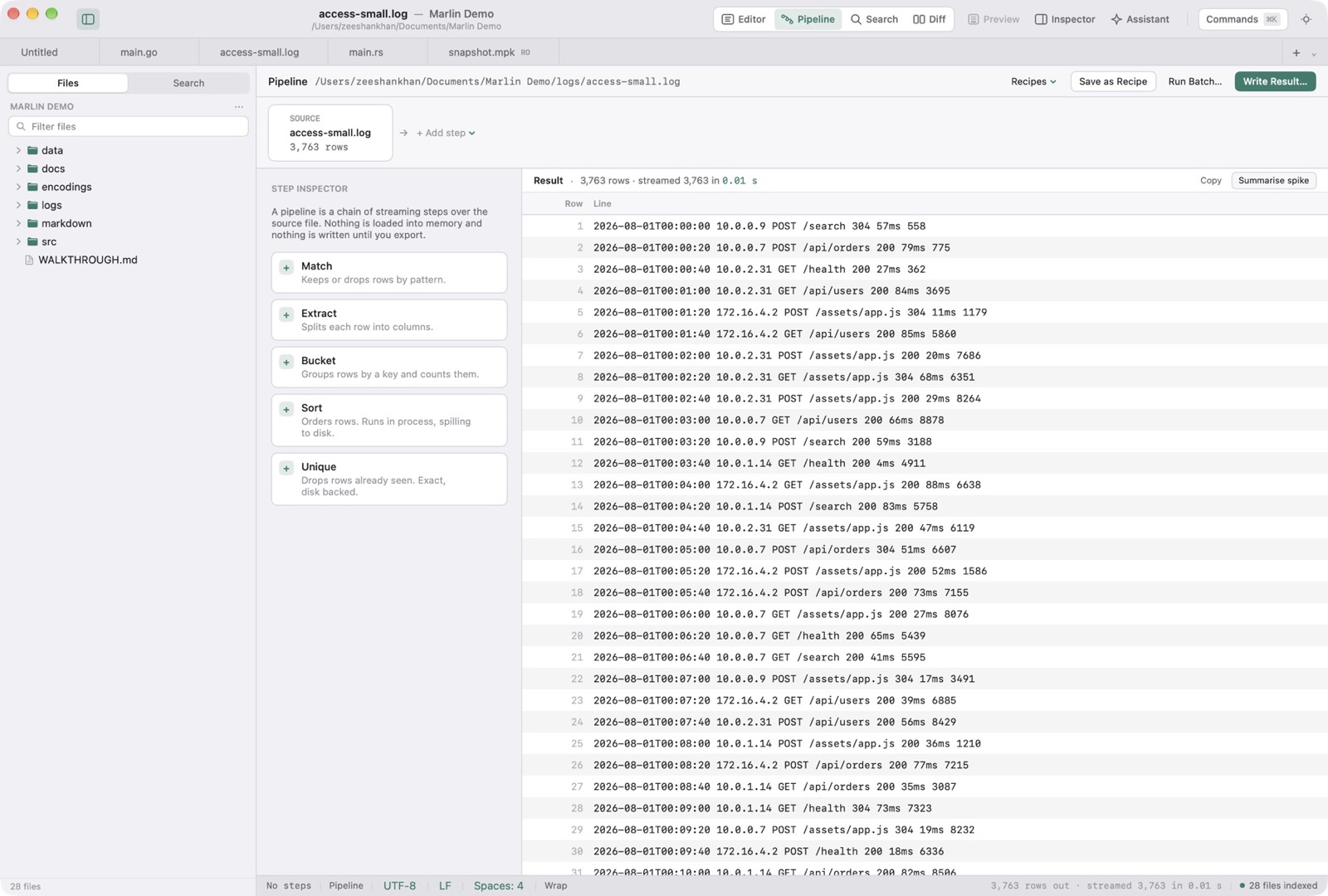
Saving & Re-Running Recipes
Save as Recipe stores the steps as JSON. The Recipes menu loads one back. The button's help is: save these steps as a recipe to reuse on other files. Run Batch can run the same steps over chosen files, every file in a folder, or the files in the current search results.
Write Result
Write Result runs the full pipeline over the whole source and saves the result to a file. While it runs the button reads Running.