Compare file revisions and server logs with high-performance on-disk diffing.
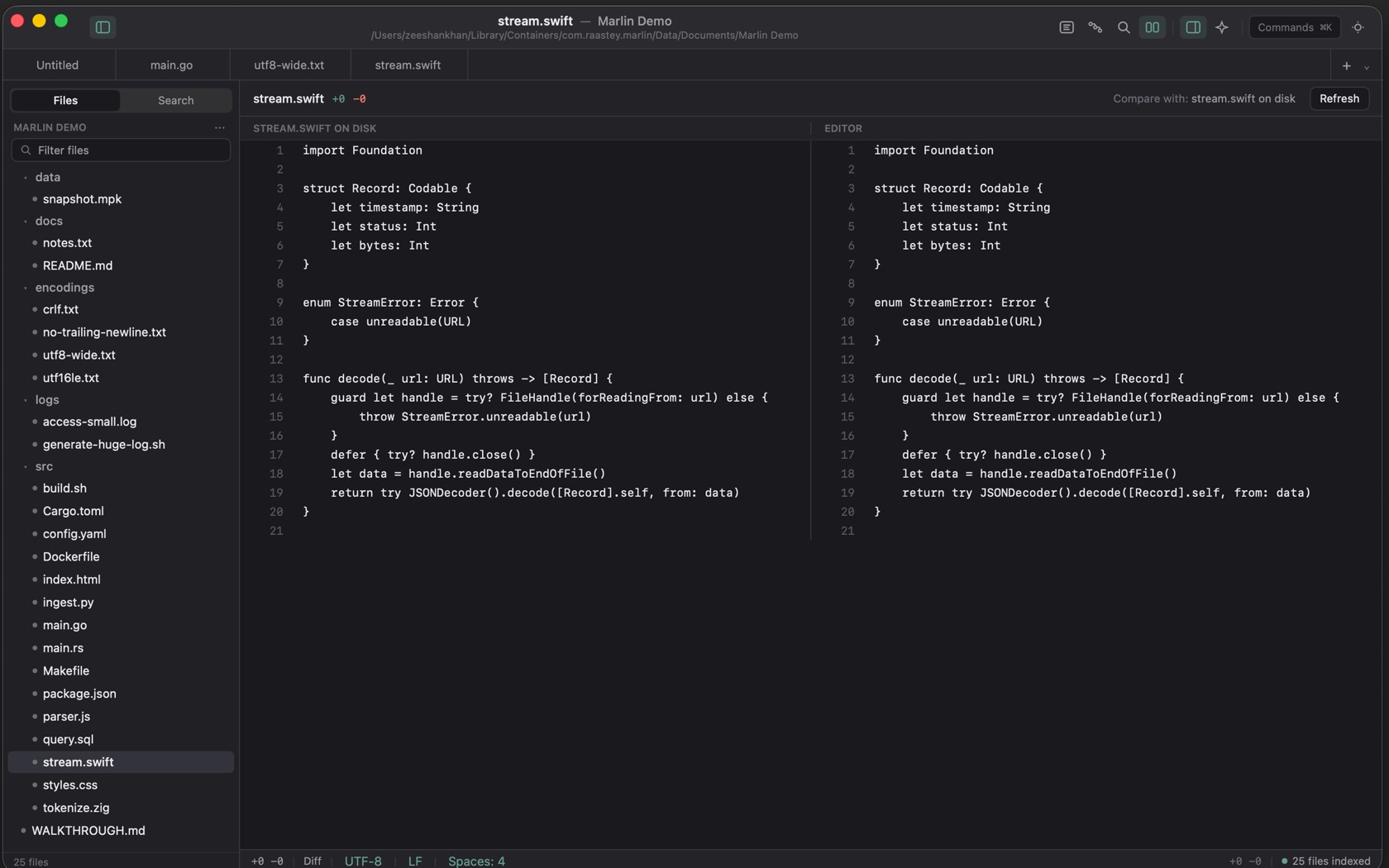
Comparing Files (⌘D)
Compare with File on Disk is ⌘D. The toolbar prints the document name, then +added and −removed. Compare with chooses the other side: the file on disk, or another open tab. On the shot the columns are STREAM.SWIFT ON DISK and EDITOR, and the counts are +0 −0.
The Two Columns
The two sides scroll together. When they match, the empty line reads that the editor matches the other side.
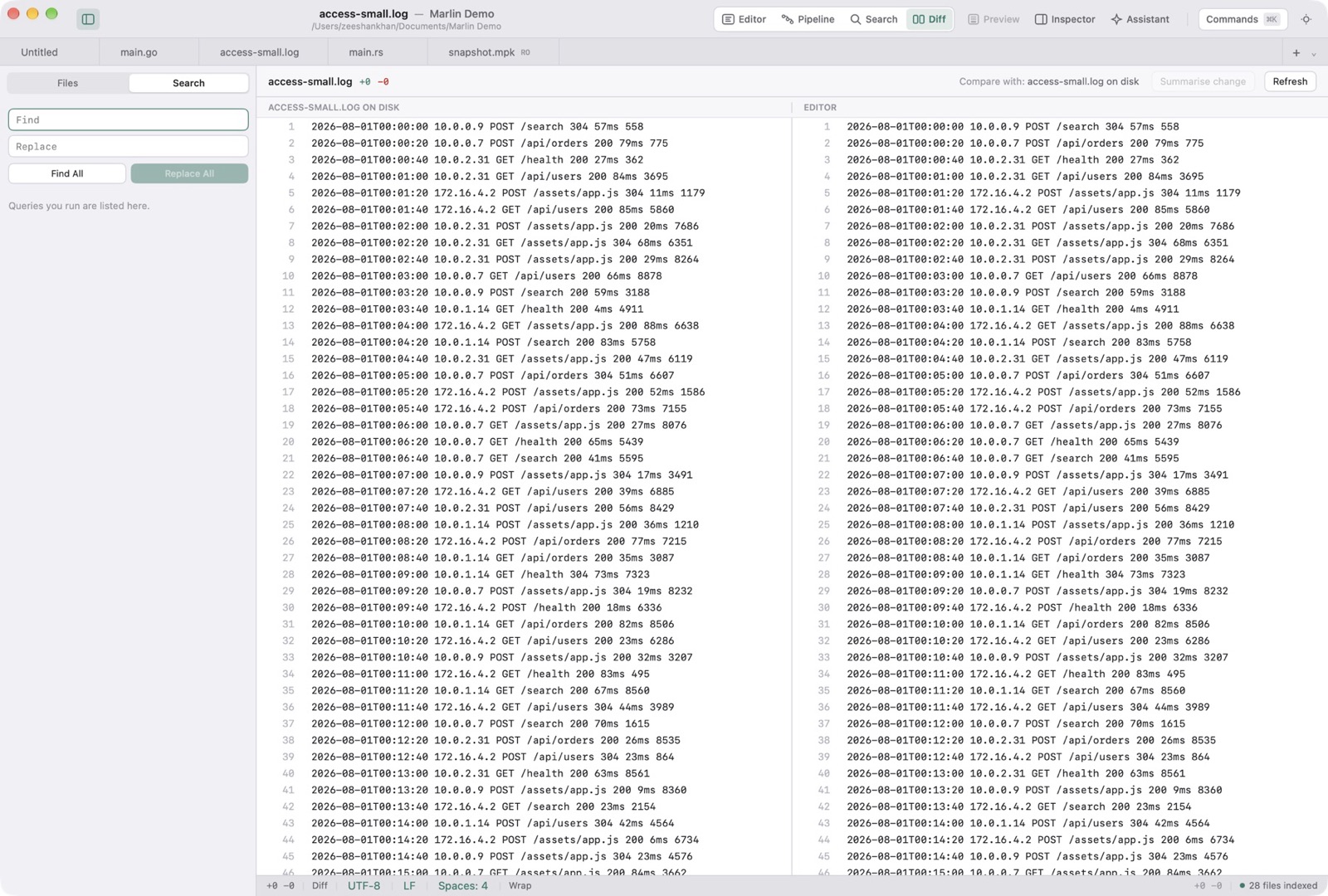
Refresh
Refresh compares again with the latest contents. A Markdown document can also switch the comparison between Lines and Rendered. Summarise change appears when Apple Intelligence is on.