Complete keyboard command directory for Marlin on macOS and Linux.
Core Workspace & Window Commands
Window management, navigation, and file commands:
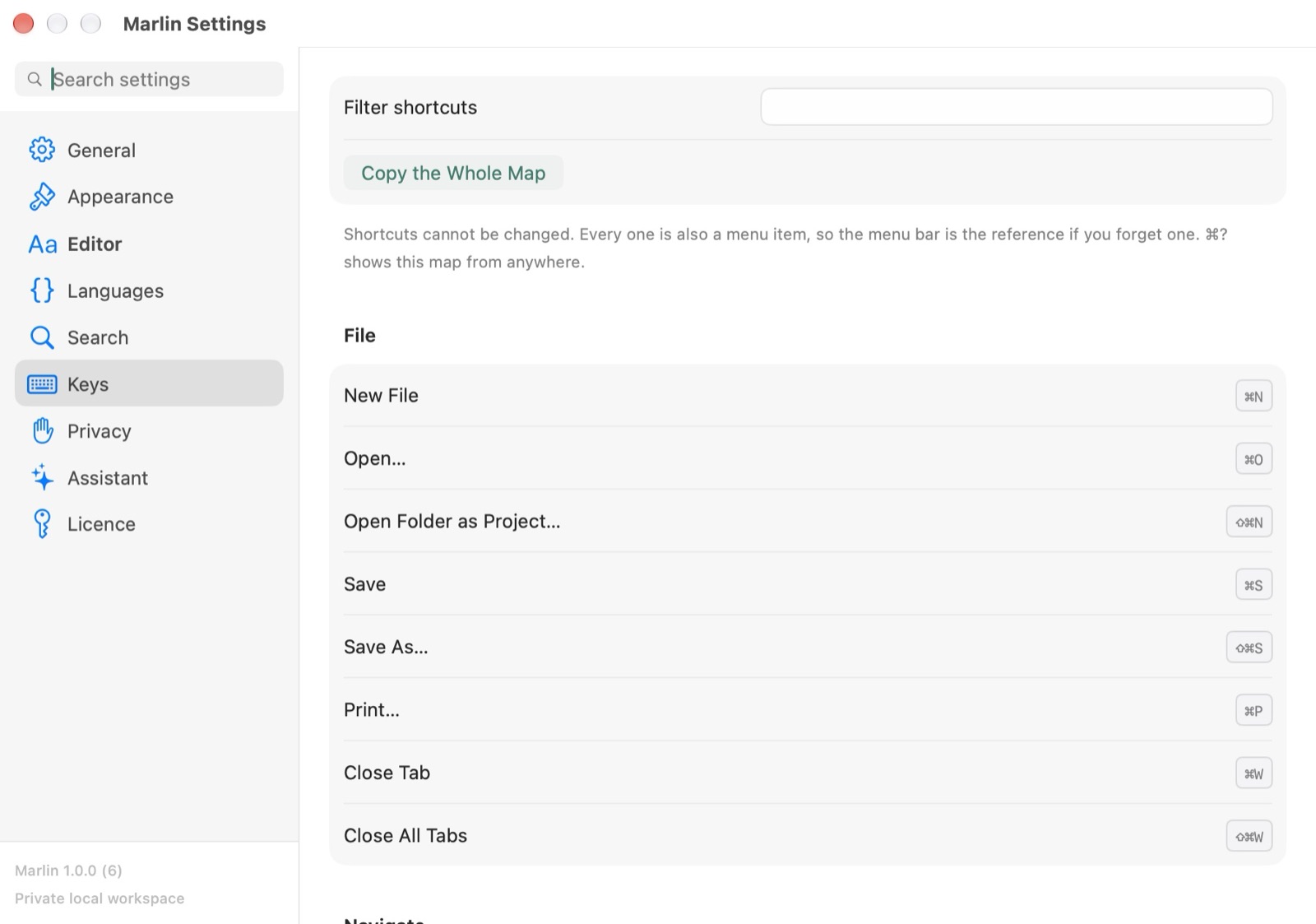
- Command Palette
⌘K - Open the floating fuzzy command palette.
- Open Quickly
⇧⌘O - Fuzzy file search across project roots.
- Open…
⌘O - Open a file.
- Open Folder as Project…
⇧⌘N - Open a folder as the project.
- Save
⌘S - Save the document.
- Toggle Sidebar
⌃⌥S - Show or hide project files and search.
- Settings Window
⌘, - Open the standalone Preferences window.
Pipeline, Hex & Diff Shortcuts
Forensic tools and stream transformations:
- Toggle Pipeline View
⌥⌘P - Open the visible transformation pipeline.
- Open in Hex Mode
⌃⌘H - Open the current document in hex mode.
- File Comparison Diff
⌘D - Open the side-by-side or inline diff viewer.
- Multi-File Search
⇧⌘F - Search across all files in workspace.
- Sort Lines Sheet
⌥⌘S - Open the multi-criteria sort lines modal.
- Assistant Pane
⌘I - Open the on-device Apple Intelligence panel.
Navigation & Selection Hotkeys
Cursor manipulation and tab navigation:
- Find in Document
⌘F - Open the inline find bar.
- Find Again
⌘G - The next match.
- Next Tab
⌃⇥ - The next open tab.
- Close Tab
⌘W - Close the active tab.
- Go to Line…
⌘J - Jump to a line number.