
Search across hundreds of thousands of files with grep-strength regular expressions.
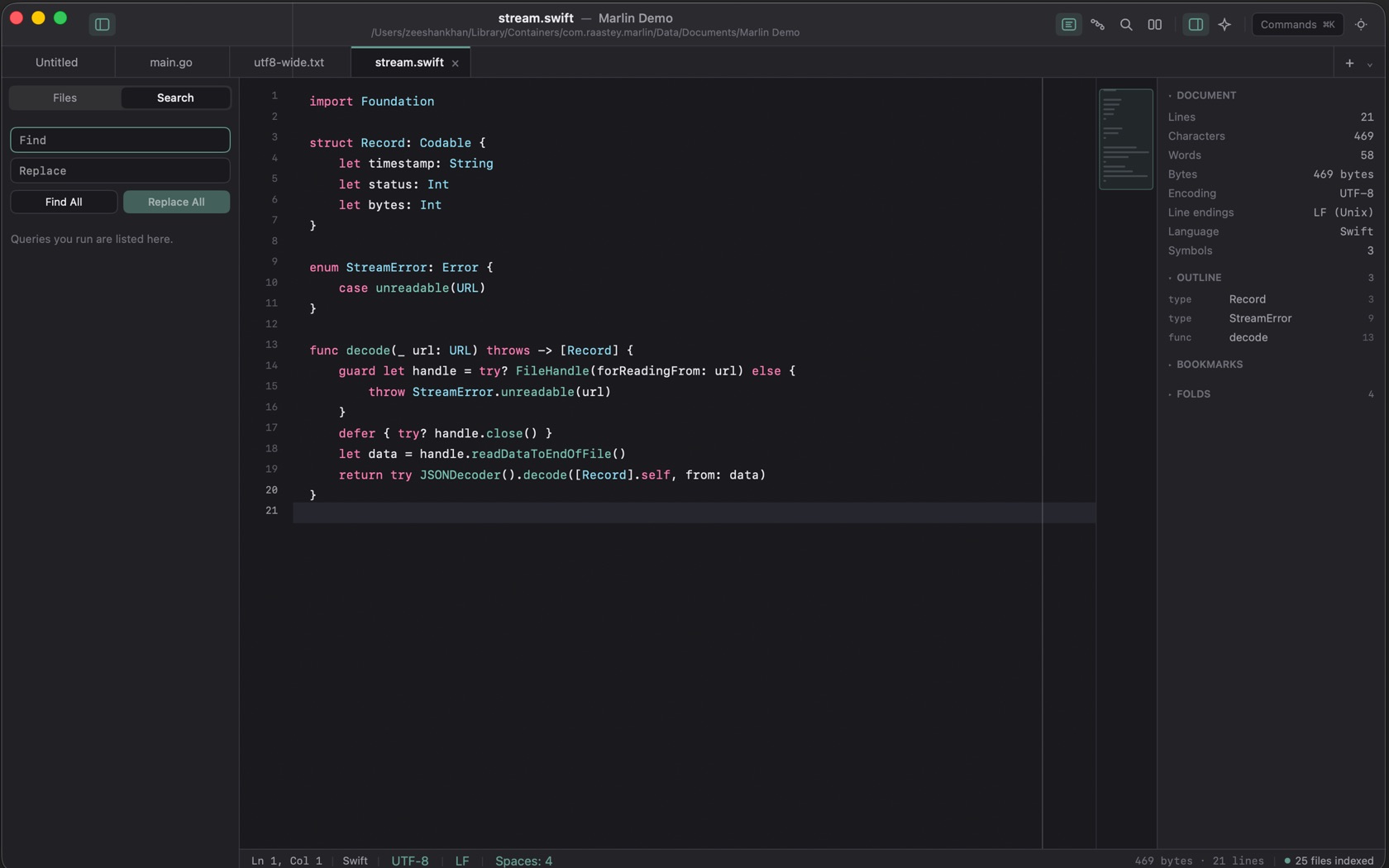
Multi-File Search Panel (⇧⌘F)
Find in Project is ⇧⌘F. Search is also the second sidebar tab. The field is Find, then Replace, then Find All and Replace All. Under the buttons, the empty line reads Queries you run are listed here.
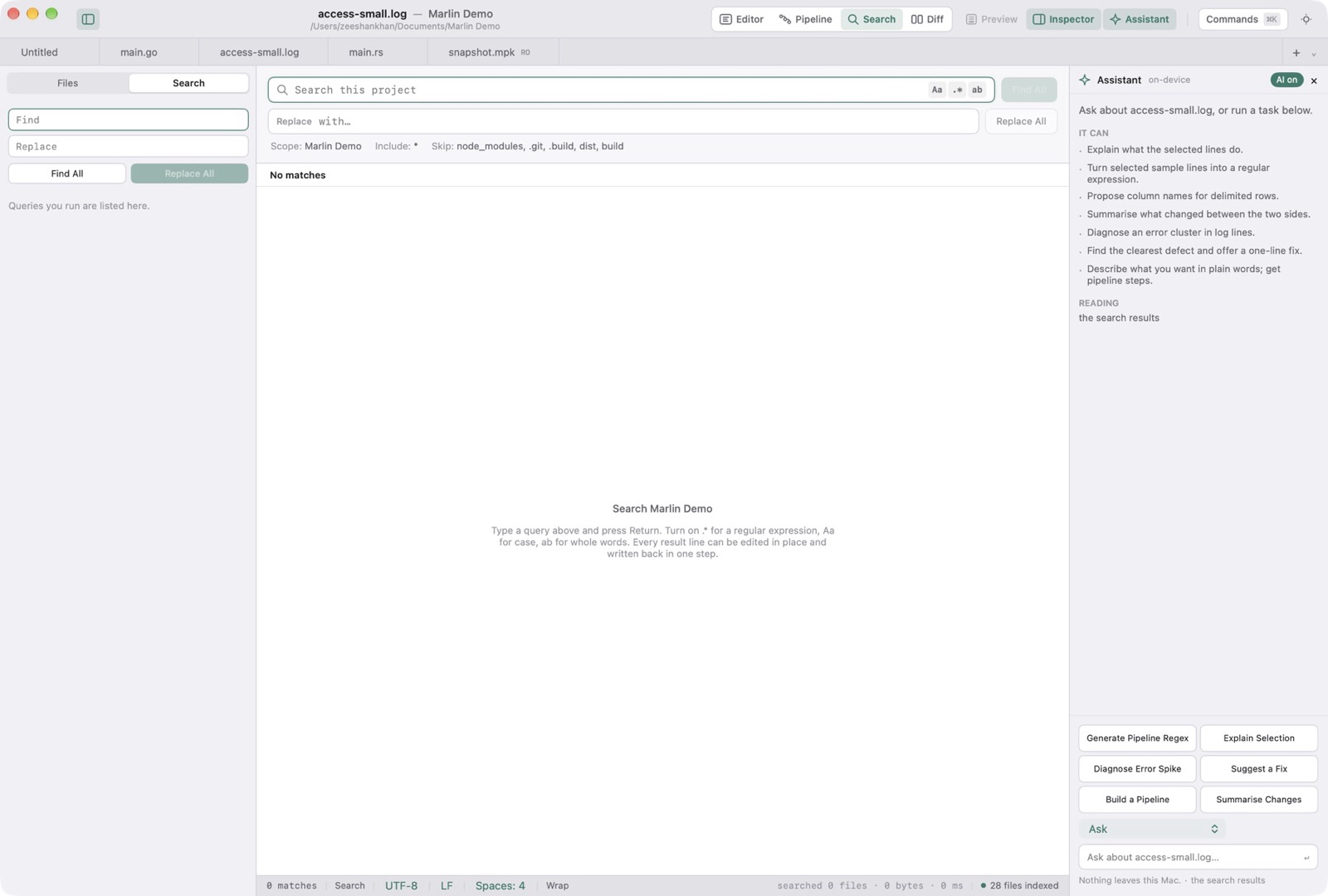
Regex Syntax & Match Flags
The chips on the query are Aa (match case exactly), .* (treat the query as a regular expression), and ab (match whole words only). Replace All in Project is ⌃⌘E.
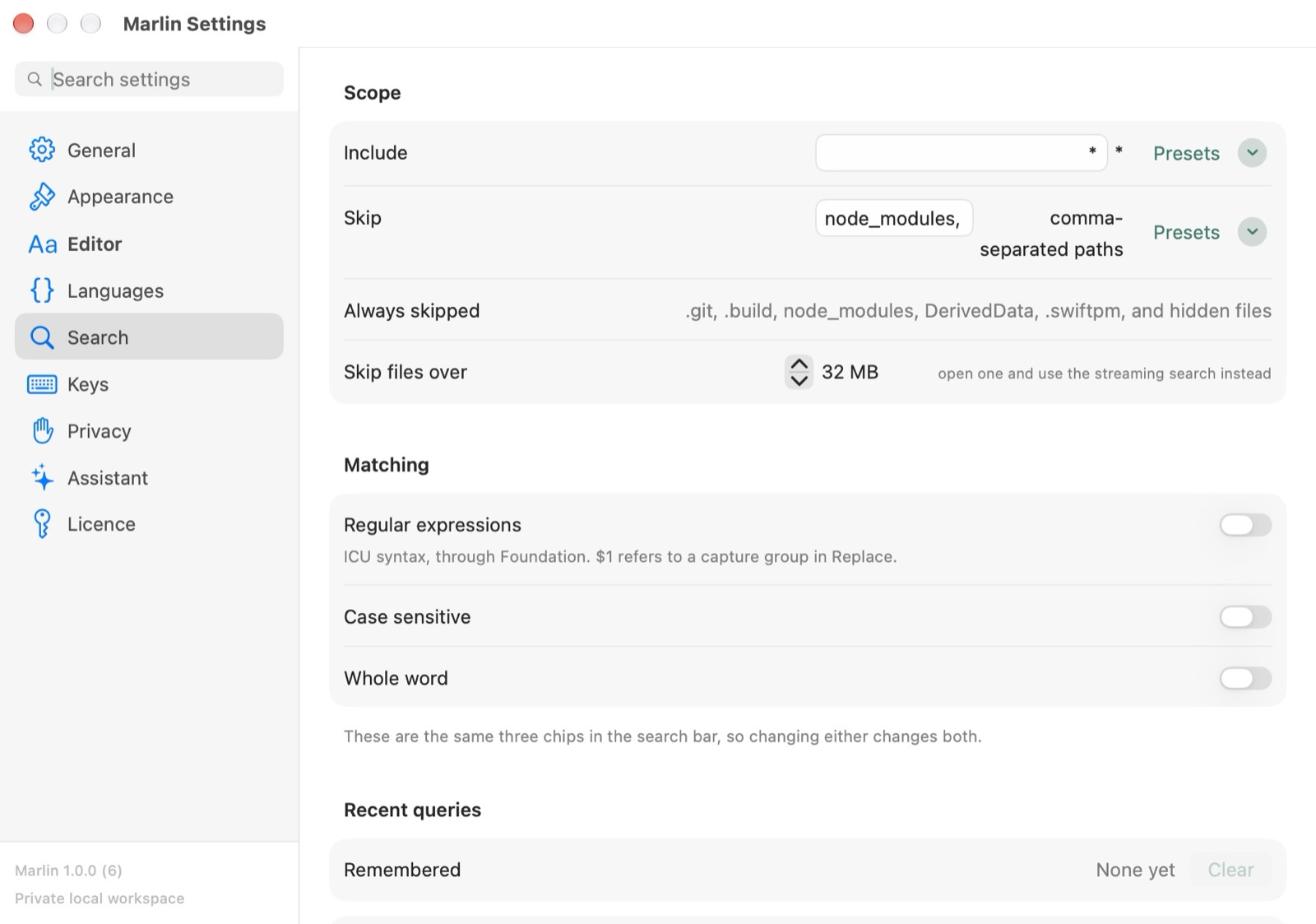
Streaming Results & In-Place Replacement
Find All runs the query. A result row is the file, the line, and the matching text.