Marlin Developer's Bench is a high-performance macOS and Linux plain-text and code editor built for the enormous files that make other editors freeze.
The Visible Pipeline Philosophy
In traditional text editors, text transforms are one-shot modal dialogs: you configure a sort or regex filter, hit OK, the dialog vanishes, and all record of what occurred is lost.
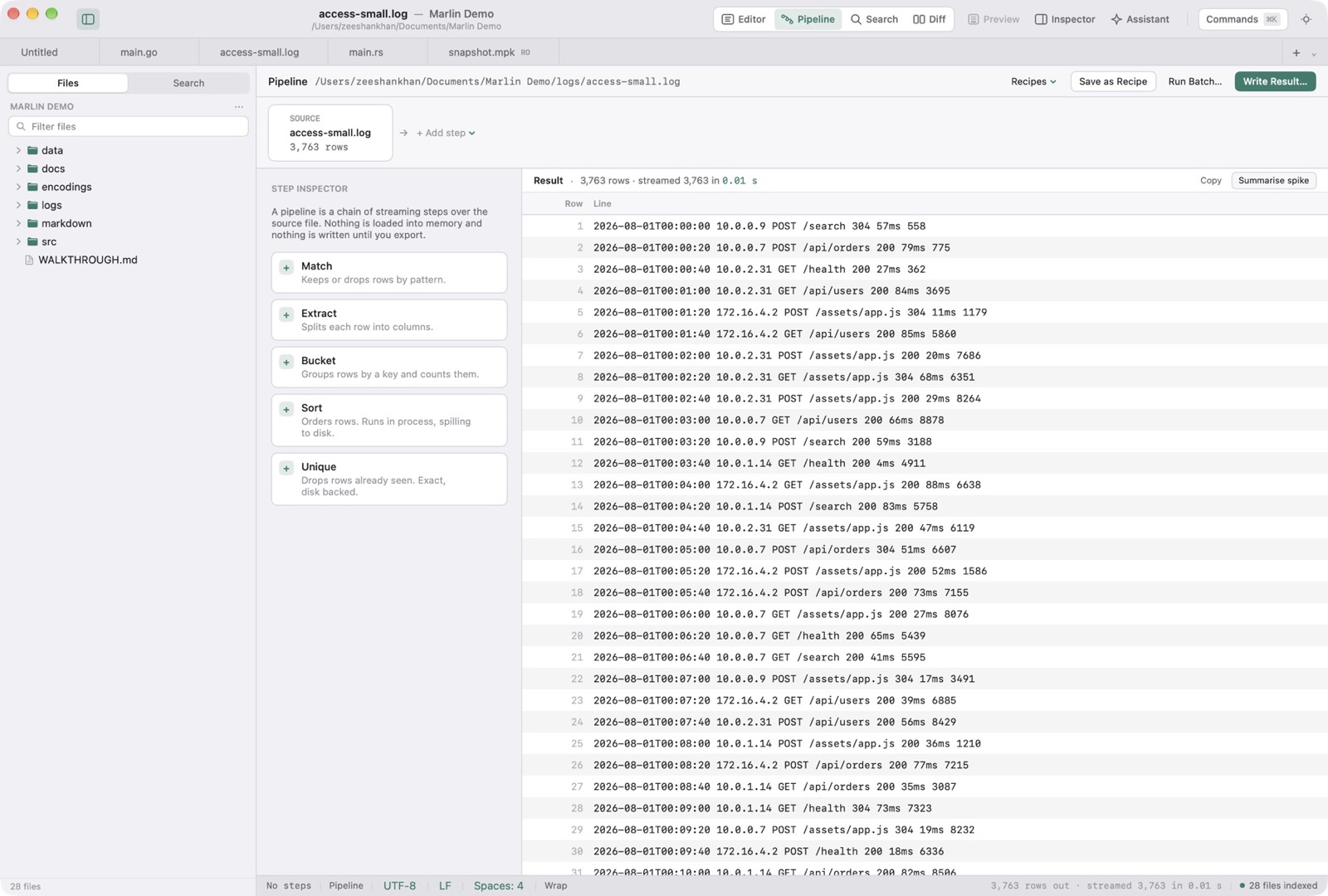
Pipeline is a chain of steps on a source file. The steps are Match, Extract, Bucket, Sort, and Unique. Match keeps or drops rows by pattern. Extract splits each row into columns. Bucket groups rows by a key and counts them. Sort orders rows. Unique drops rows already seen.
The pipeline view says steps run as a stream, and nothing is written until you export. Write Result runs the full pipeline over the source and saves the result to a file.
Large Files
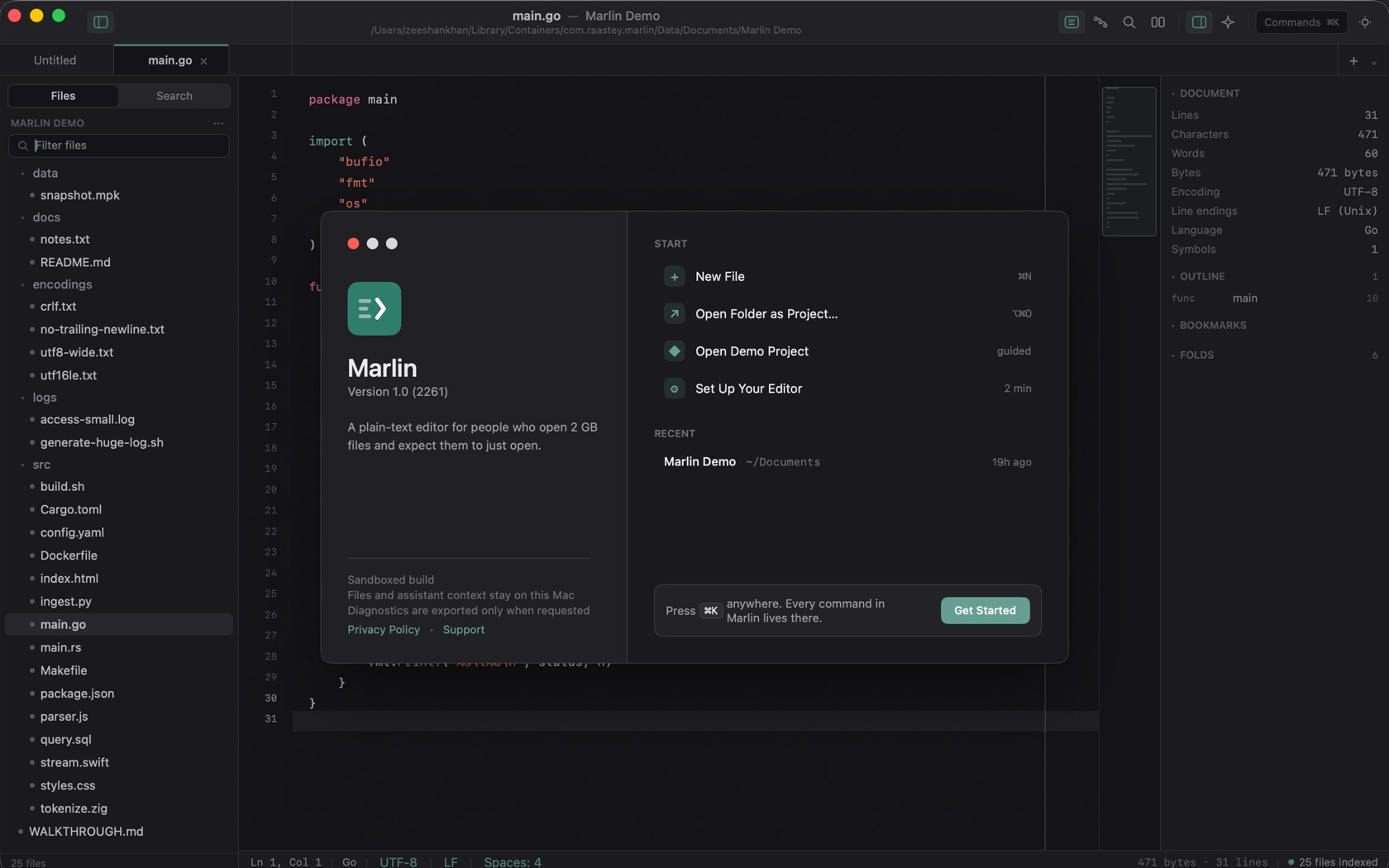
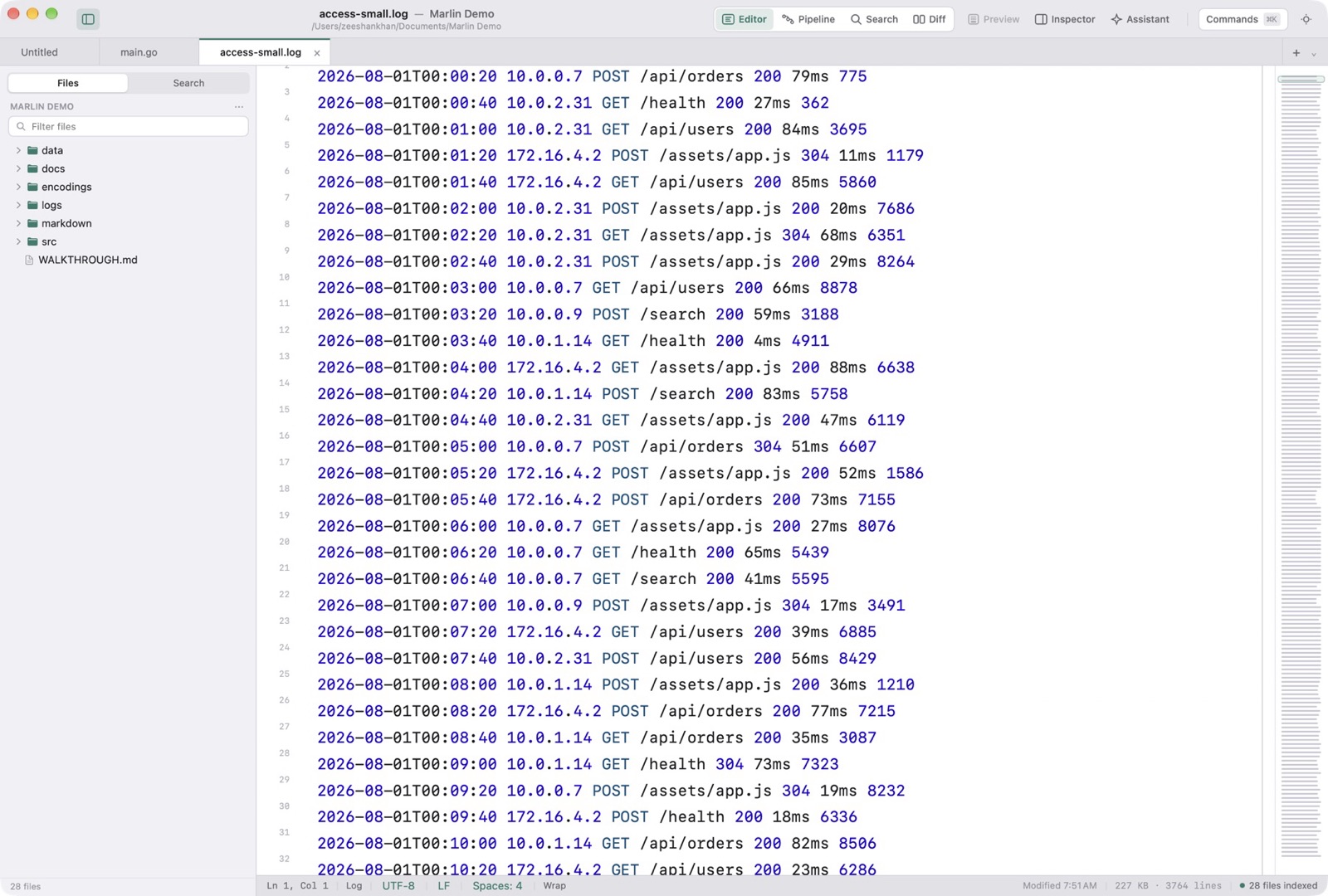
The welcome sheet calls Marlin a plain-text editor for people who open 2 GB files and expect them to just open. Opening a huge file maps it and builds the line index off the main thread.
On This Mac
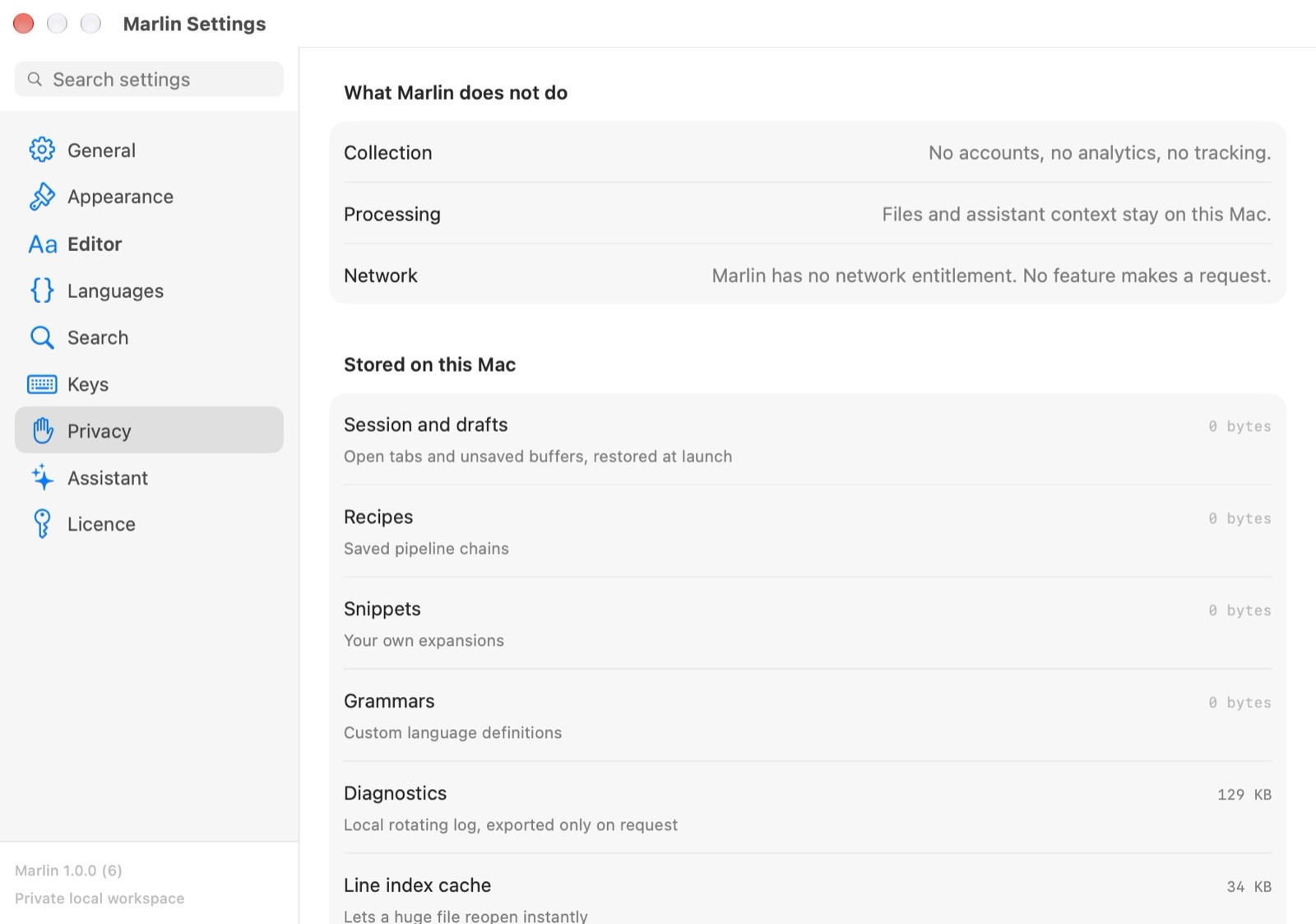
The welcome sheet says this is a sandboxed build, and that files and assistant context stay on this Mac. Diagnostics are exported only when requested. The settings footer reads Private local workspace.