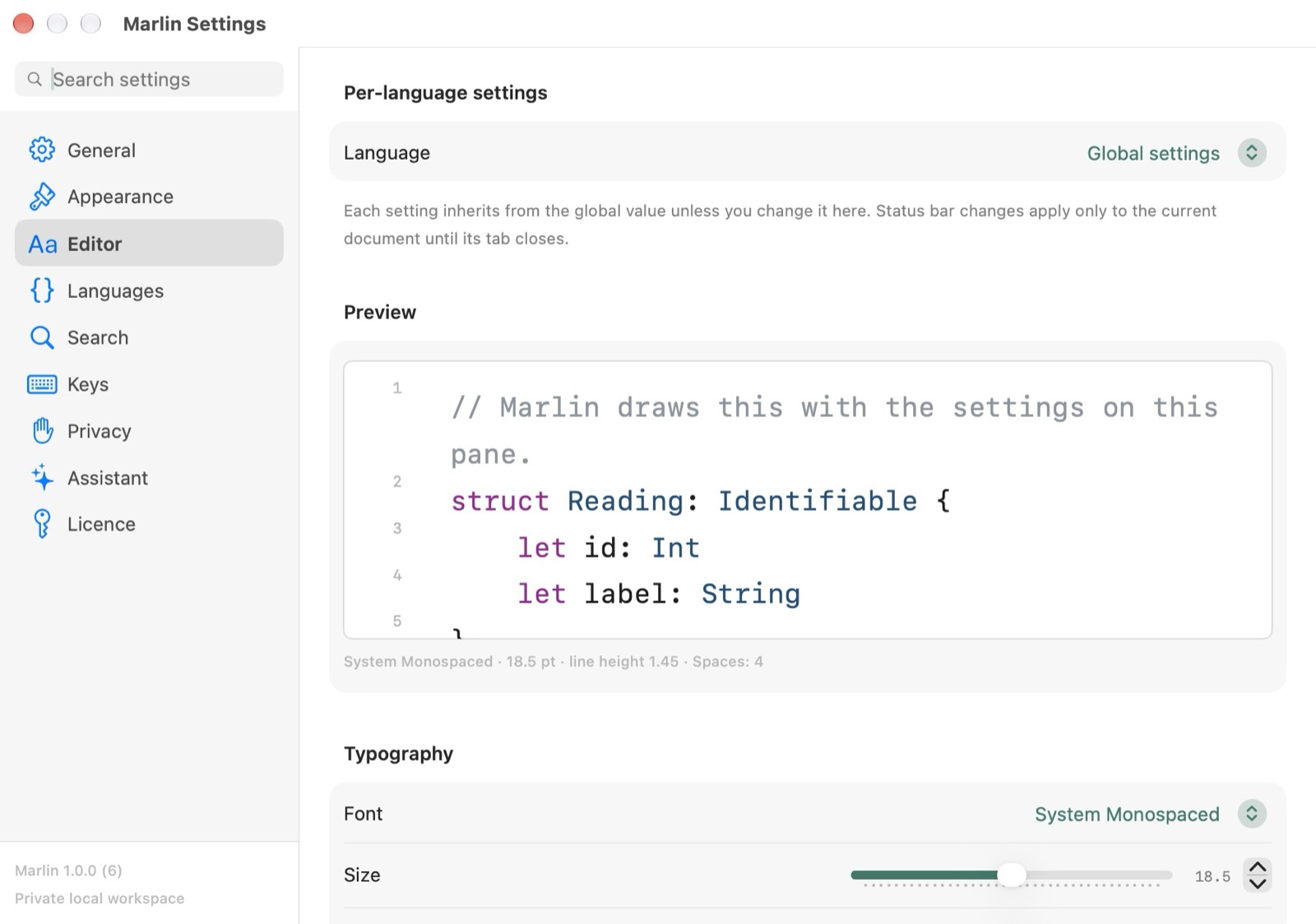
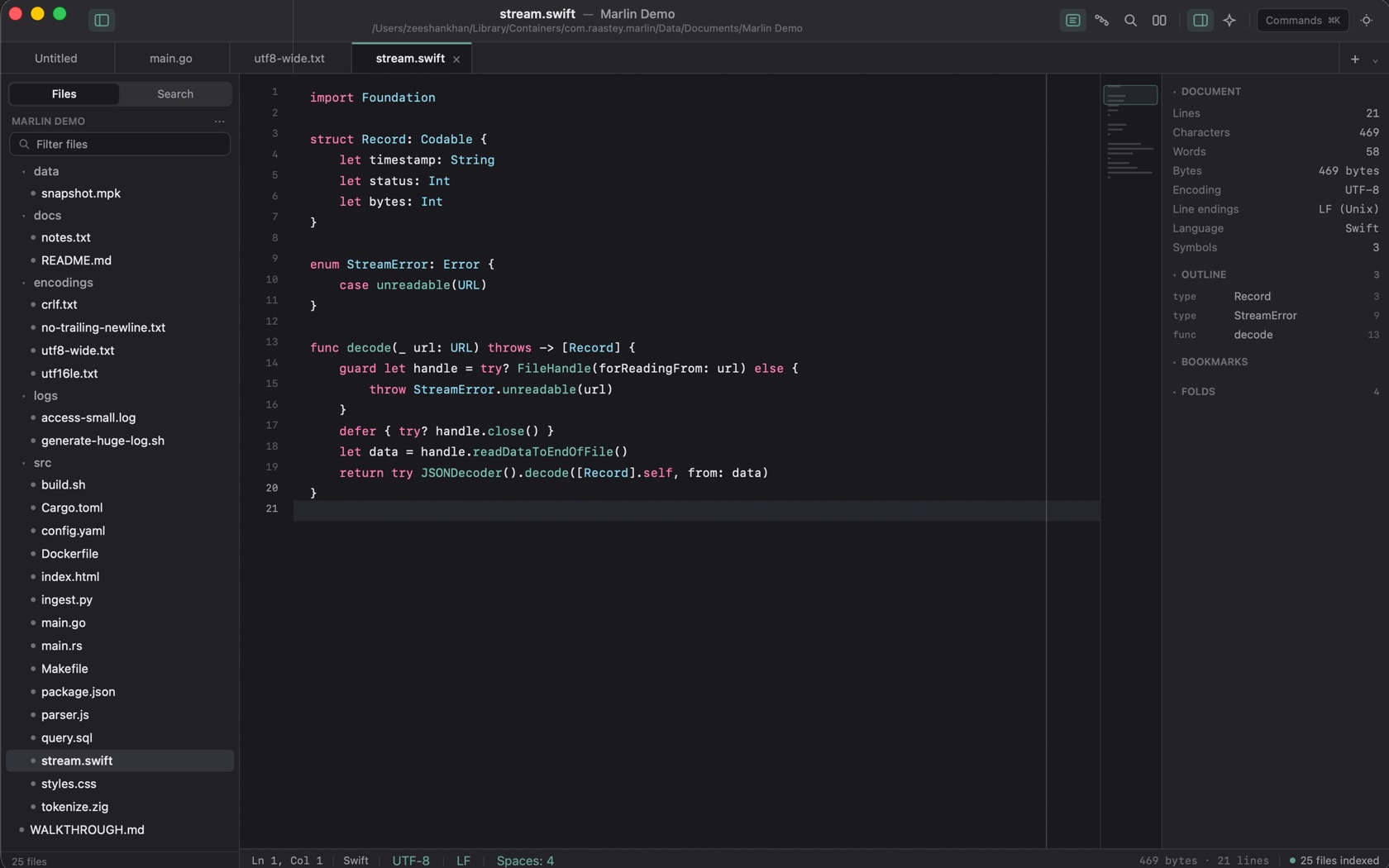
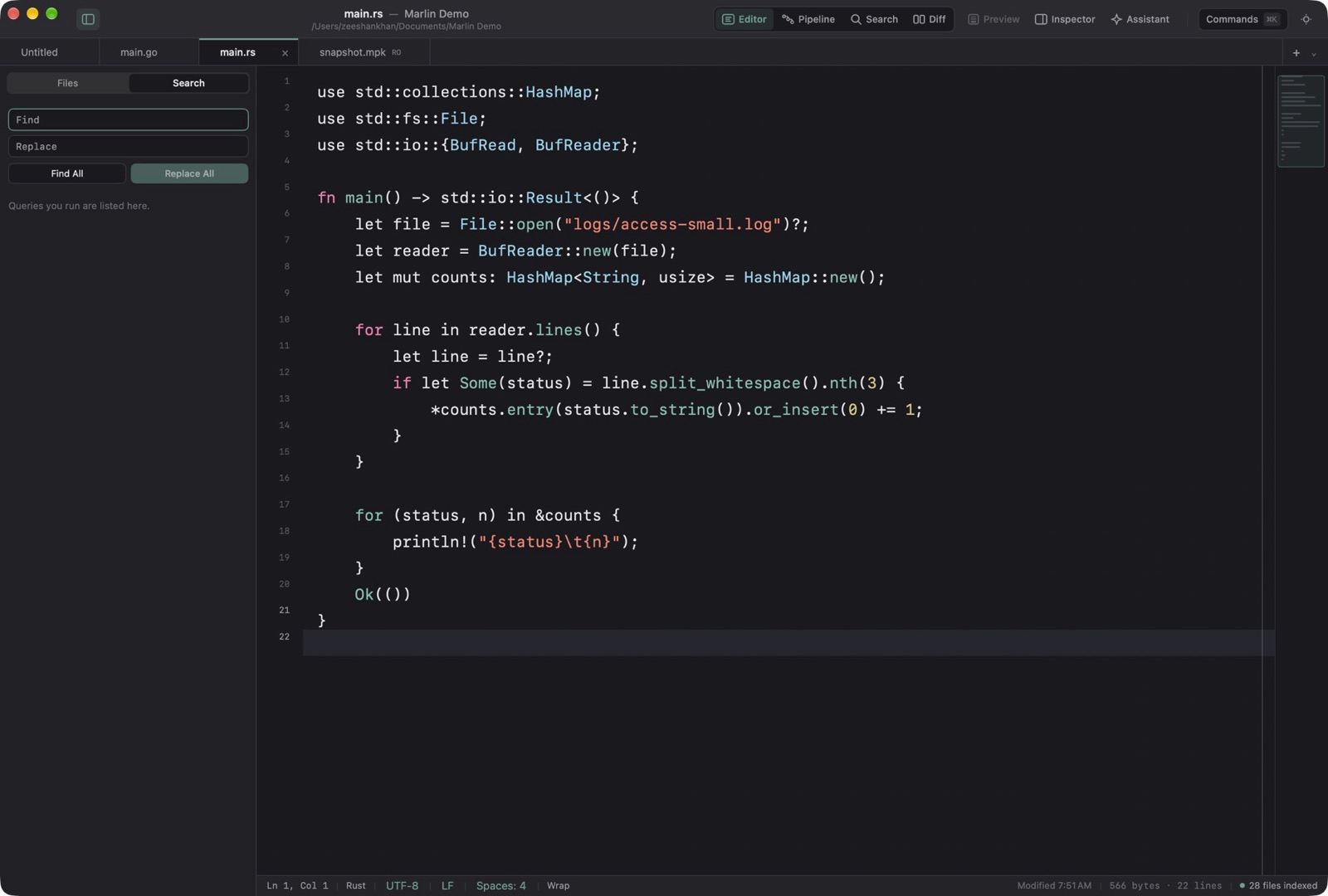
The status bar names the language the file was detected as. Go on main.go. Swift on stream.swift.
High-Throughput Grammar Engine
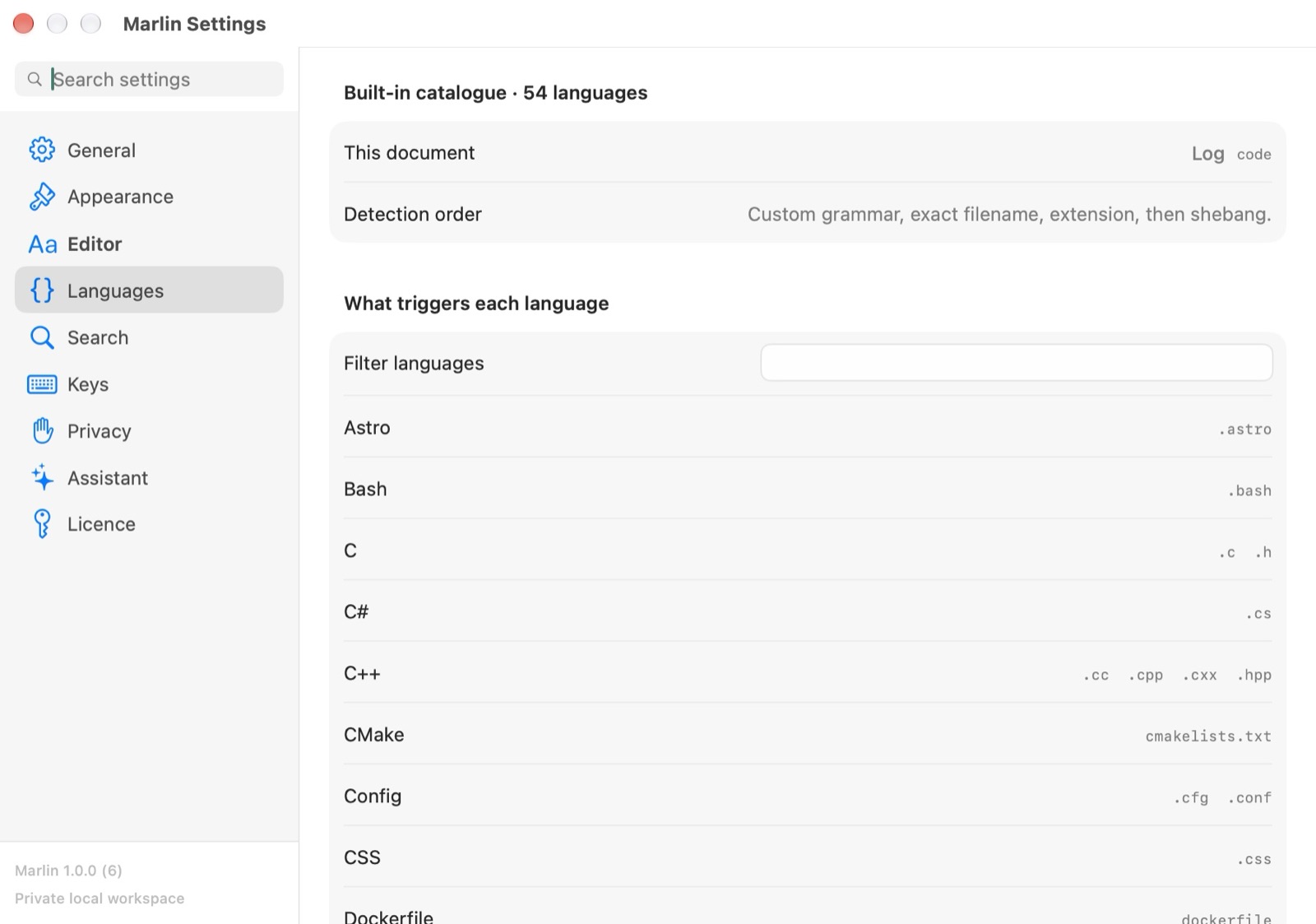
Detection is by filename and extension. A shebang can still choose Python, Zig, JavaScript, or Shell. Settings lists every built-in language and the extensions that trigger it. A grammar you add is one JSON file in the Grammars folder, patterns only, and it never runs code.
Supported Language Ecosystems
The built-in names include Swift, Python, Zig, Rust, Go, C, C++, Objective-C, Astro, JavaScript, TypeScript, Svelte, Vue, GLSL, WGSL, Java, Kotlin, C#, JSON, YAML, TOML, SQL, Shell, Dockerfile, Makefile, and Log. Settings is where the full catalog, with each trigger, is listed.
Interactive Syntax Switcher Popover
The language name sits on the status bar, between the column and the encoding. On the Swift shot it reads Swift.