Reason about code, summarize errors, and author regular expressions using native Apple Intelligence running 100% on device.
The Assistant Pane (⌘I)
Press Cmd I to open the Assistant inspector. Unlike cloud-based AI tools that upload confidential source code to third-party APIs, Marlin executes models locally on your Apple Silicon Neural Engine.
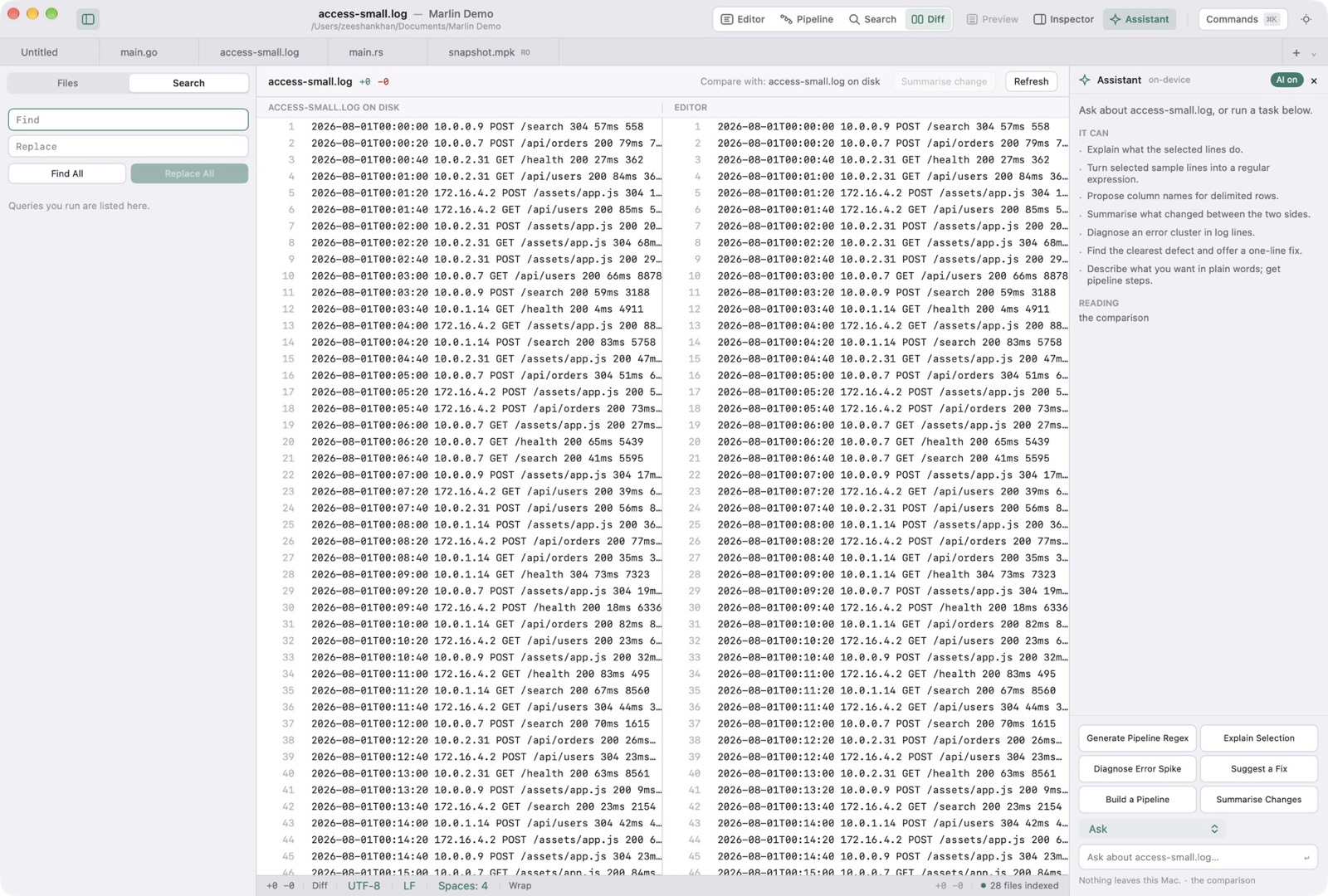
Automated Log Error Triage
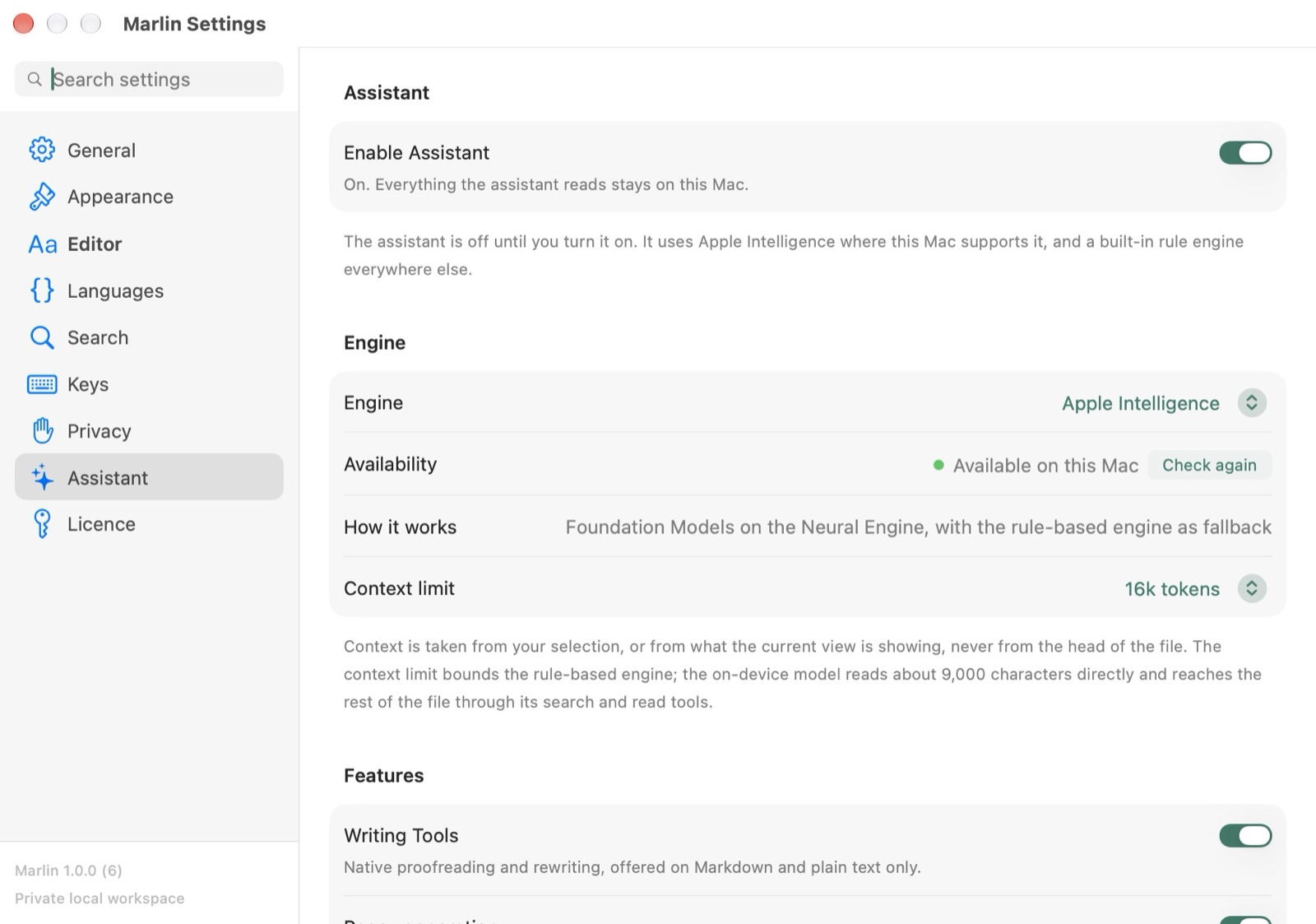
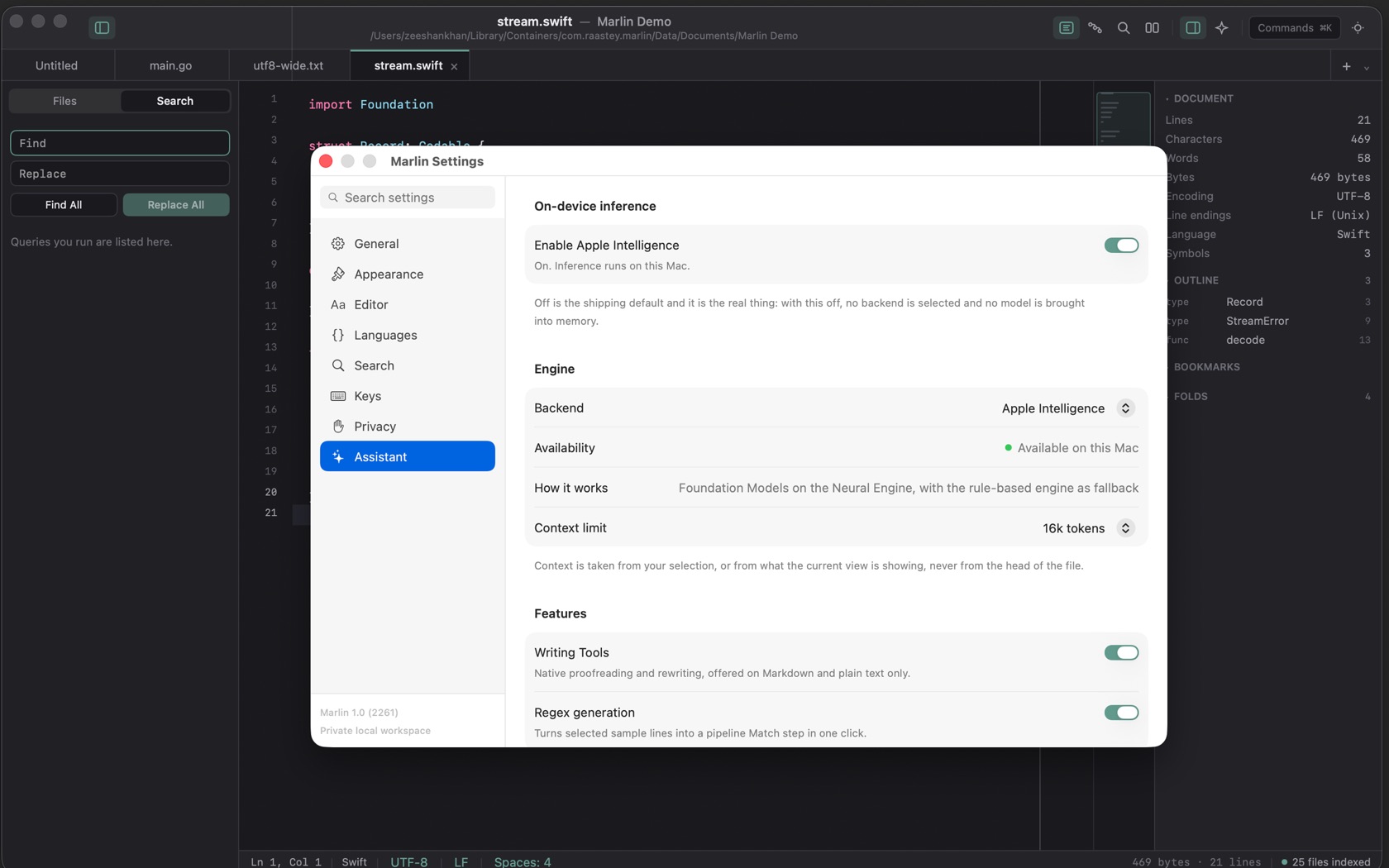
Enable Apple Intelligence is off in the shipping default. The pane says that with it off, no backend is selected and no model is brought into memory. When it is on, inference runs on this Mac. The engine line reads Foundation Models on the Neural Engine, with the rule-based engine as fallback. Context is taken from the selection, or from what the current view is showing, never from the head of the file.
Natural Language Regex Synthesis
Regex generation is a switch on the Assistant pane. The label says it turns selected sample lines into a pipeline Match step in one click. Writing Tools, on the same pane, is native proofreading and rewriting, offered on Markdown and plain text only.
Strict On-Device Privacy Policy
The Assistant pane says inference runs on this Mac. Context is taken from the selection, or from what the current view is showing, never from the head of the file. Off is the shipping default: no backend is selected and no model is brought into memory.