
Manipulate lines and text blocks with precision using classic dialogs or streaming pipeline stages.
The Sort Lines Sheet (⌥⌘S)
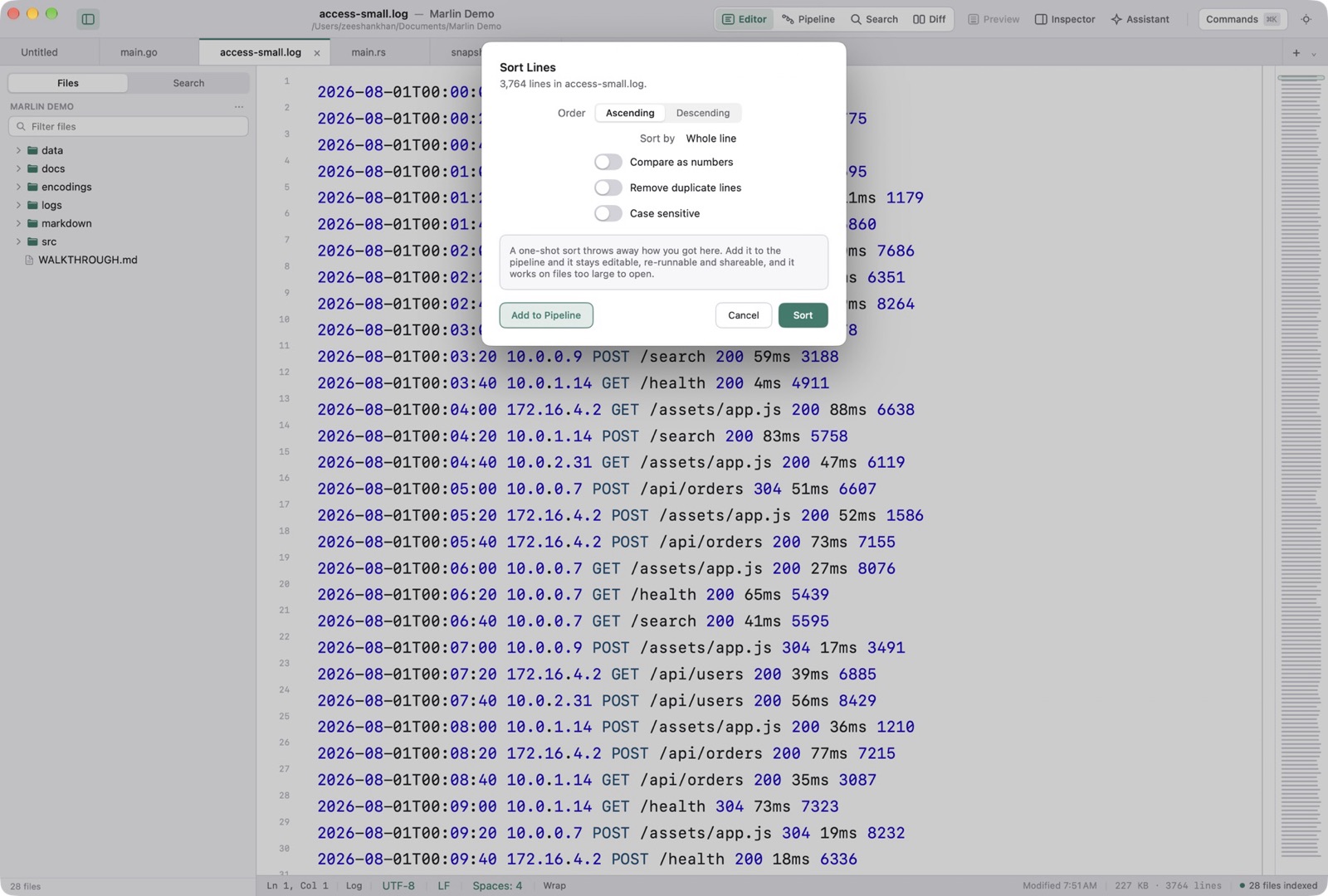
Sort Lines is ⌥⌘S. Order is Ascending or Descending. Sort by is Whole line, or Column 1 through Column 8. Columns split on whitespace. The checks are Compare as numbers, Remove duplicate lines, and Case sensitive. Sort applies it to the buffer. Add to Pipeline keeps the sort as a step. Cancel closes the sheet.
De-duplication, Case Conversion & Trimming
The Text menu also has Remove Duplicate Lines, Process Lines Containing, Reformat JSON (⌥⌘J), and Hard Wrap (⌥⌘W). Transformations are UPPERCASE, lowercase, Title Case, Swap Case, lowerCamelCase, UpperCamelCase, snake_case, and kebab-case.
Bridging One-Shot to Pipeline
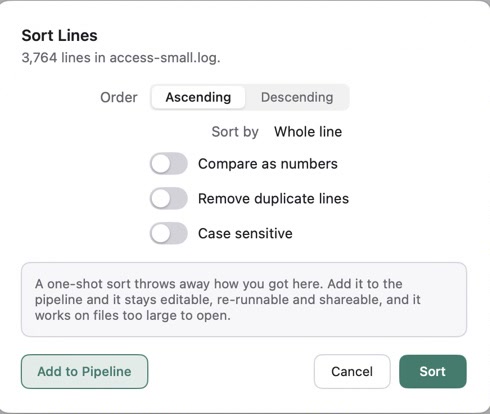
The sheet says a one-shot sort throws away how you got here. Add it to the pipeline and it stays editable, re-runnable and shareable, and it works on files too large to open. A read-only document disables Sort and tells you to add the sort to the pipeline instead.