A Mocksyy document is a set of screens laid out side by side on one pannable, dotted board. Everything you need to build them sits around that board.
The Sidebar
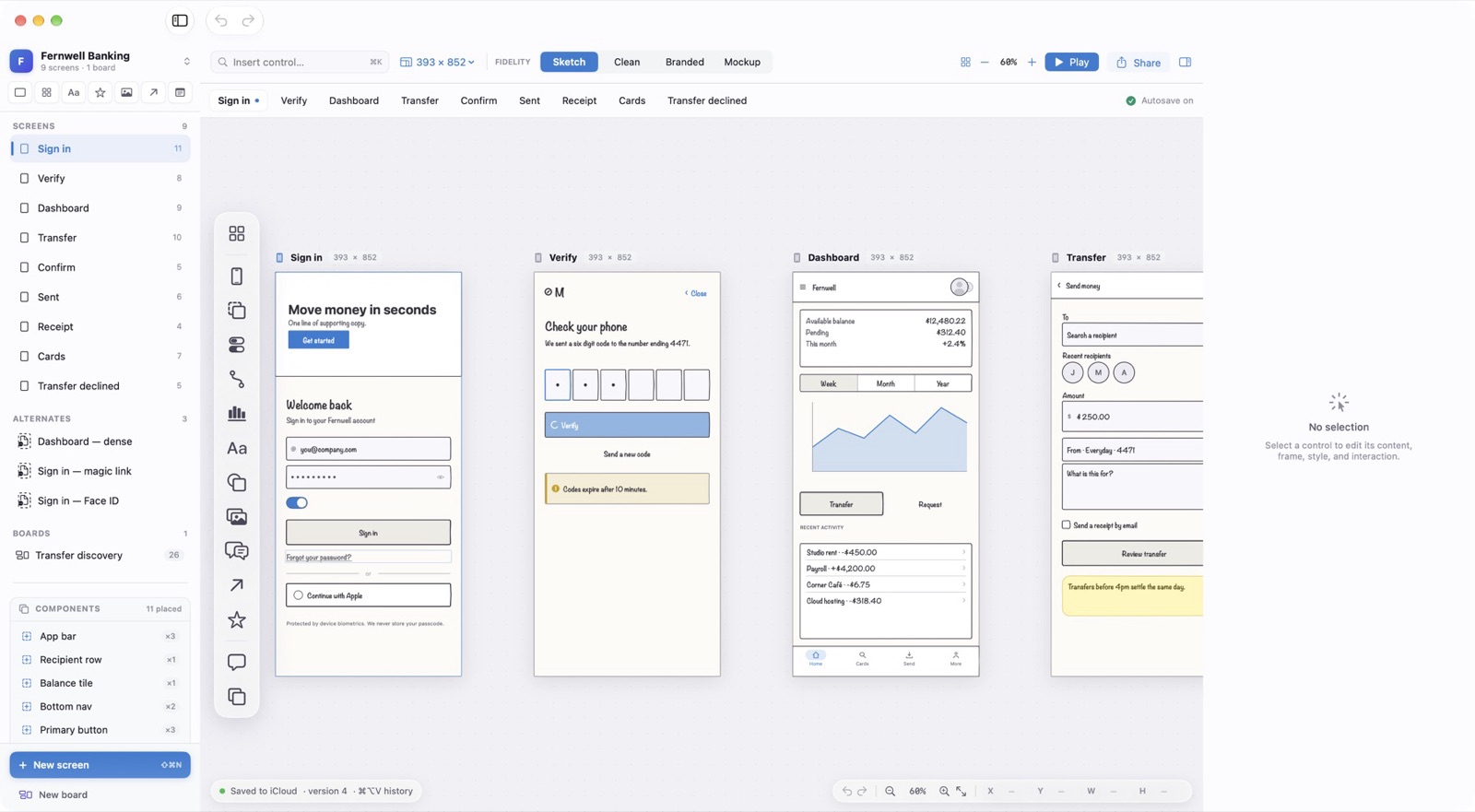
The left sidebar lists Screens, Alternates, Boards, and Components, each with a count. Click a screen to bring it into view. New screen (⇧⌘N) and New board sit at the bottom.
The Toolbar
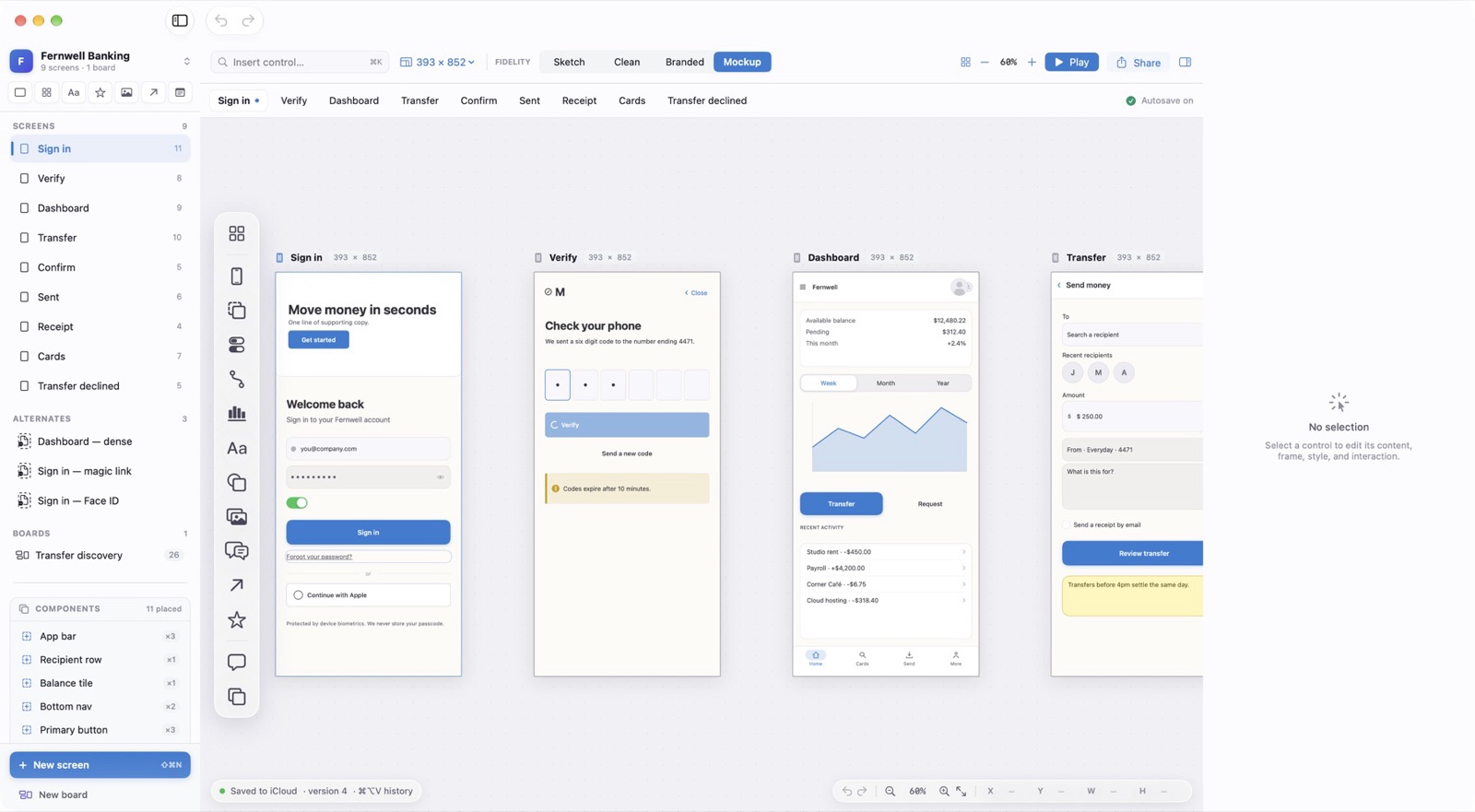
Insert control (⌘K) opens type-to-insert. Next to it are the artboard size, the four fidelity buttons, zoom, Play, and Share. Hide Sidebar is ⌥⌘S and Hide Inspector is ⌥⌘I.
The Creation Rail
The vertical rail at the left edge of the board holds the control categories: layout, devices, text, buttons, forms, charts, media, arrows, comments, and more. Click one to open its palette.
Screen Tabs and the Status Line
A tab strip under the toolbar lists every screen. The status line at the bottom shows where the document is saved, its version number, and the undo, zoom, and position controls.