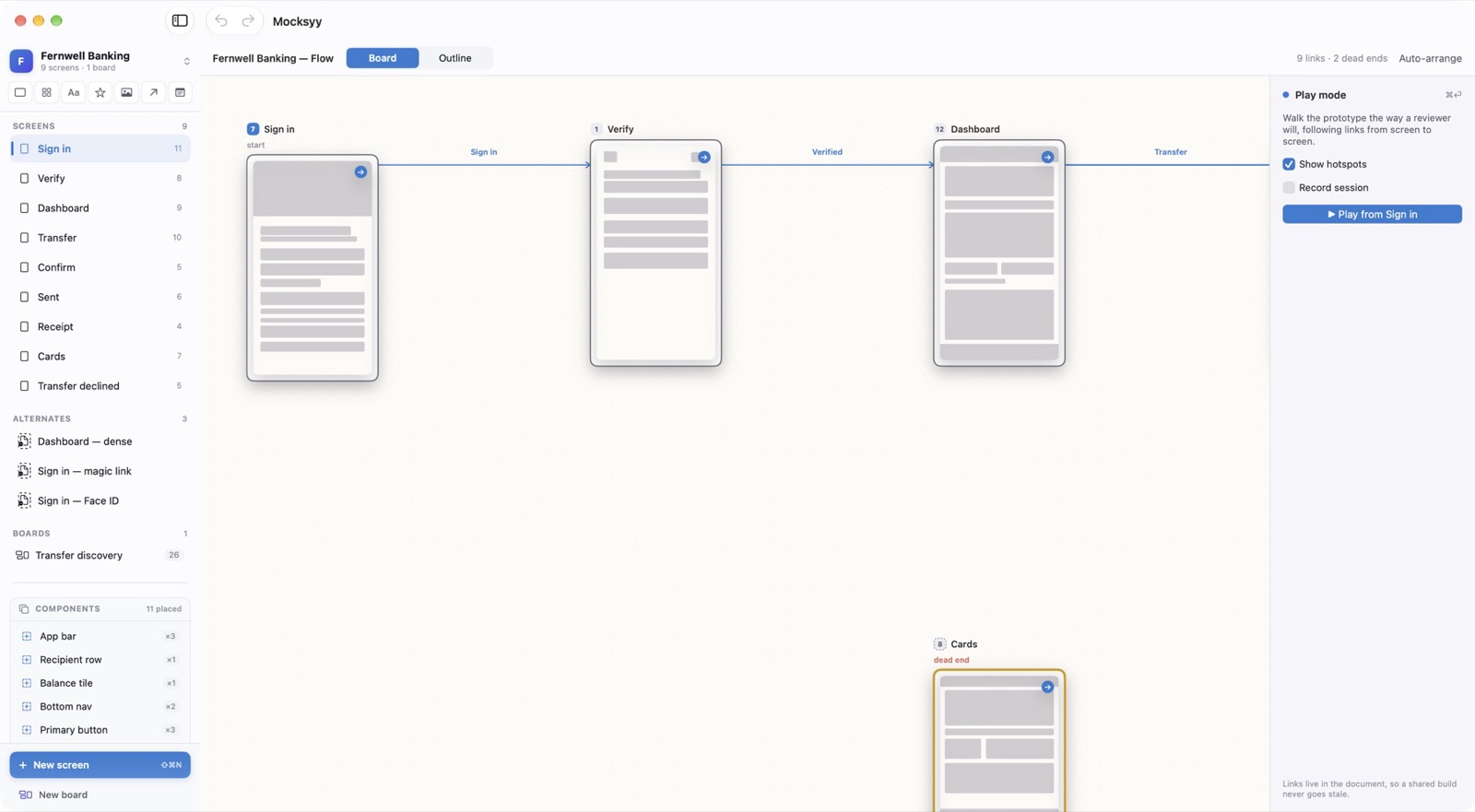
Links turn separate screens into a product someone can walk through. The flow board draws every link as a connector.
Linking Screens
Select a control and choose Insert ▸ Link to Screen (⌘L), then pick the destination. The control becomes a hotspot in Play.
Reading the Flow
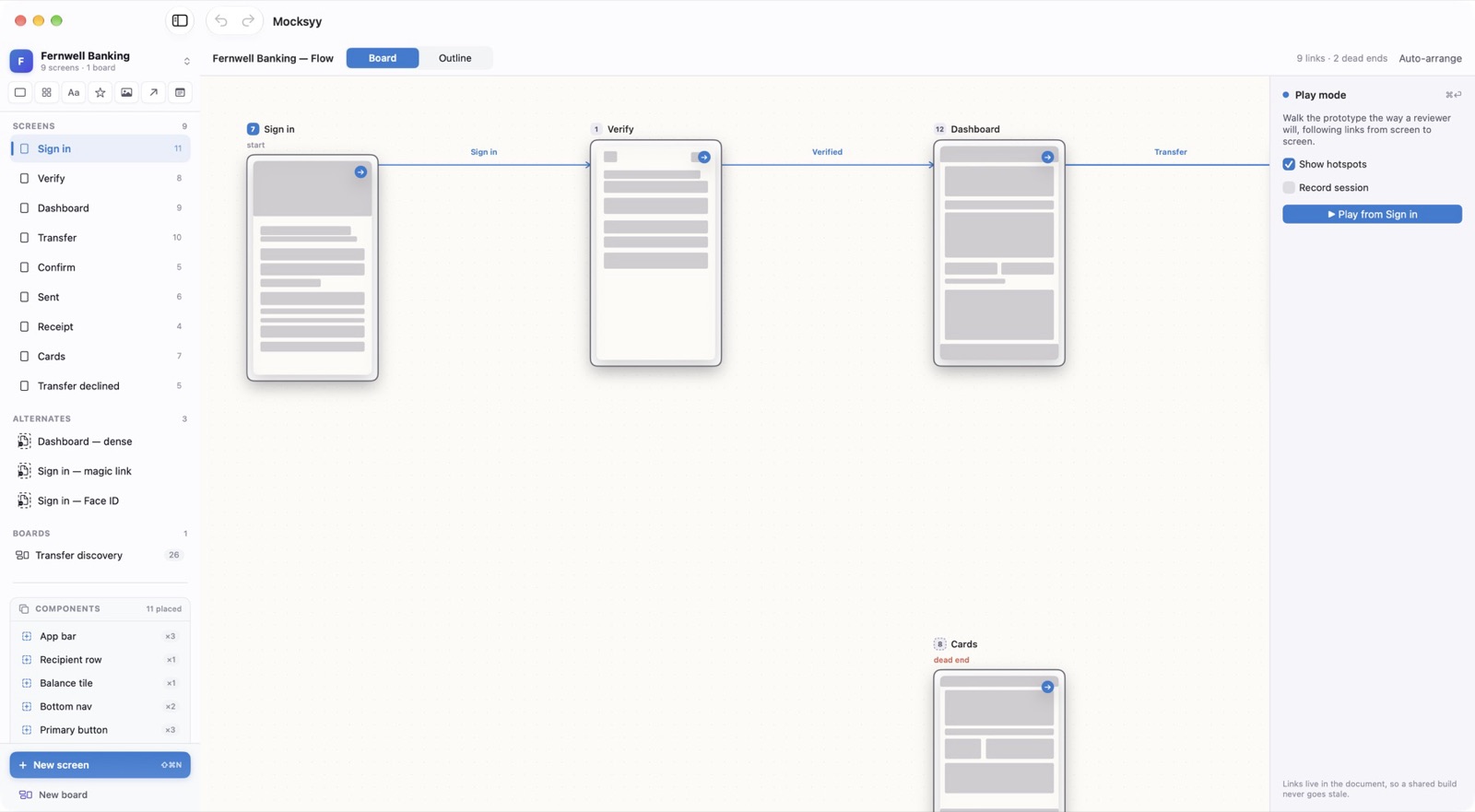
View ▸ Flow (⌘2) lays the screens out with their connectors and labels each link with the control that triggers it. Auto-arrange tidies the layout.
Dead Ends
Flow ▸ Show Dead Ends highlights screens with no way forward, so a missing button shows up before a reviewer finds it.