
The library covers layout, text, buttons, forms, navigation, data, media, feedback, and markup, so a wireframe never stalls for want of a control.
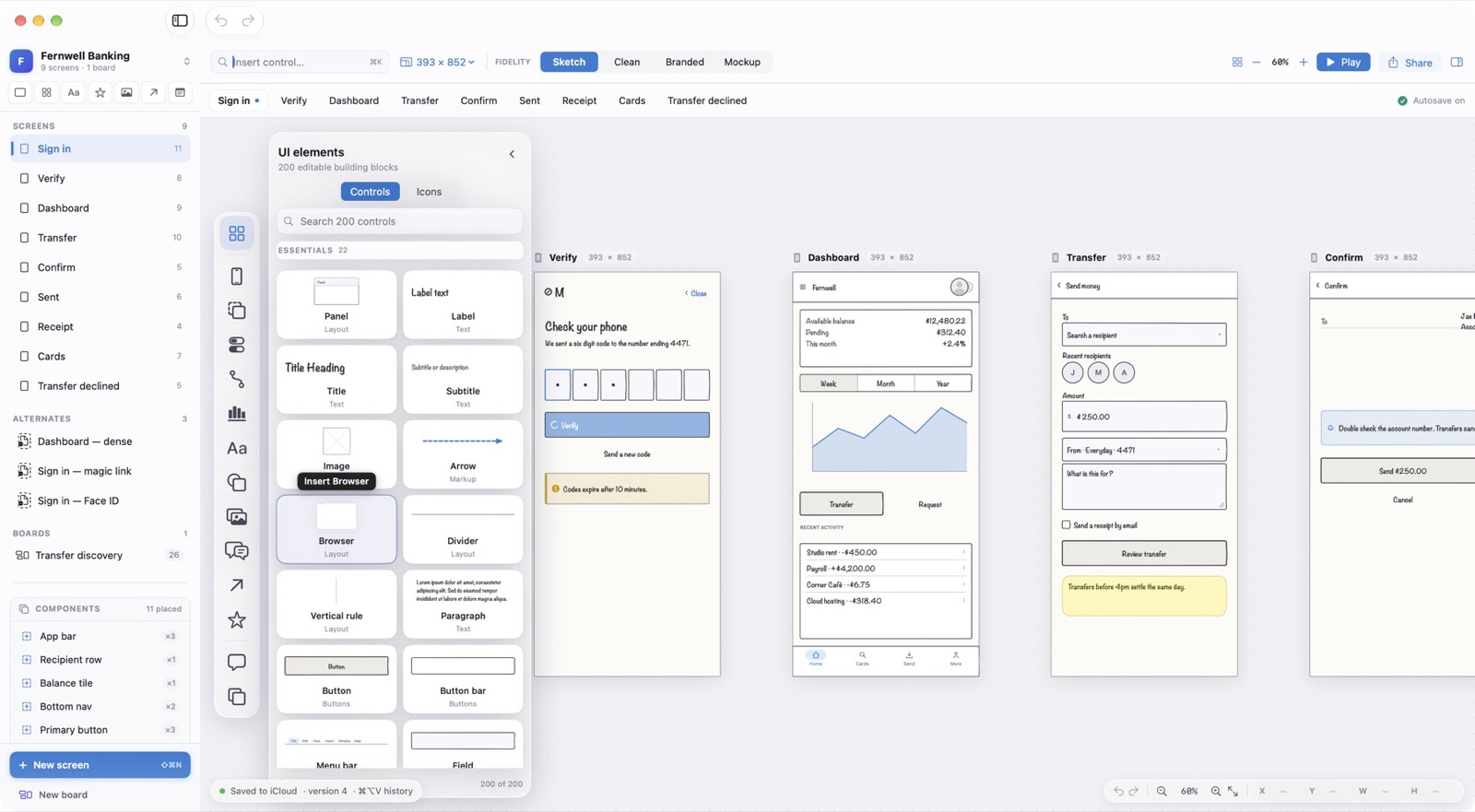
Insert by Name
Press ⌘K and type: the Insert control field finds any of the 200 controls by name. Return places it on the current screen.
Palettes
Insert ▸ Control Library opens the UI elements panel beside the board. Browse by category or search, and drag a tile onto a screen.
Quick Shortcuts
Three controls have their own keys.
- Button
⌥B - Insert a button.
- Field
⌥F - Insert a text field.
- Sticky note
⌥N - Insert a sticky note for a comment to yourself.