
Mocksyy is single-author. Your documents sync between your own Macs through iCloud Drive, and every document carries its own history.
iCloud Drive
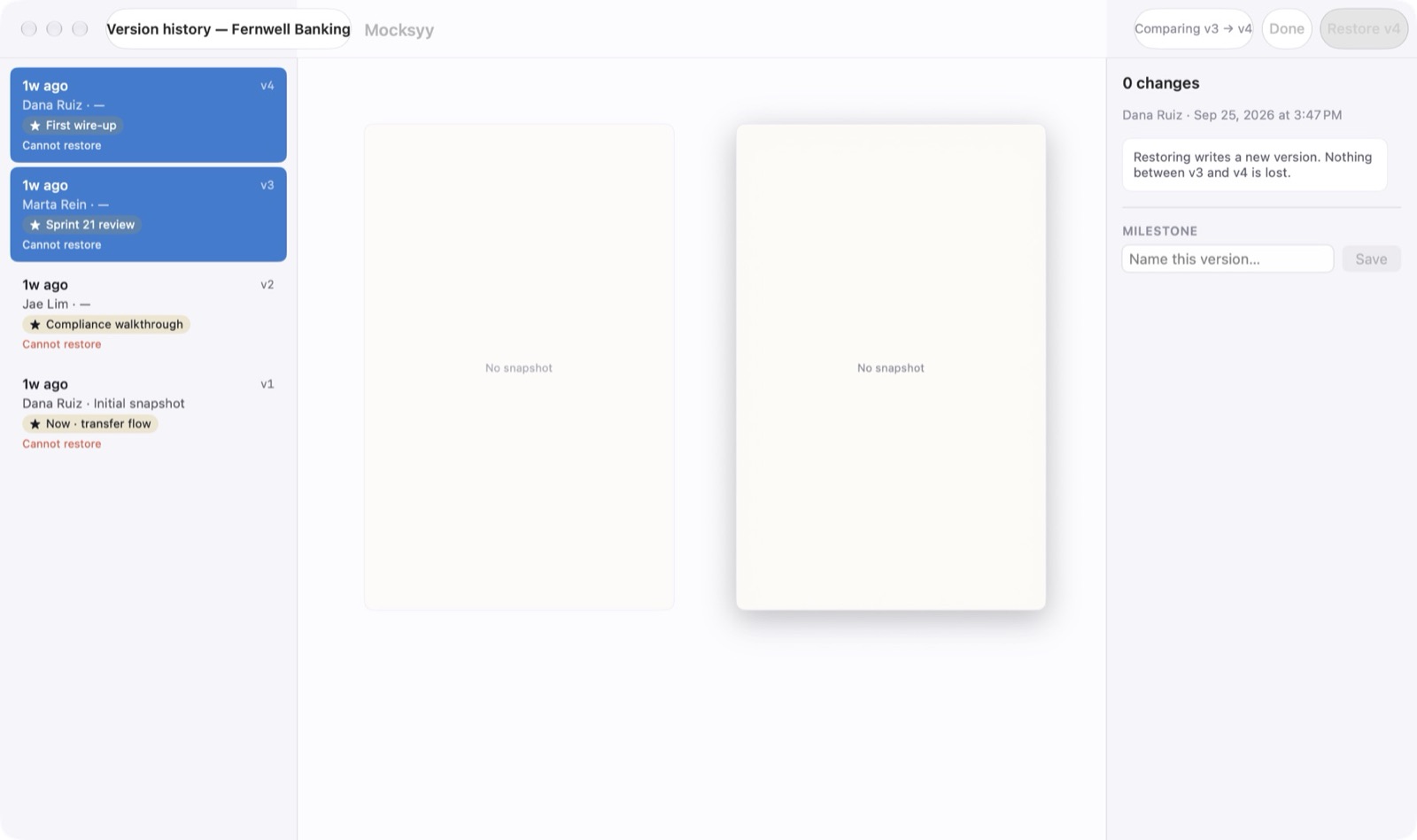
Settings ▸ Sync shows the iCloud Drive status. Documents sync automatically through your iCloud account, and every change lands on this Mac first, so editing offline is normal.
Versions
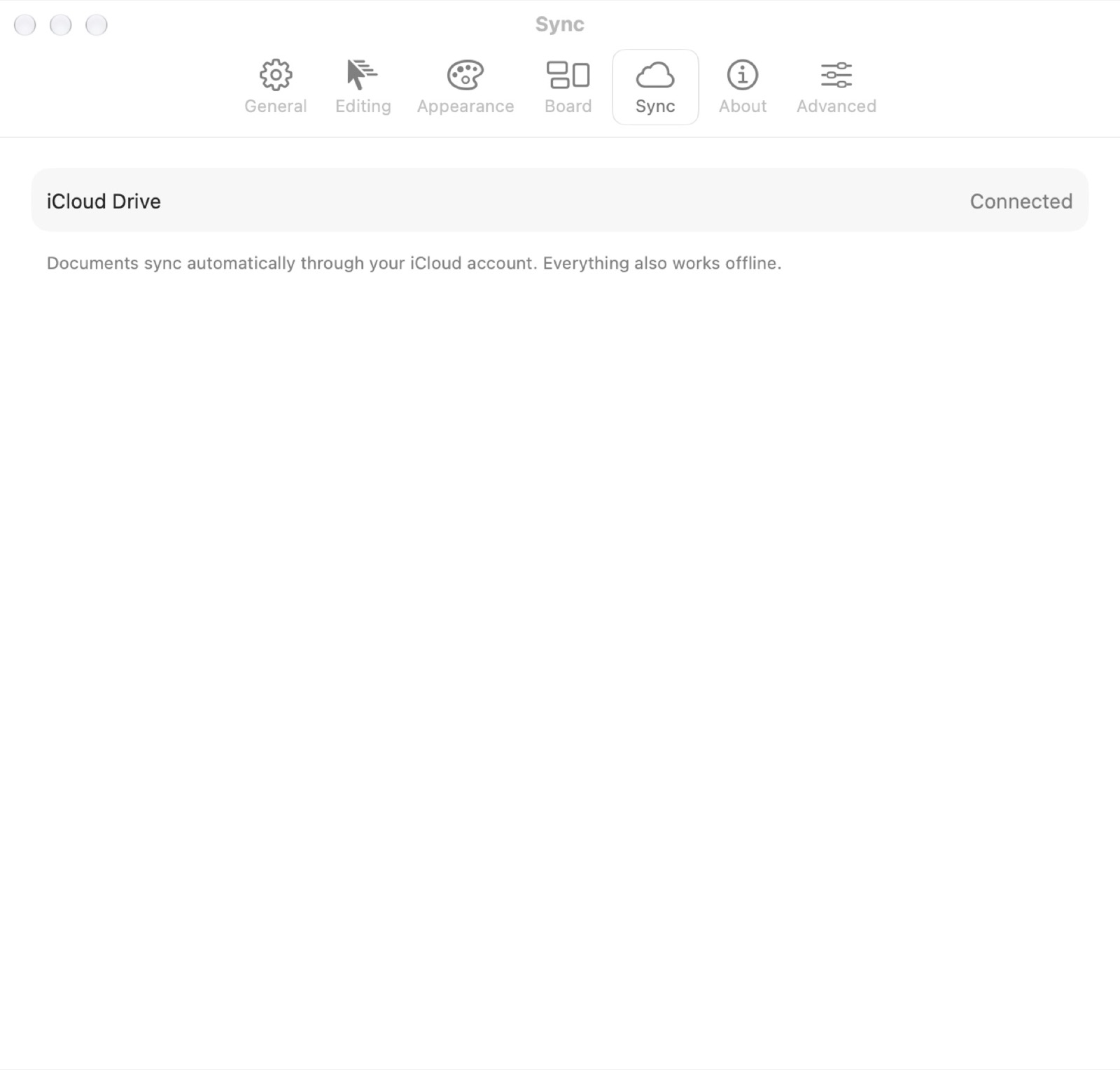
Mocksyy saves a version every 25 edits by default, and again when you close a document with unsaved changes. Change the interval in Settings ▸ General.
Restoring
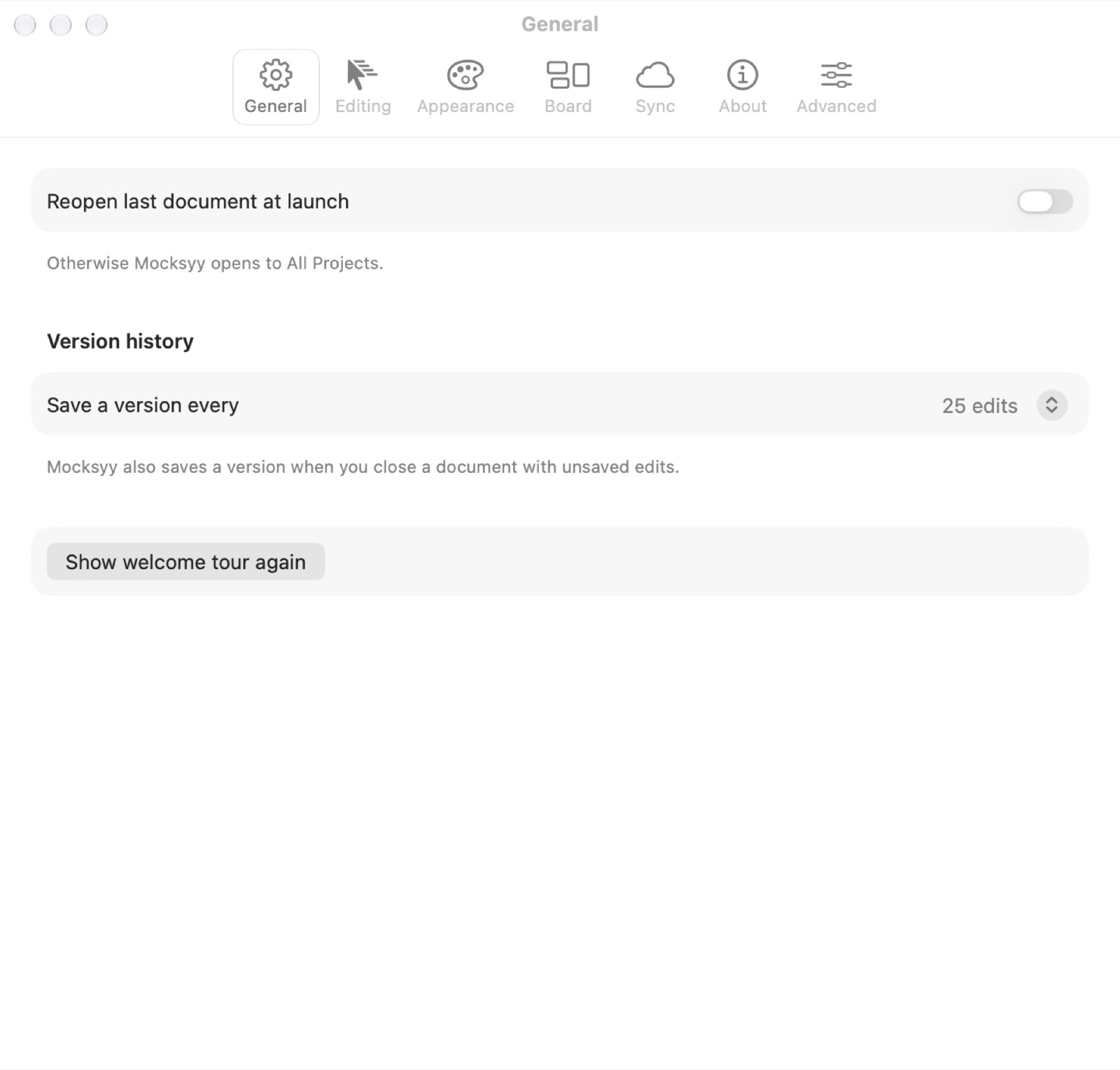
View ▸ Version History opens the history window. Each version shows its author, its milestone name, and what changed. Restoring writes a new version, so nothing between the two is lost. Name a version as a milestone to find it again.