
Every action on the canvas has a keyboard equivalent, and every one can be undone.
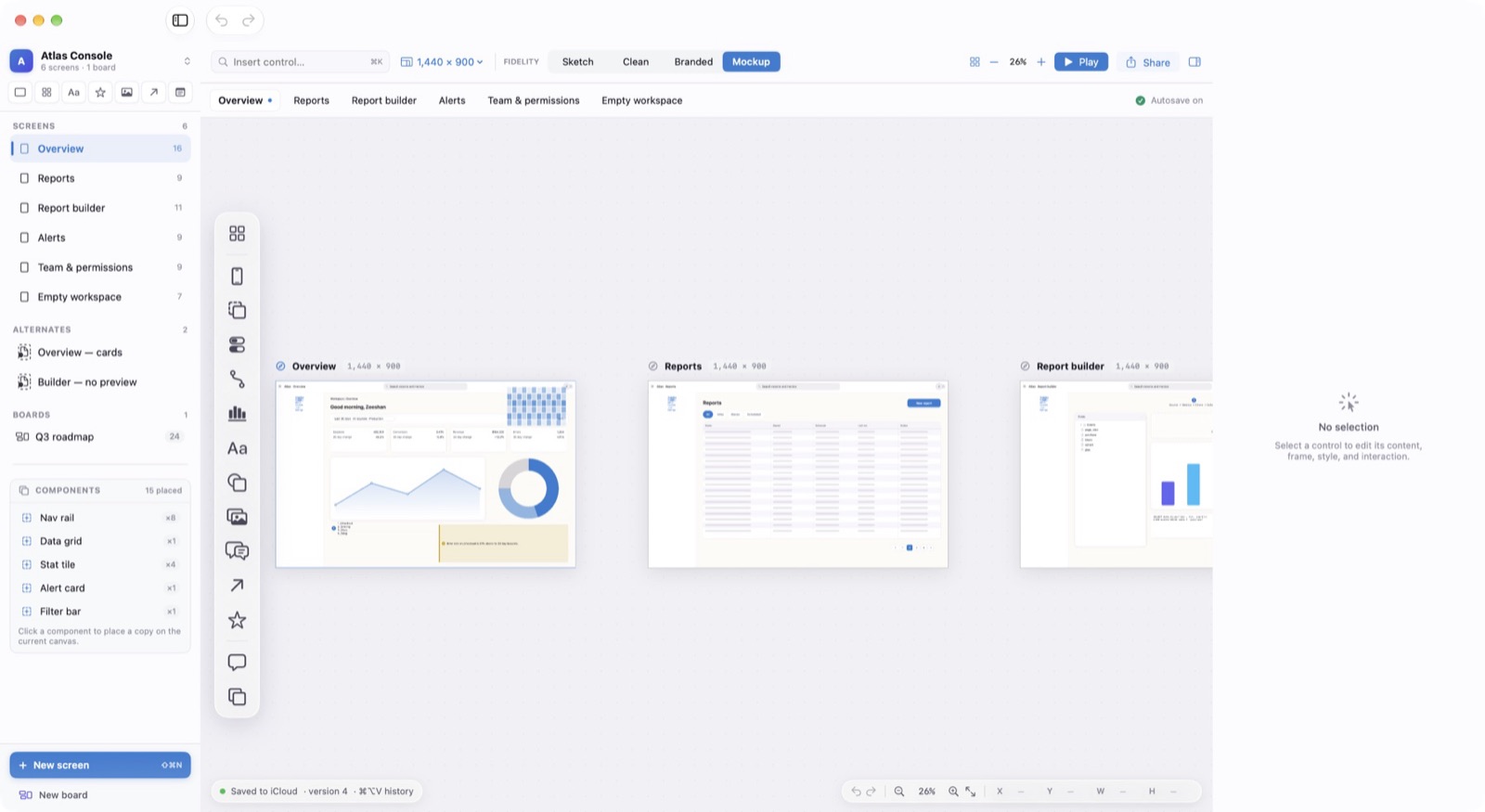
Selecting
Click a control to select it. Drag on empty canvas to draw a marquee. Shift-click or Command-click adds to the selection, and ⌘A selects every control on the screen.
Moving and Resizing
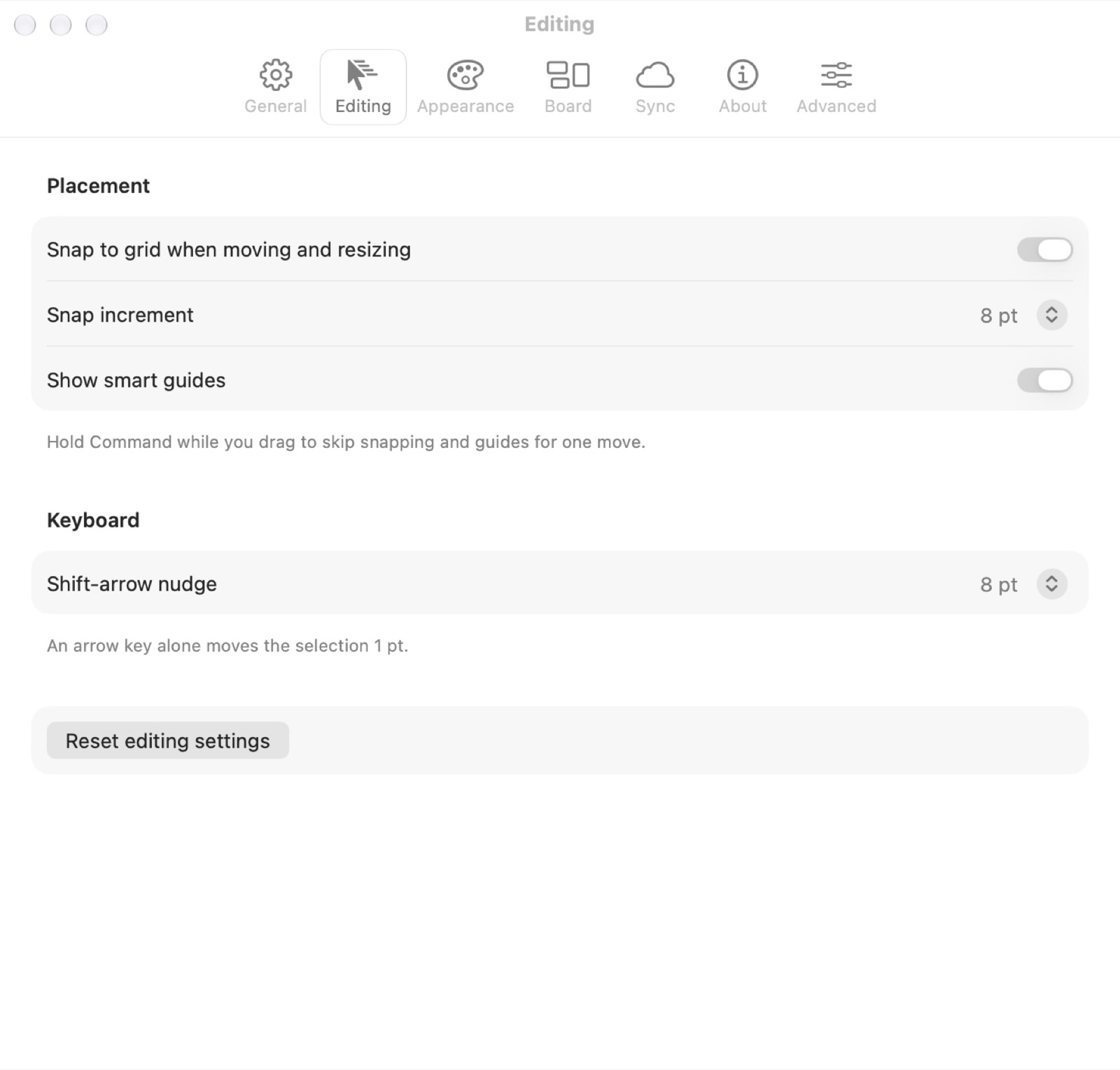
The arrow keys move a selection 1 pt, and Shift with an arrow moves it 8 pt. Hold Shift while dragging to keep to one axis, Option-drag to duplicate, and Command while dragging to skip snapping and guides for that move.
- Duplicate
⌘D - Copy the selection in place.
- Group / Ungroup
⌘G / ⇧⌘G - Treat several controls as one.
- Lock / Unlock
⌥⌘L - Stop a control from moving.
Arranging
The Arrange menu brings controls forward or backward, aligns and distributes them, and resizes several to the same size. Right-click any control for the same actions without the menu bar.