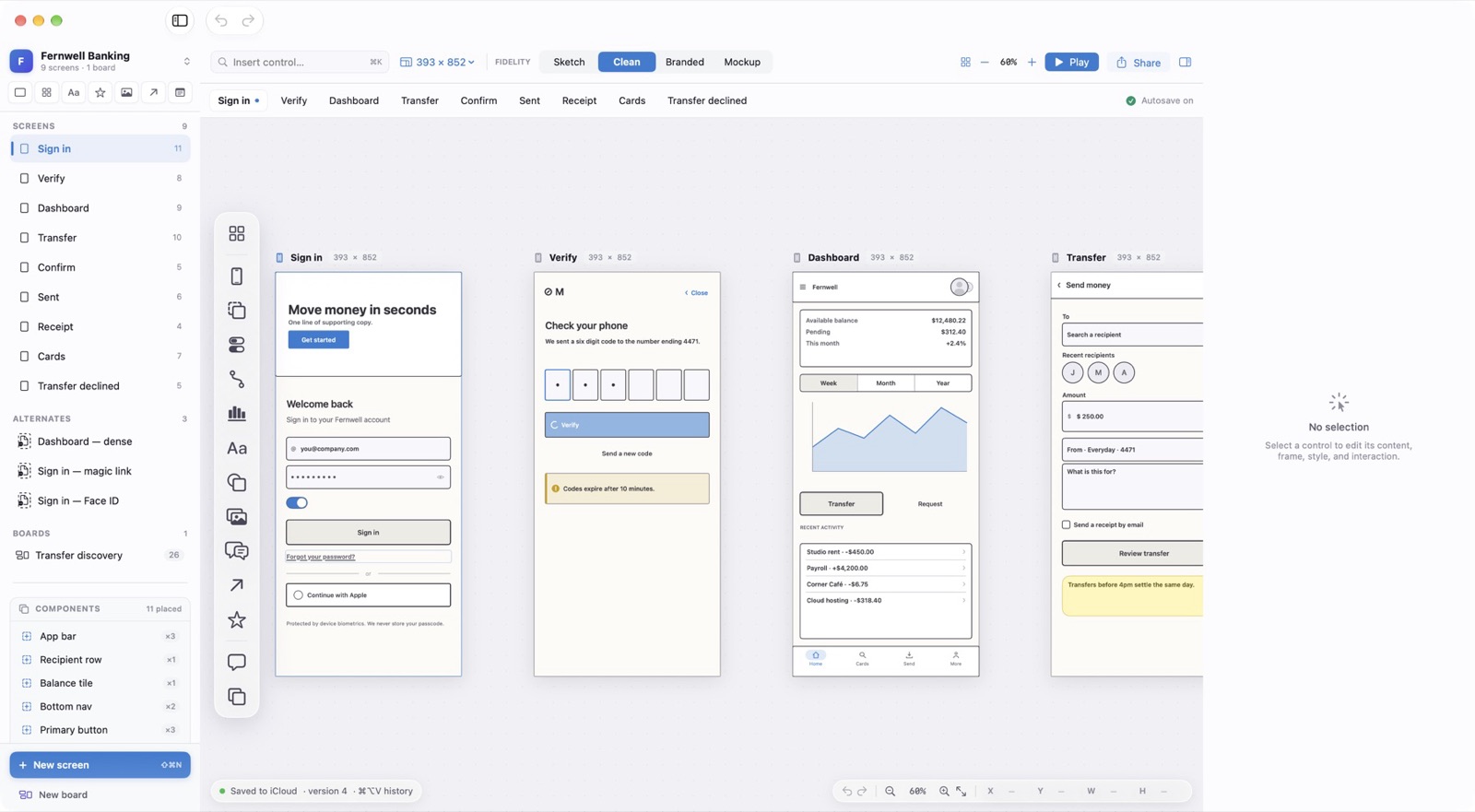
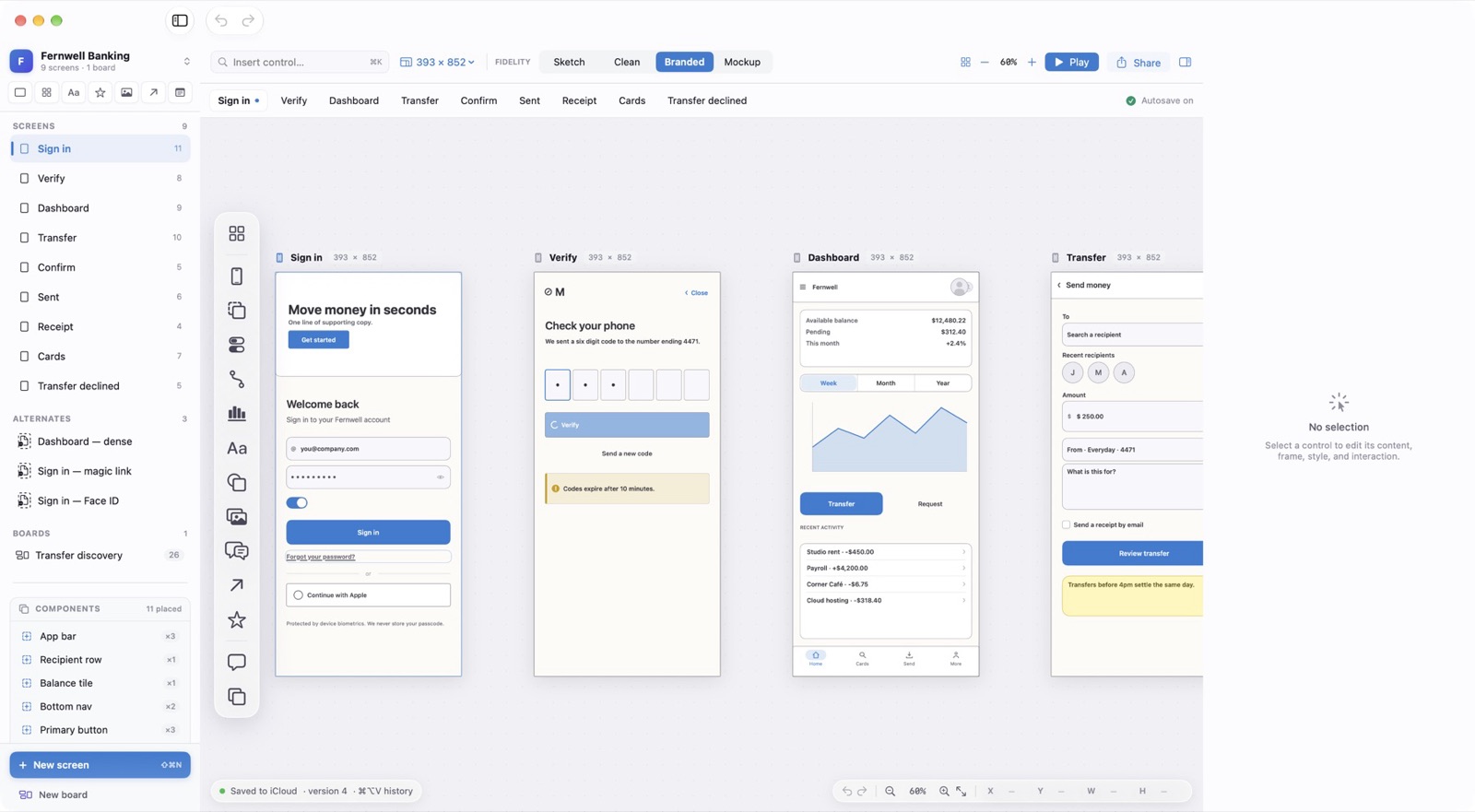
Fidelity changes appearance only. Content and geometry stay exactly where you put them, so a sketch becomes a polished mockup in one keystroke.
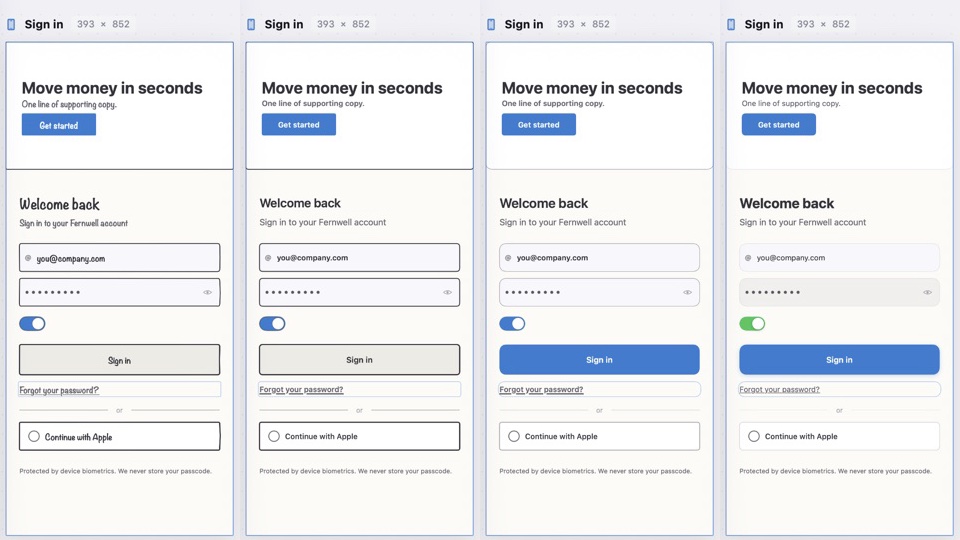
Four Levels
Sketch draws hand-lettered outlines on paper, so nobody mistakes an idea for a decision. Clean sets straight lines and system type. Branded adds your accent colour. Mockup renders realistic controls, photos, and avatars.
- Sketch
⌃1 - Rough and hand-drawn.
- Clean
⌃2 - Neutral wireframe.
- Branded
⌃3 - Wireframe with accent colour.
- Mockup
⌃4 - Realistic and presentable.
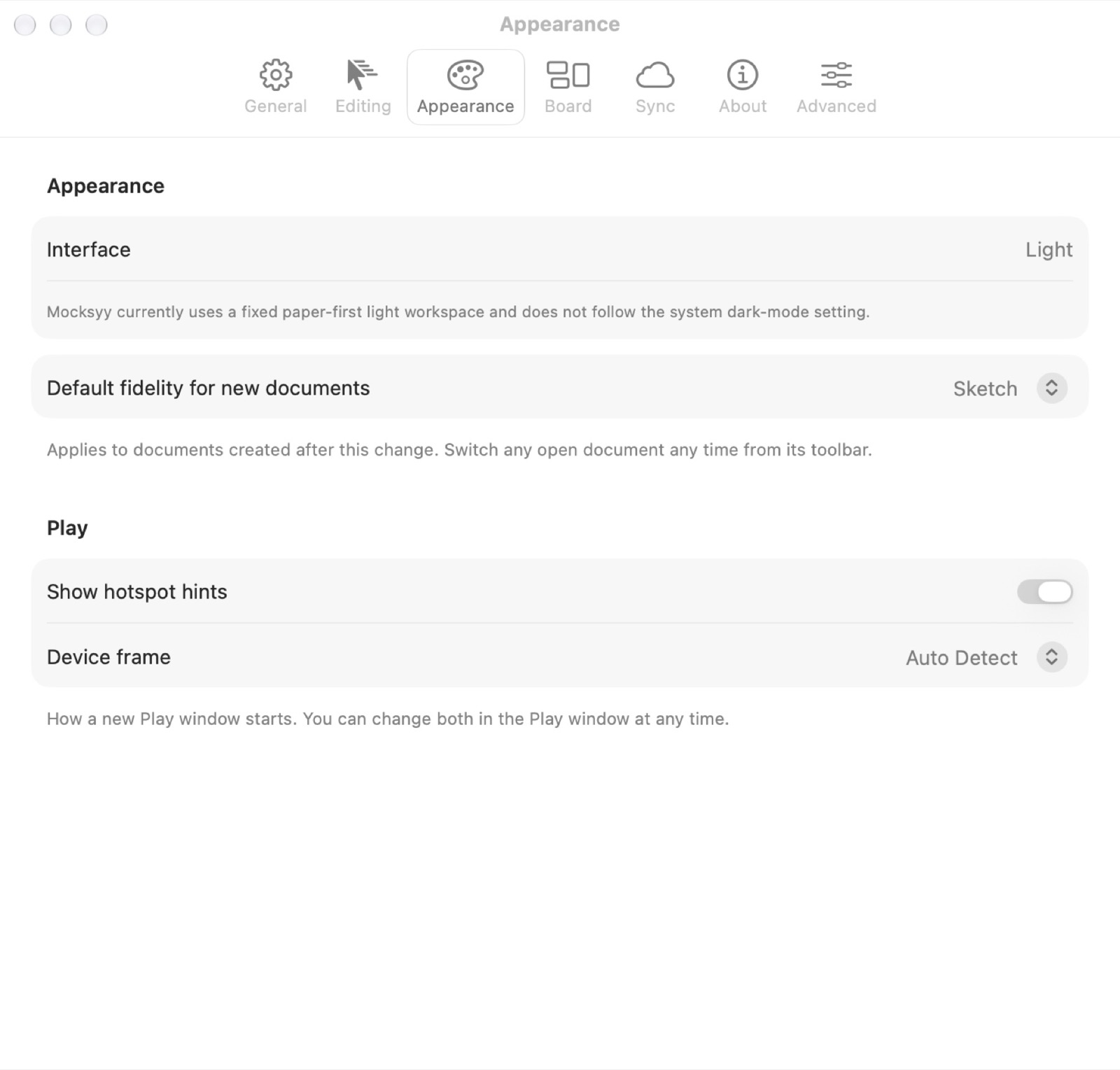
The Default for New Documents
Settings ▸ Appearance sets the fidelity new documents open in. Each document saves its own choice, so switching one never changes another.