
An alternate is a variation of a screen, such as Sign in with a magic link or with Face ID. It lives beside the original instead of replacing it.
Comparing
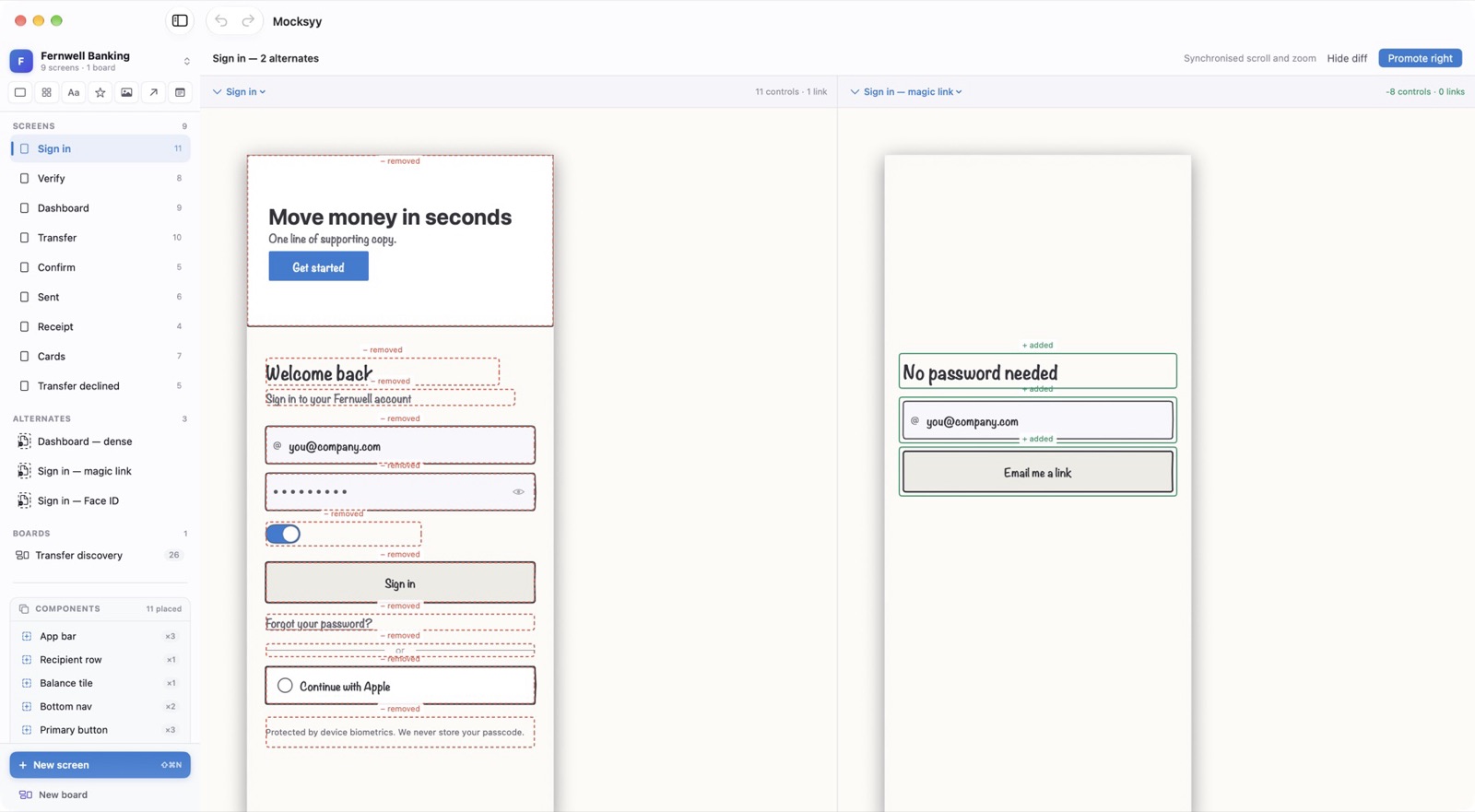
View ▸ Alternates (⌘3) shows the original and an alternate side by side with synchronized scroll and zoom. Show diff marks what was added, changed, and removed.
Promoting
When an alternate wins, Promote right makes it the main screen. The original stays in the document as an alternate.