
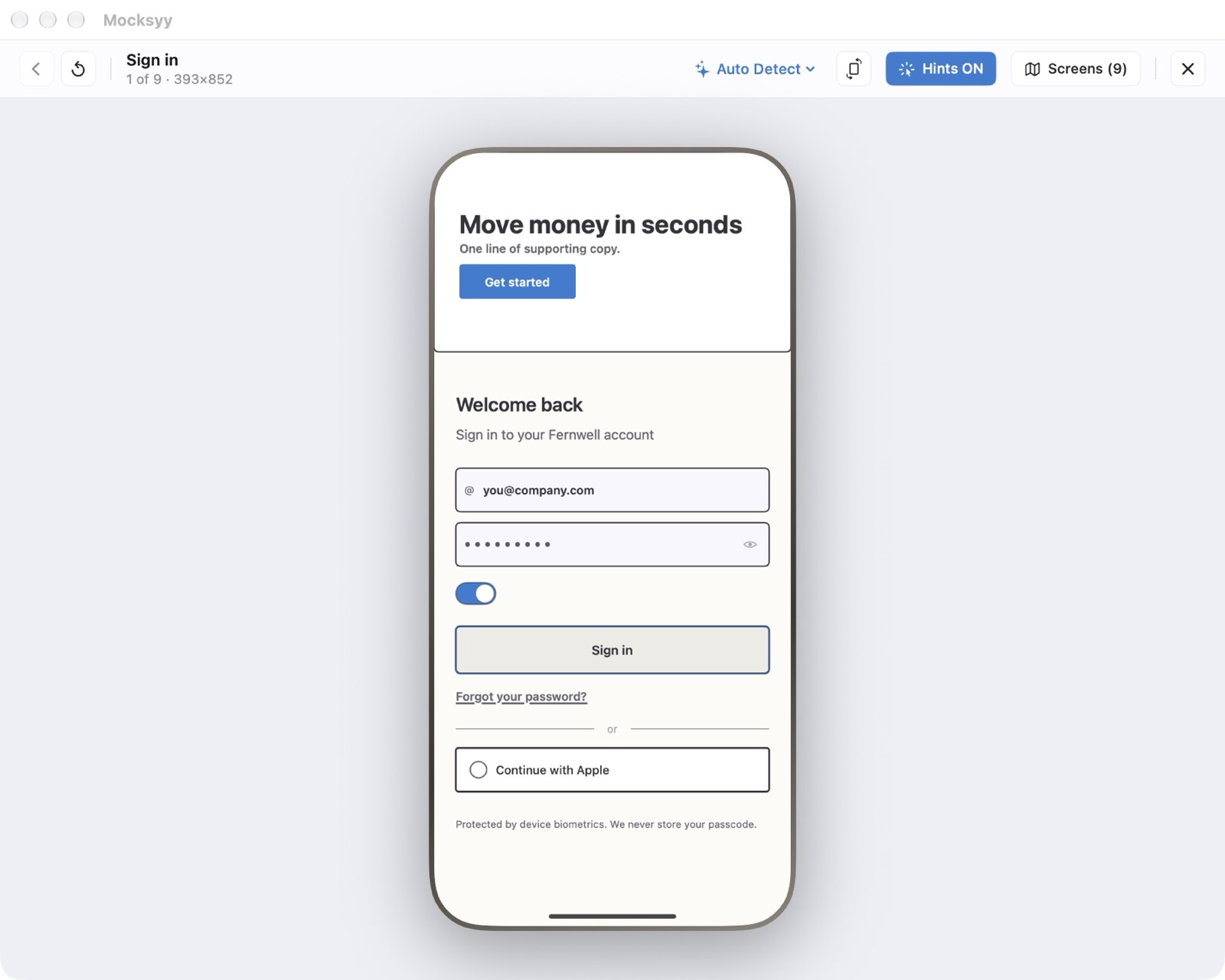
Play opens the prototype in its own window, in a device frame, starting from the first screen.
Starting Play
Choose Flow ▸ Play (⌘Return). The window shows the screen name, its position in the flow, and its size.
Hints and Device Frames
Hints ON outlines every hotspot so a reviewer knows where to tap. The device frame is chosen automatically from the screen size, or pick one yourself. Settings ▸ Appearance sets the defaults for new Play windows.