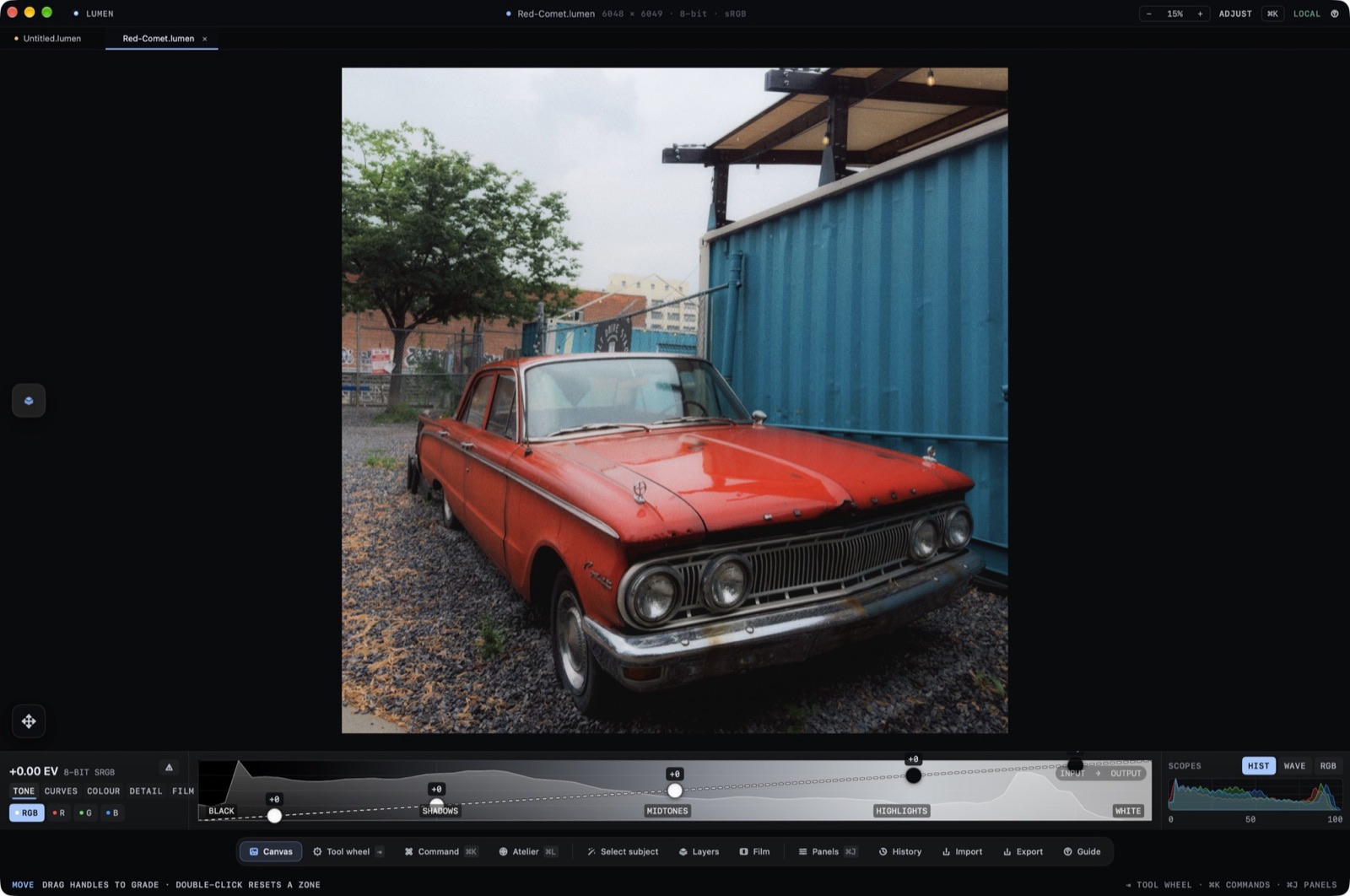
Lumen is a private, native photo editor for macOS and iOS. It uses Apple frameworks exclusively: SwiftUI, AppKit and UIKit, Metal and Core Image, ImageIO and ColorSync, and Vision. Photographs stay entirely on your device unless you choose to export or share them.
The Reversible Edit Graph
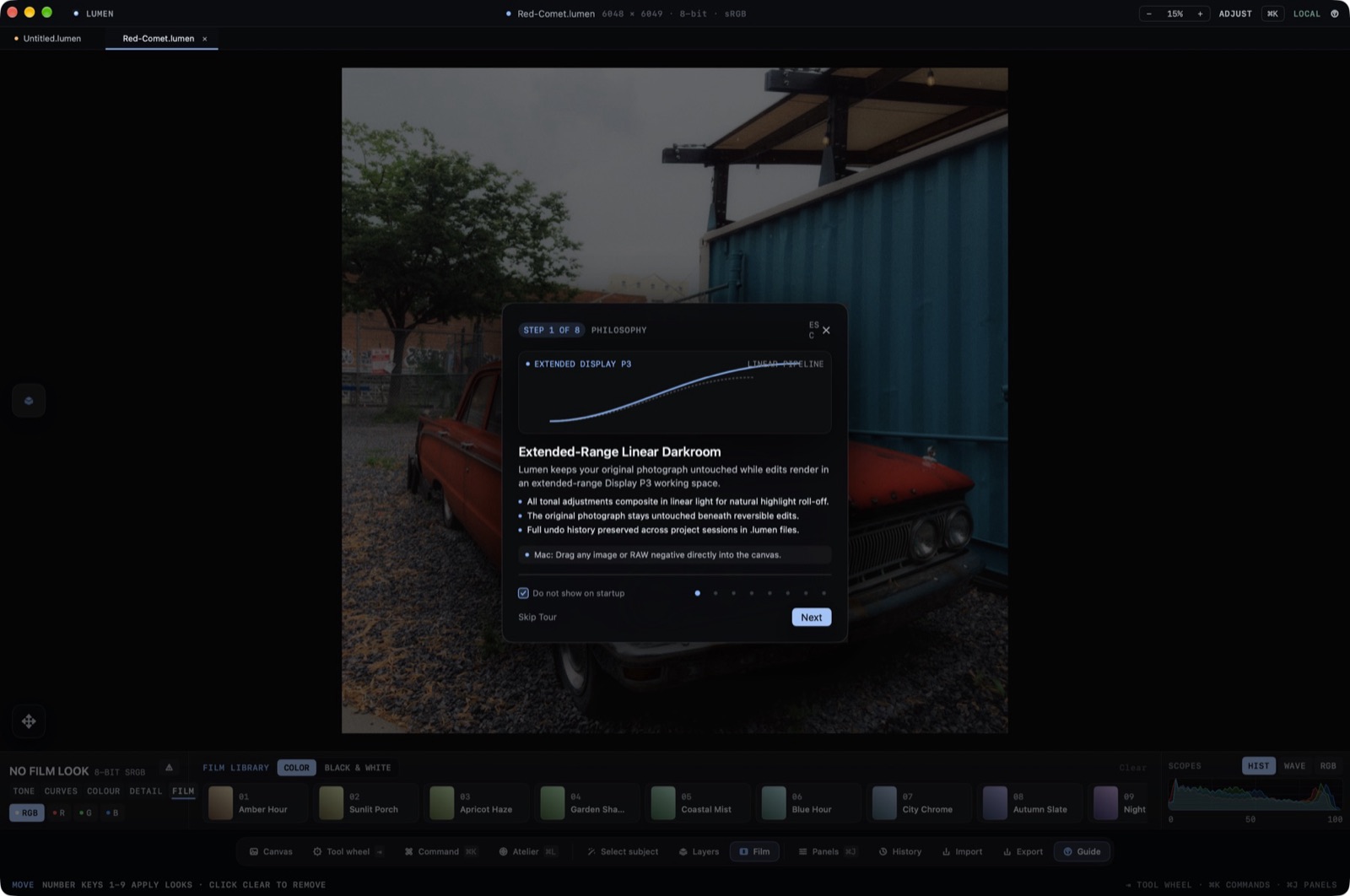
Every edit in Lumen sits in a non-destructive, mathematically reversible edit graph over the preserved original. The source pixels are never altered or degraded.
When you open a RAW camera negative, high-resolution JPEG, or TIFF, Lumen creates a lightweight document state. The current edit values are recorded in history and rendered on the GPU when the canvas, save, or export requires pixels.
You can travel backward in time to any previous step, branch alternative grading paths, or completely reset individual parameter groups without affecting other adjustments.
On-Device Privacy Guarantee
Lumen does not connect to third-party cloud servers, requires zero user accounts, and runs no analytics tracking. Your photographs, masks, and metadata remain strictly on your local device.
Opening Your First Photograph
Press ⌘O or drag any photograph from Finder into the Lumen window. Lumen loads camera RAW files through Apple's CIRAWFilter pipeline, giving you immediate interactive feedback on the canvas.