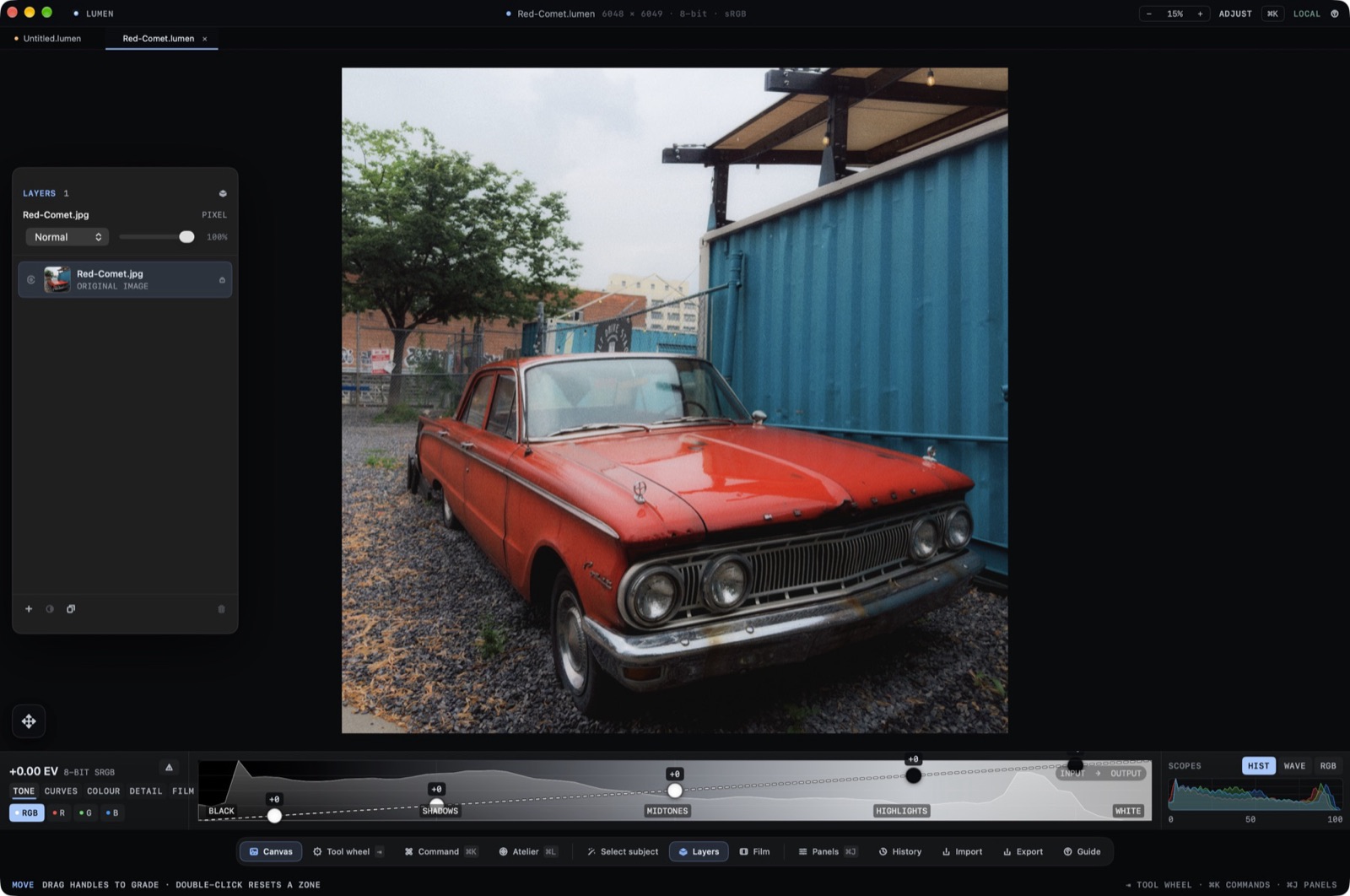
Stack on the dock opens Layers. The count is in the panel header. The original file is the bottom row and is labeled original image.
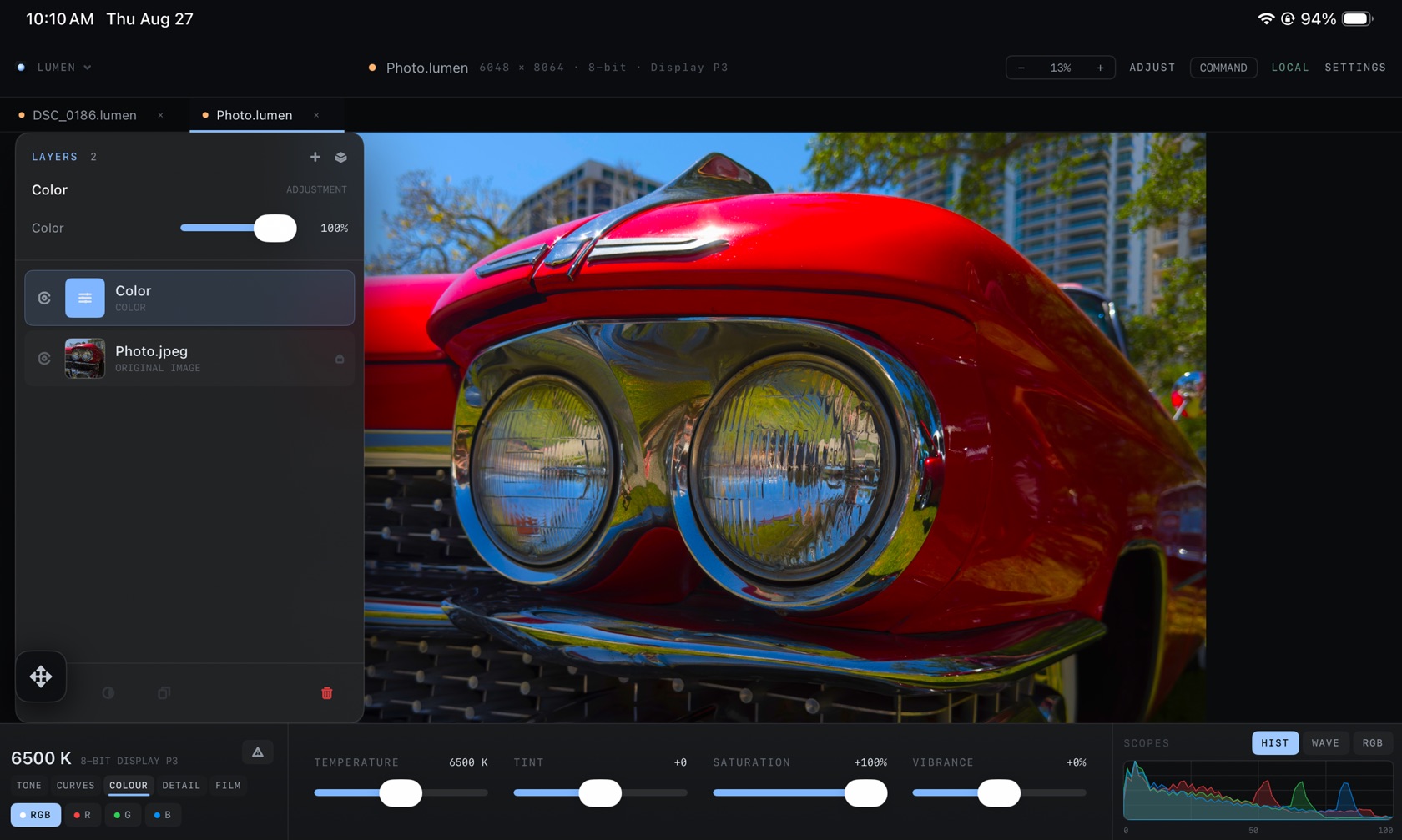
Non-Destructive Layer Stack
A colour grade is an adjustment layer above the photo. In the iPad stack that row is named Color, typed COLOR, with ADJUSTMENT on the panel header and an opacity slider at 100%. The row under it is the source file, for example Photo.jpg, typed ORIGINAL IMAGE. Visibility is the eye on the row. The document tab still shows the .lumen name, the pixel size, the bit depth, and the profile.
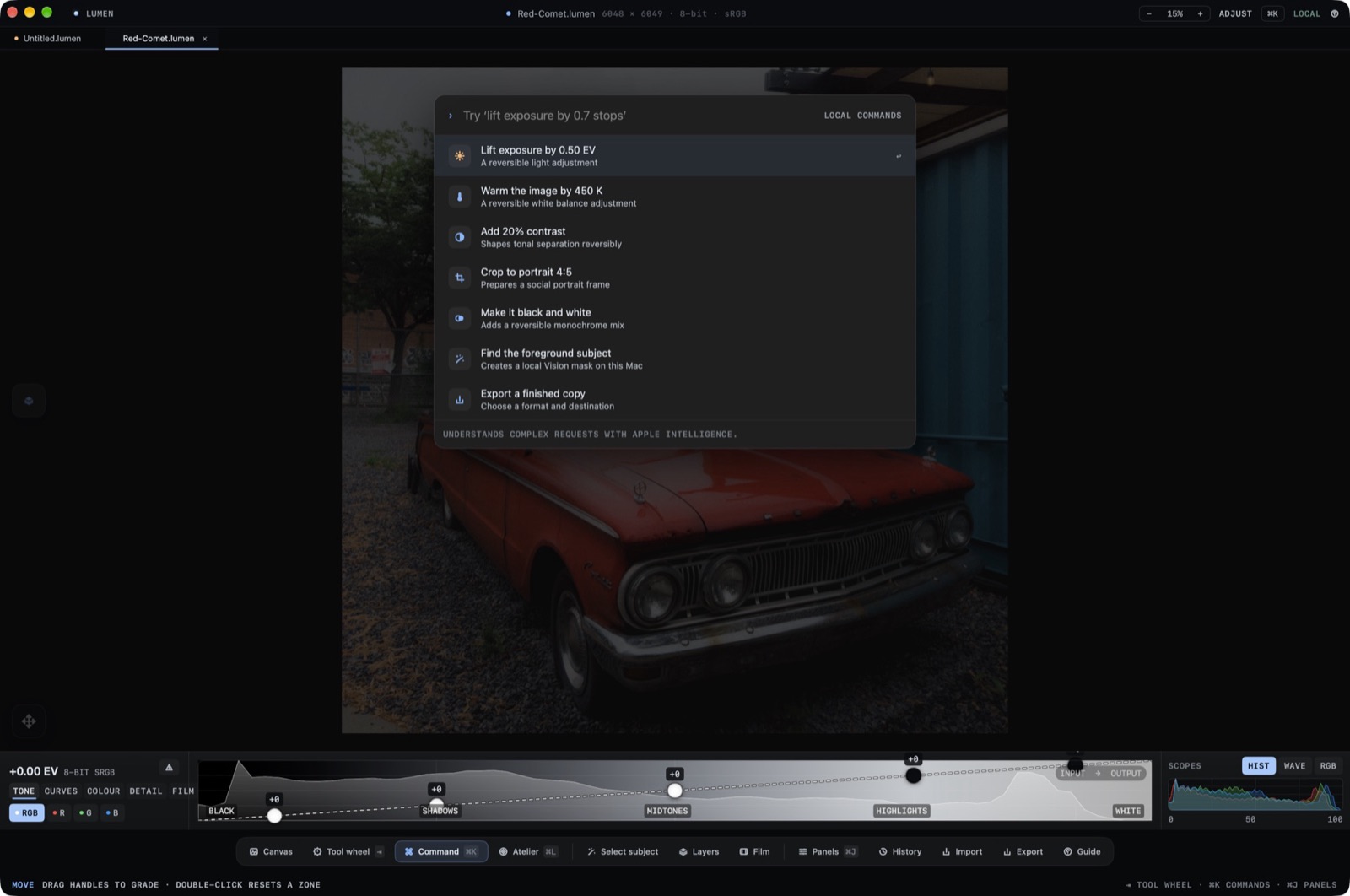
AI Select
AI select is a dock button, between Command and Stack. It isolates a subject so the adjustment above the original can be limited to that selection. The source row stays in the stack.
Layer Masks
Mask painting limits a layer without touching the original row. Opacity is the percent slider on the adjustment. COLOUR in the ribbon (temperature, tint, saturation, vibrance) is the set of sliders that adjustment is driving when the Color layer is selected.