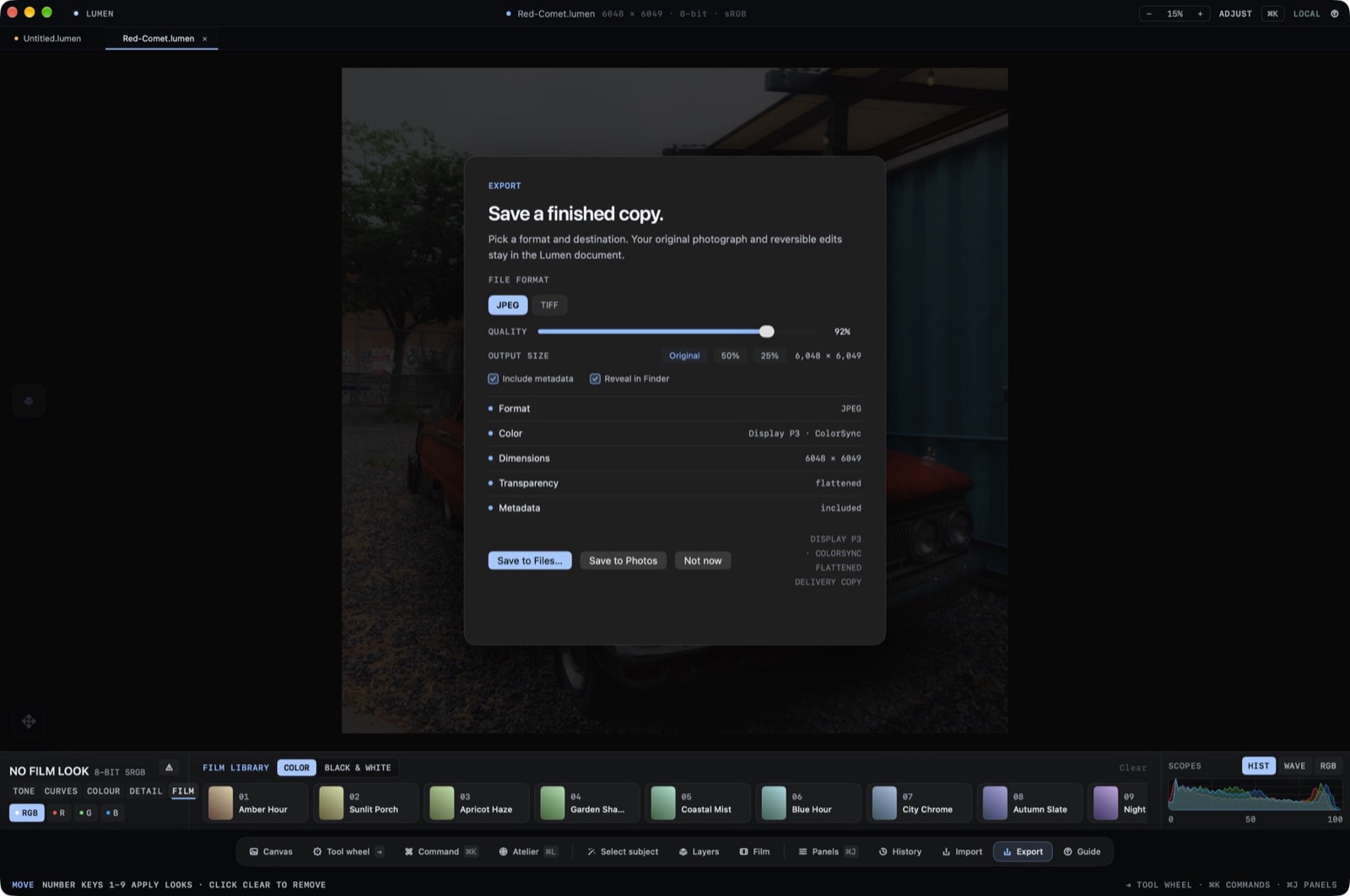
The working file is a .lumen document. Export writes a flattened copy and leaves that document alone. The save sheet says: Export a flattened copy. Your Lumen document will not change.
The .lumen Document
The window title is the document name with a .lumen extension, plus the pixel size, the bit depth, and the profile, such as Display P3 or Embedded RGB. Opening accepts JPEG, PNG, TIFF, HEIC, and RAW negatives.
The Profile on the Title Bar
The title bar prints the profile the canvas is using. A new document can prefer JPEG, and JPEG and HEIC flatten transparency onto white when exported.
Flattened Formats
On the Mac the export formats are JPEG and TIFF. On iPhone and iPad they are HEIC, JPEG, and TIFF. If the chosen format is missing, the status line says Choose an available export format.