
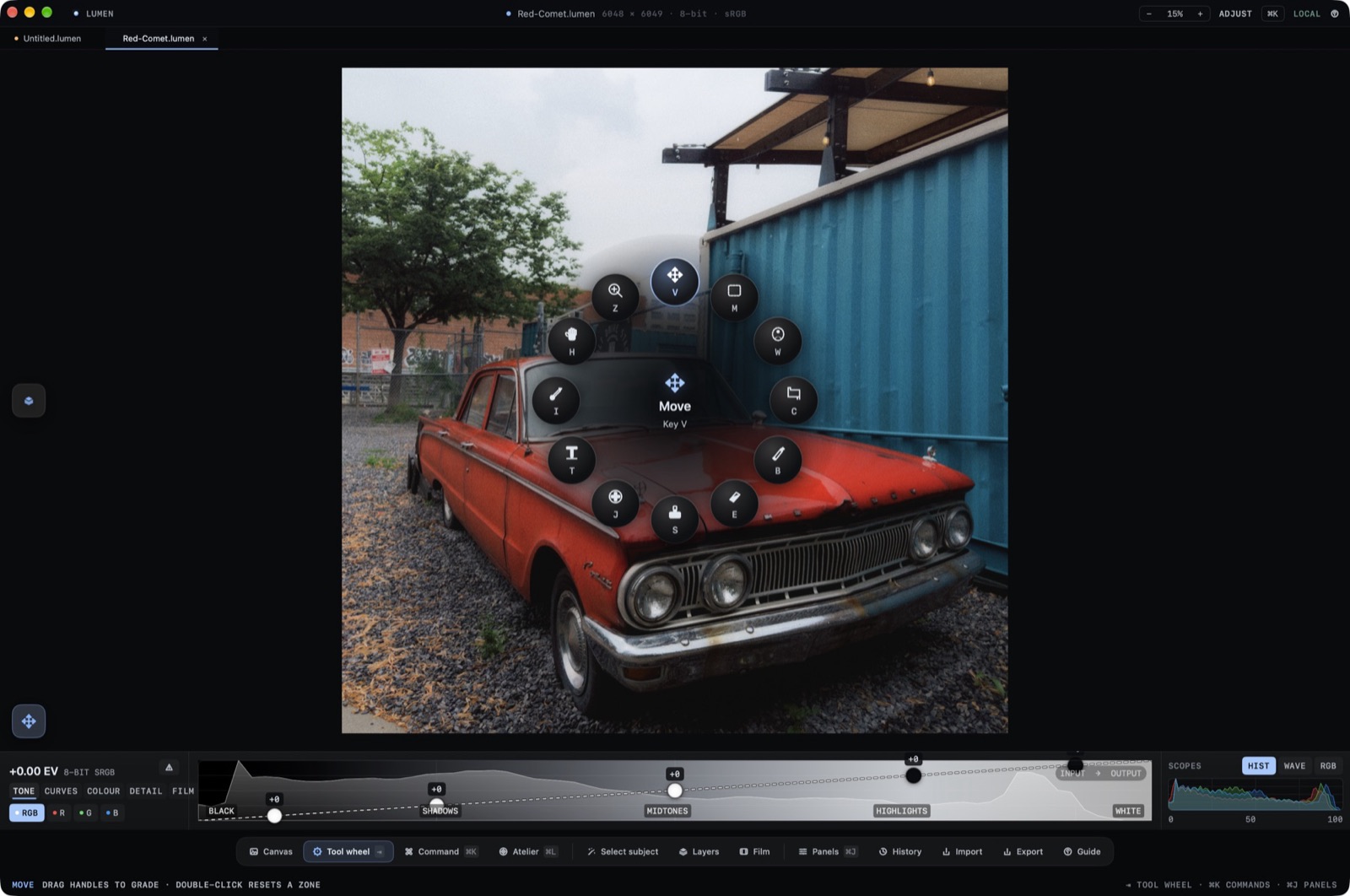
Local repair sits on the tool wheel and in the layer stack. The wheel is opened with Space. Spotting strokes belong on a layer, so the original file stays the bottom item in the stack.
The Tool Wheel
Hold Space and take a wedge. The labeled center tool is MOVE (V). Crop is C, the hand is H, zoom is Z, and the brush is B. The other wedges are lettered Y, M, W, I, J, S, and E. A spotting stroke is a layer you can turn off. It does not rewrite the source file.
History
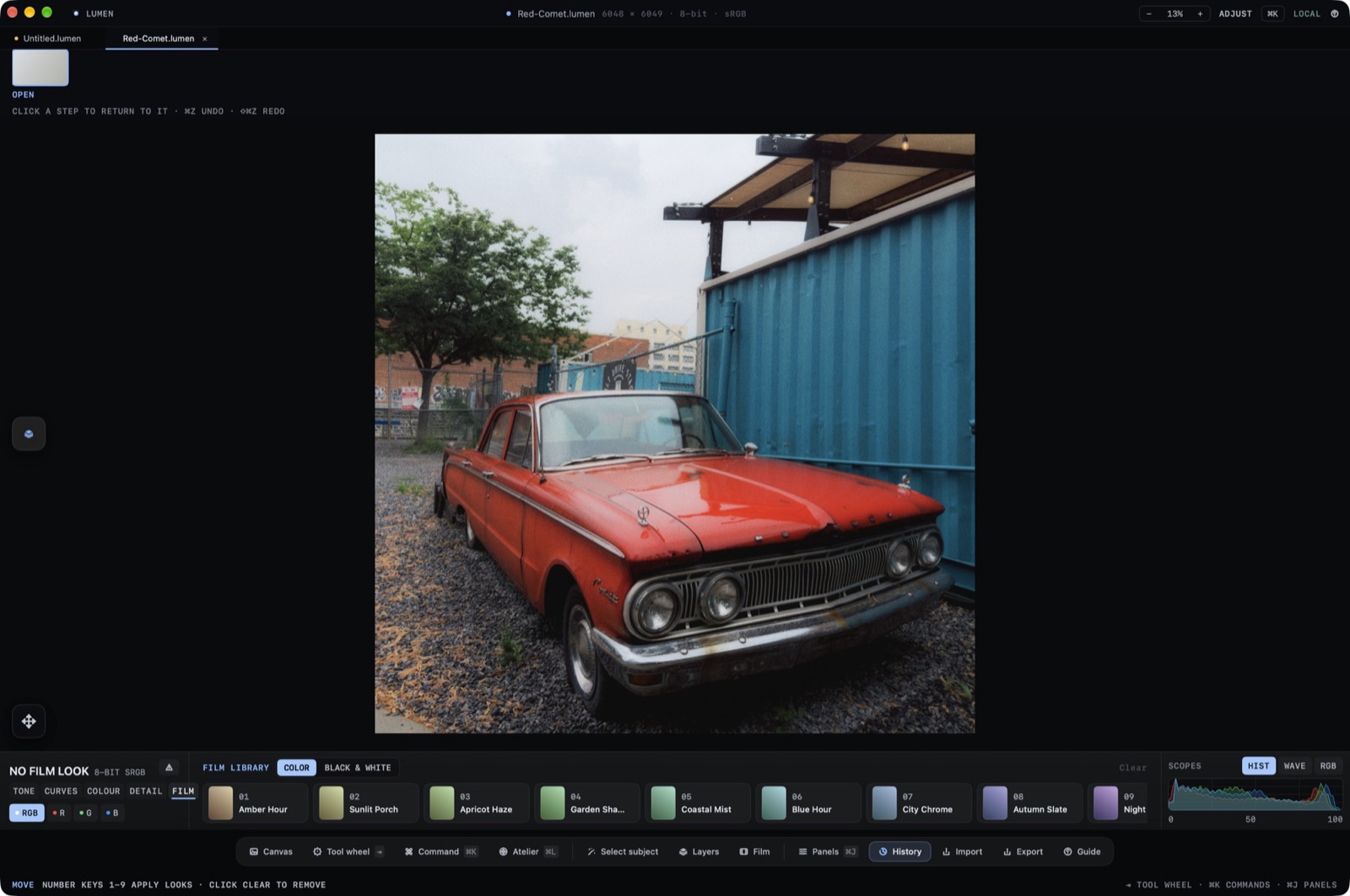
Healing is undoable from History on the dock. If a repair should not stay, disable that layer or step back in History. The original remains the bottom row of the stack, marked original image.
The S Wedge
S is one of the wheel letters. Sample and paint stay on the active layer. Opacity for an adjustment layer is the slider in the stack, shown as a percent.