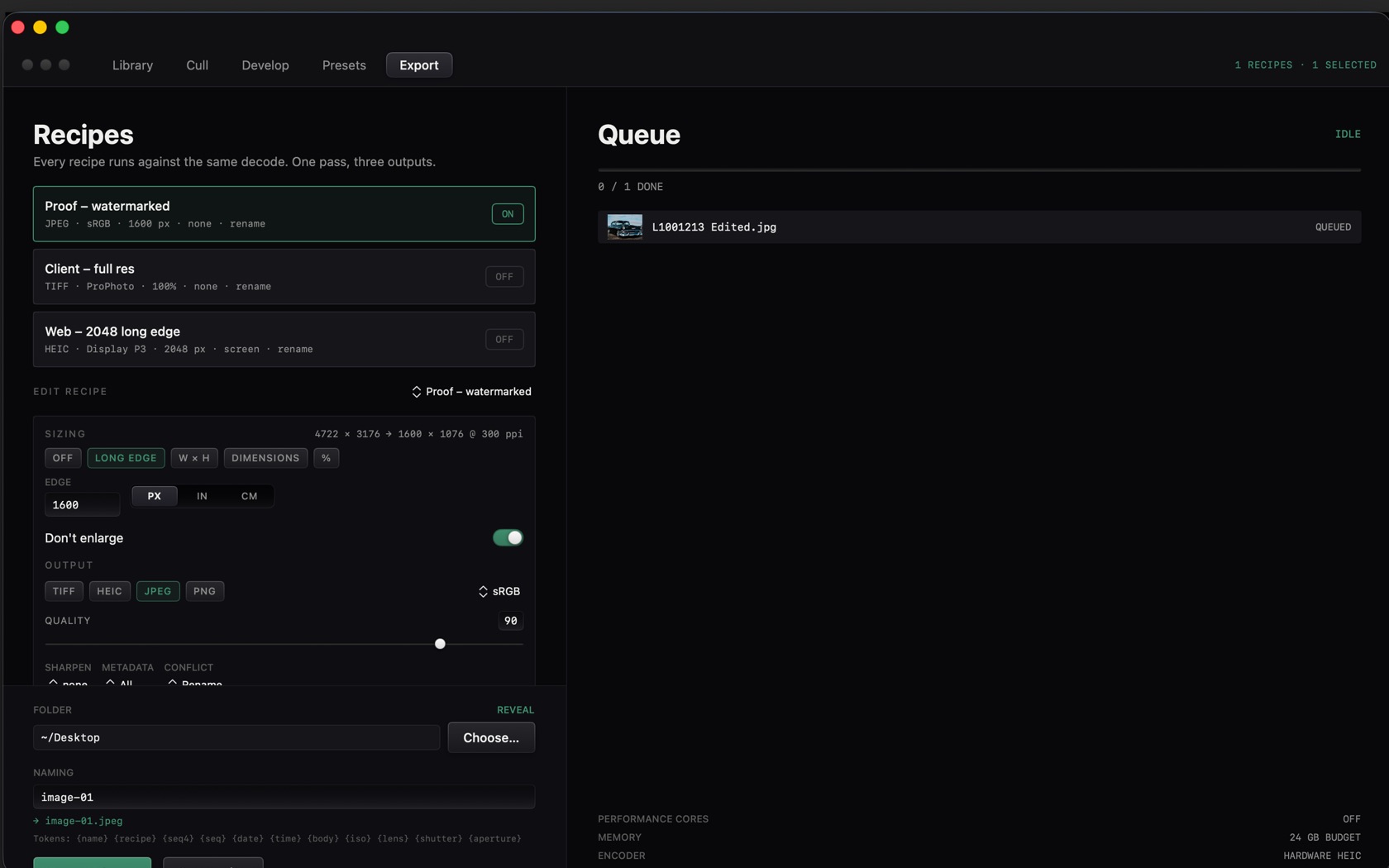
The main window is the workspace. The toolbar names the five modules. Everything else changes with the module you have selected.
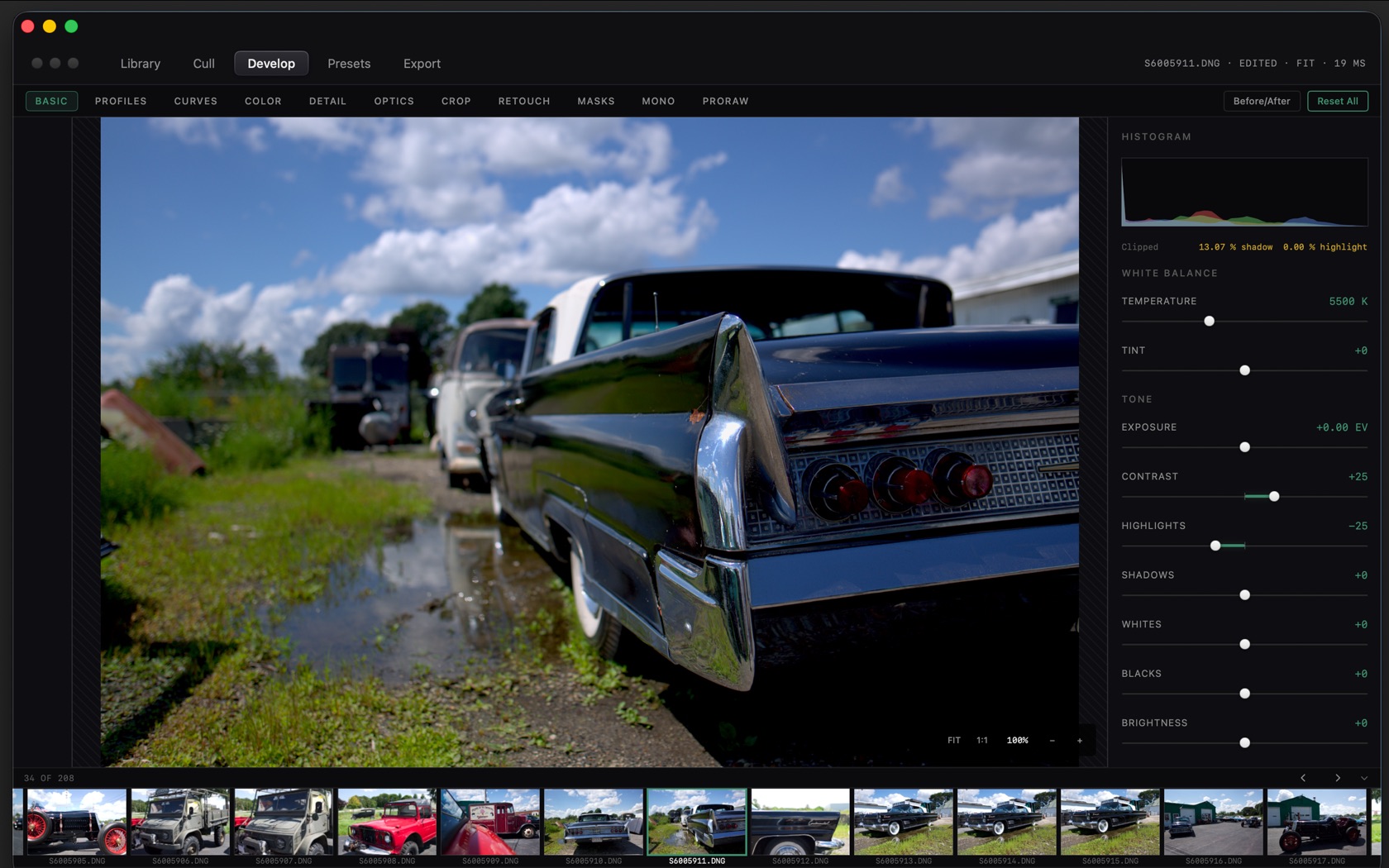
Toolbar
Left to right: the traffic lights, then the module switcher, then the file status on the right.
Module Switcher
- Library
- The grid. Live folders, cloud drives, Apple Photos import, and smart collections sit in the left column. Filters are EDITED, PICK, REJECT, UNRATED, and stars.
- Cull
- Two-up compare. The header reads ZOOM LINKED when both loupes share a magnification. Pick is P. Reject is X.
- Develop
- The loupe and the inspector. Panes: BASIC, PROFILES, CURVES, COLOR, DETAIL, OPTICS, CROP, RETOUCH, MASKS, MONO, PRORAW.
- Presets
- The saved-grade module, between Develop and Export.
- Export
- Recipes and Queue. One decode, several outputs.
- File status
- Filename, EDITED when a grade exists, FIT or the zoom, and the render time in milliseconds.
- .s612
- The Mono pane footer states where the grade was written, for example EDITS WRITTEN TO a
.s612file beside the original.
Loupe Viewport & 1:1 Inspection
The loupe scale is FIT or 1:1. At 1:1 the readout is 100%. Before/After and Reset All sit above the inspector.
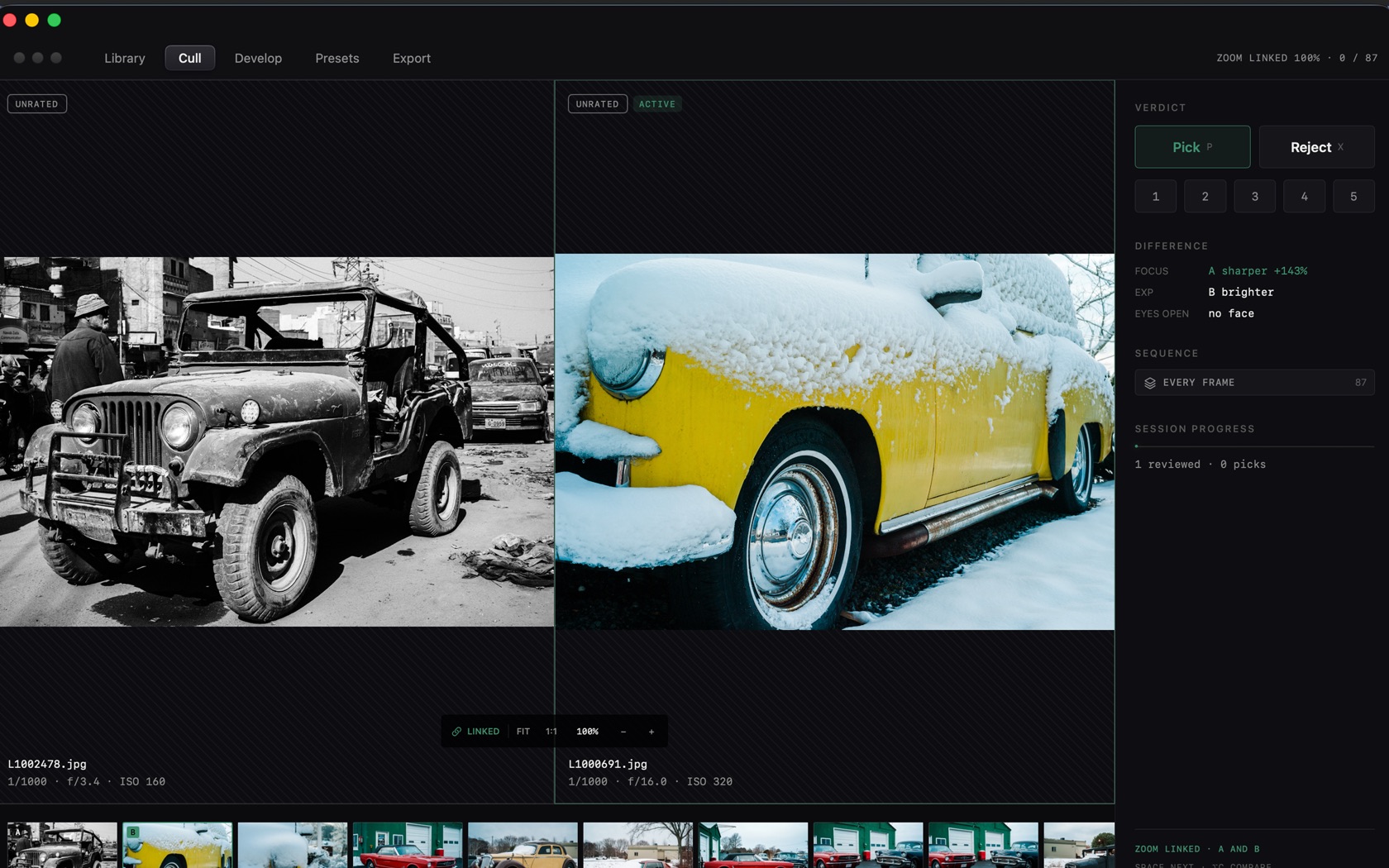
Flicker-Free Filmstrip
The filmstrip is the bottom row. The index reads as a count, such as 34 OF 288. In Library the status line on the right reads LIVE, the added count, and ALL PREVIEWS BUILT once thumbnails are ready.
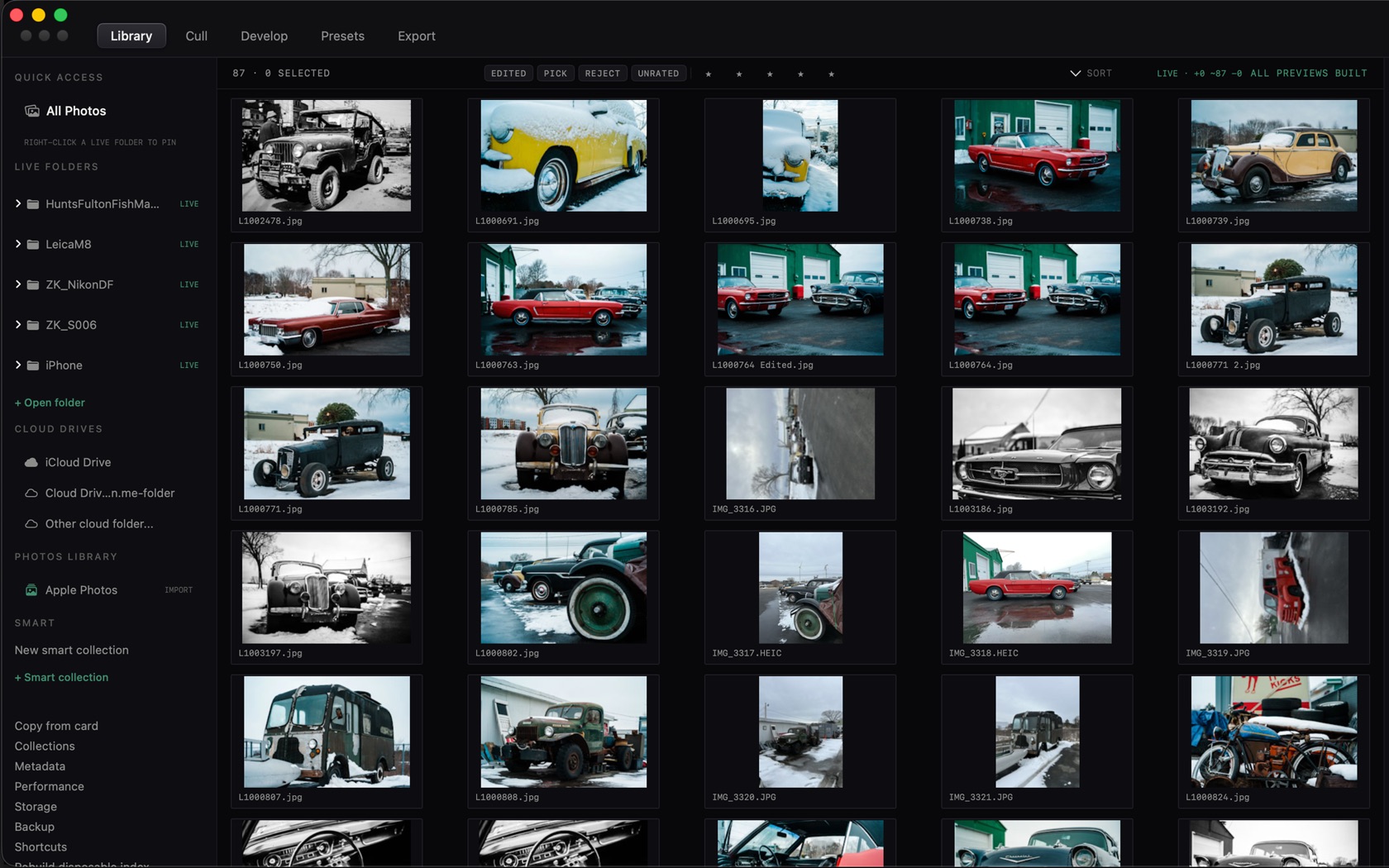
Sidebars & Inspectors
- Library sidebar. Quick Access, Live Folders, Cloud Drives, Photos Library, Smart collections.
- Develop inspector. Histogram and clipped shadow/highlight on BASIC. Profiles, curves, color, detail, optics, crop, retouch, masks, mono, and ProRAW are the other panes.
- Cull verdict. Pick P, Reject X, stars 1–5, Difference, Sequence, Session progress.
- Export. Recipes on the left, Queue on the right.