
Batch Export turns your developed picks into distribution-ready deliverables in parallel across all CPU and GPU cores.
Configuring Multi-Recipe Exports
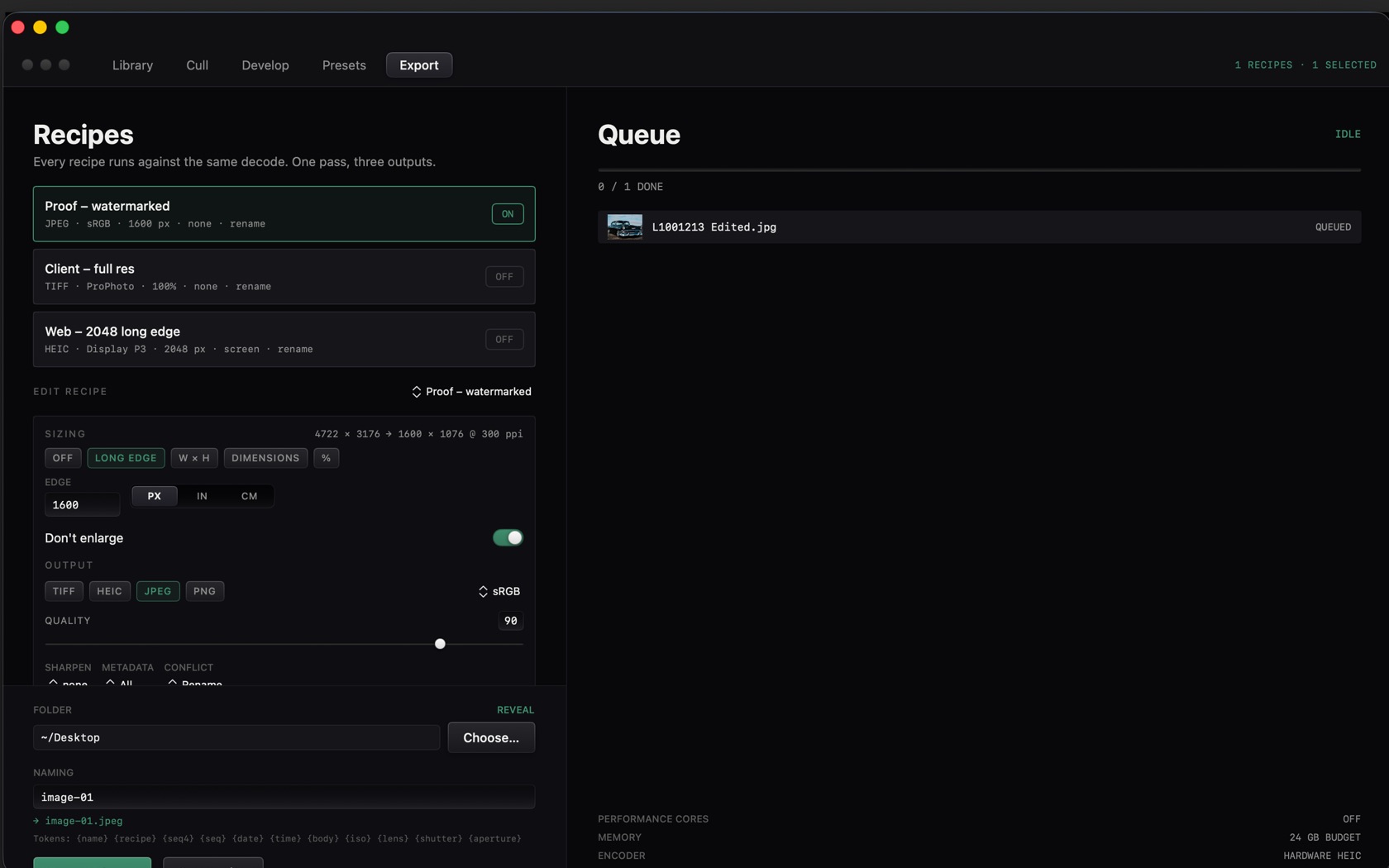
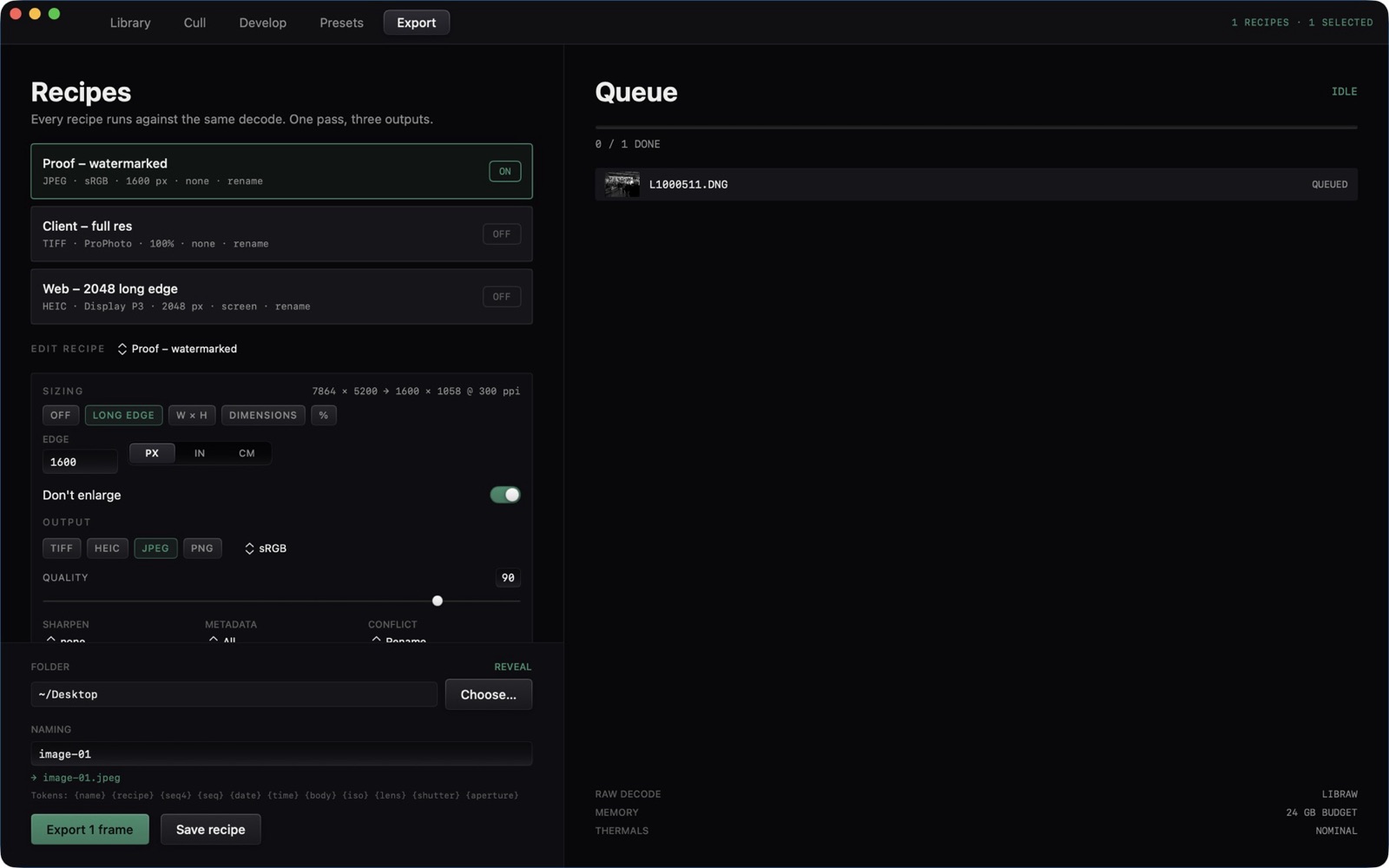
Each recipe has an ON / OFF switch. The queue shows the selected frames, a done count, and QUEUED or IDLE. The header counts recipes and the selection, for example 1 RECIPES · 1 SELECTED.
- Proof, watermarked
- JPEG, sRGB, a long edge such as 1600 px.
- Client, full res
- TIFF, ProPhoto, 100%.
- Web, 2048 long edge
- HEIC, Display P3, 2048 px.
Color Spaces & ICC Profiles
Output format is TIFF, HEIC, JPEG, or PNG. The profile chip sits beside the format buttons. The sample recipes use sRGB, ProPhoto, and Display P3.
- Sizing
- OFF, LONG EDGE, W × H, DIMENSIONS, or %. Units are PX, IN, or CM. Don't enlarge is a switch.
- Quality
- The JPEG / HEIC quality slider.
- Folder
- A path, with Reveal and Choose.
- Naming
- A pattern such as image-01.jpeg. Tokens: name, recipe, seq, date, time, body, iso, lens, shutter, aperture.
- Queue footer
- PERFORMANCE CORES, MEMORY, ENCODER, and a budget line such as 24 GB BUDGET and HARDWARE HEIC.
Dynamic Watermark Stamping
A recipe can carry a watermark in its name, as the Proof recipe does. SHARPEN, METADATA, and CONFLICT sit on the edit-recipe tabs under the output format.