Control Linen entirely from the keyboard with the Command-K palette, rapid line jumping, and multi-root project folder navigation.
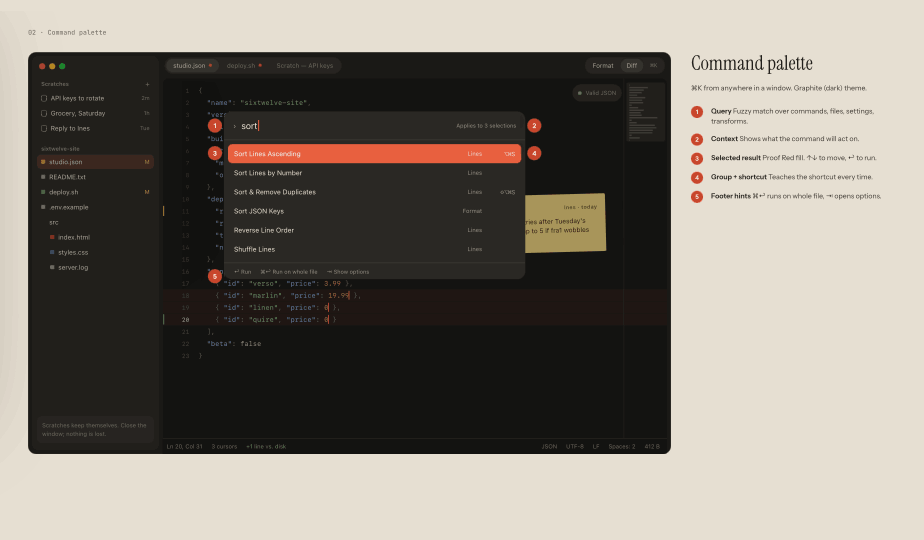
The Command-K Palette
Press Command-K to trigger the command palette. Fuzzy-search across every command, recent scratch, theme, and setting without clicking through menus.
Frequent commands automatically rise to the top of your search rankings.
Quick Open & Line Jumping
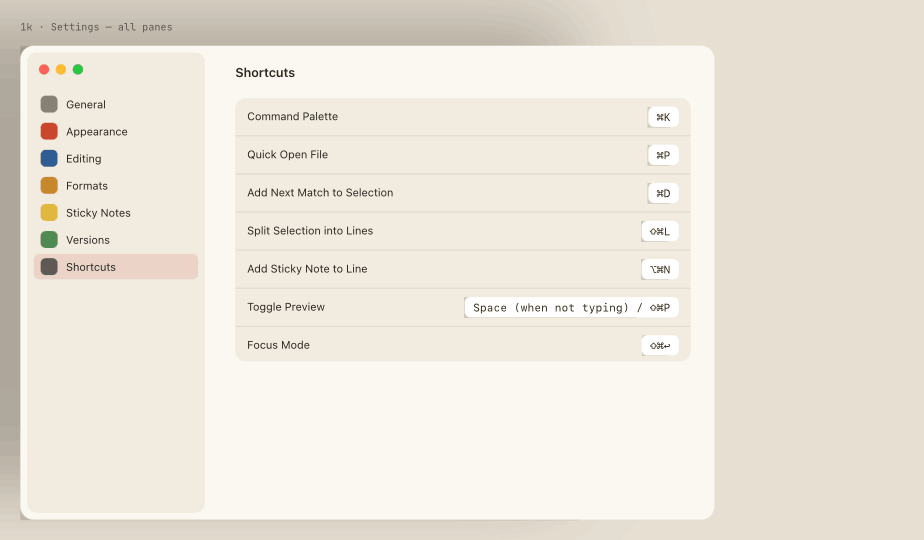
Press Shift-Command-O for Quick Open. Type partial file names to jump across project roots in milliseconds. Press Command-J to jump directly to any line number.
Sidebar Folder Navigation
Toggle the sidebar with Command-B. View file hierarchies, expand folders, filter by file name, and drag-and-drop assets into your workspace.