 Lightweight Text Workbench Guide
Linen Editor
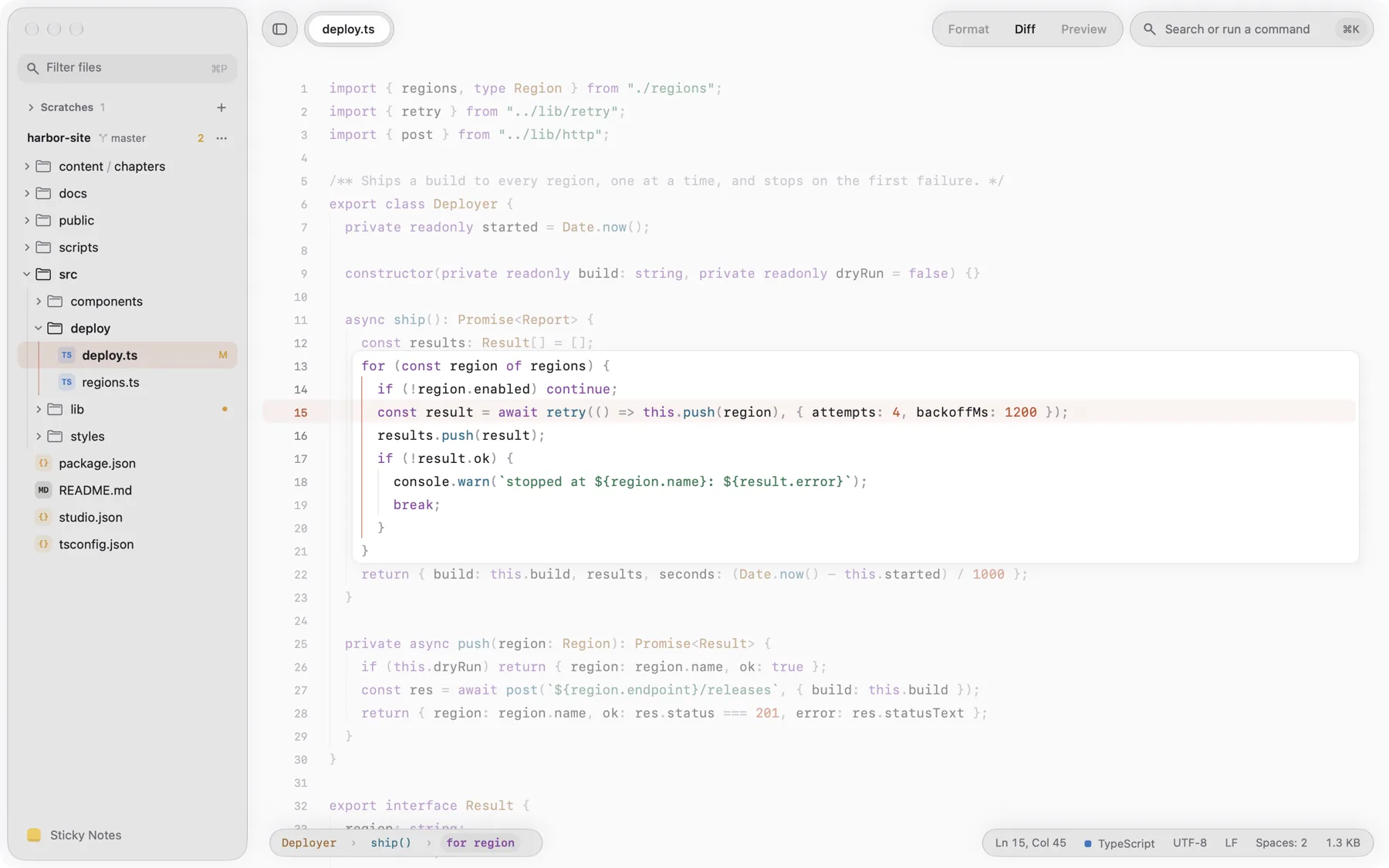
The zero-prompt workbench for daily text and code. Scratches auto-save, sticky notes anchor to lines, and Command-K keeps every tool a keystroke away.
- No save dialogs for scratches
- Sticky notes anchored to lines
- Live split preview & diff
- Free for Mac
Last updated
Browse the guide
8 articlesWelcome to Linen
Editing & Notes
- Untitled Scratches & Auto-Persistence How Linen safely preserves untitled scratch documents, drafts, and clipboard notes across quit and restarts.
- Anchored Sticky Notes Annotate source code without cluttering files with comments. Pin notes to specific lines or keep floating reminders.
- Syntax Highlighting & Live Previews Work across dozens of programming languages with instant syntax highlighting, split preview rendering, and multi-cursor speed.