Linen Editor is the zero-prompt daily text and code workbench for macOS. Untitled scratches save themselves without save dialogs, sticky notes anchor directly to lines or float on your desktop, and Command-K gives instant access to split panes, live diff, and Markdown preview.
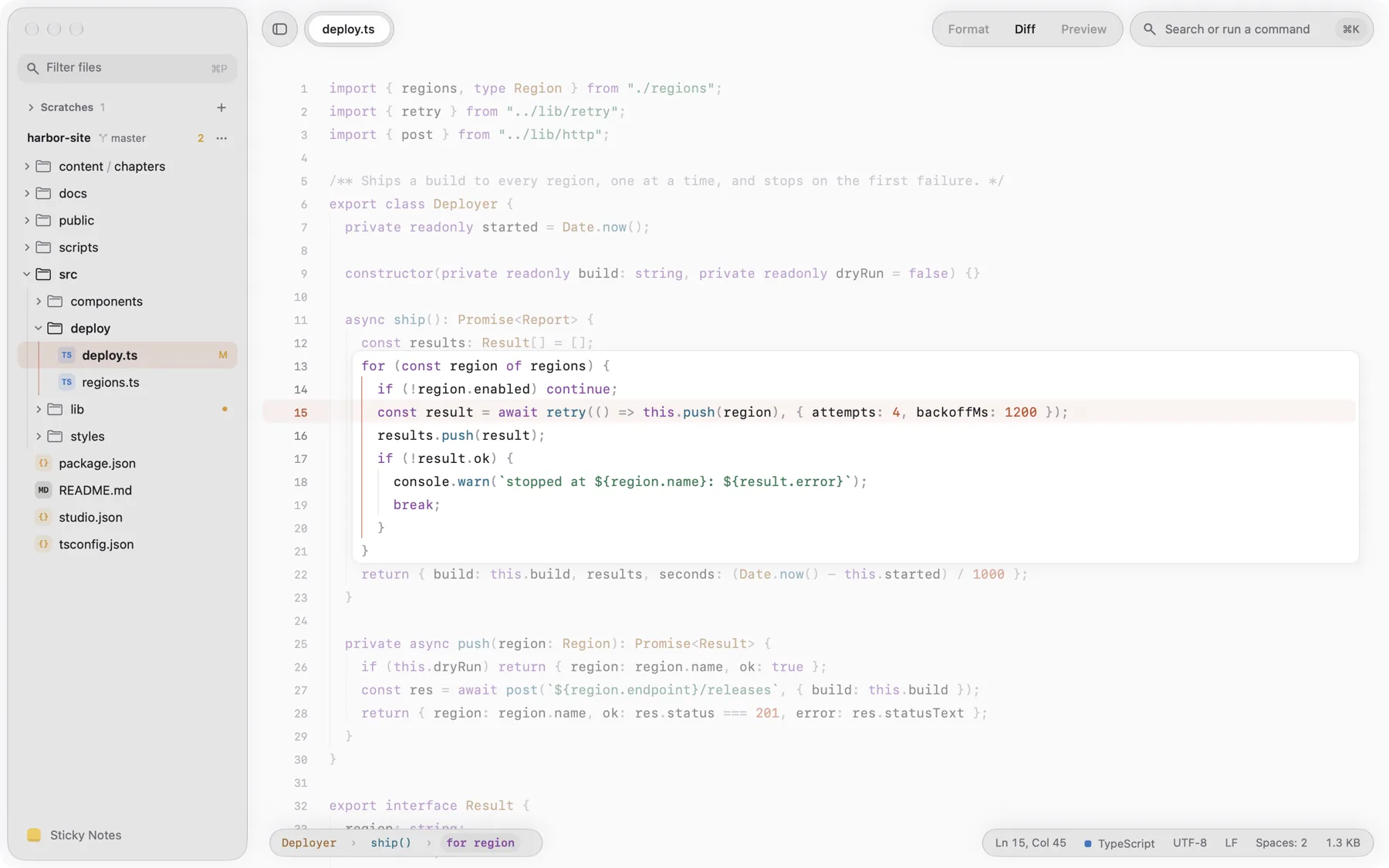
The Zero-Prompt Philosophy
Most text editors interrupt your creative flow with modal prompts: 'Do you want to save this document before closing?' Linen treats every thought as valuable and eliminates save dialogs entirely.
When you create a scratch buffer, jot down server logs, or paste an API payload, Linen automatically persists the contents to local encrypted cache on disk. You can quit the application at any moment with Command-Q and return later with your entire working state intact.
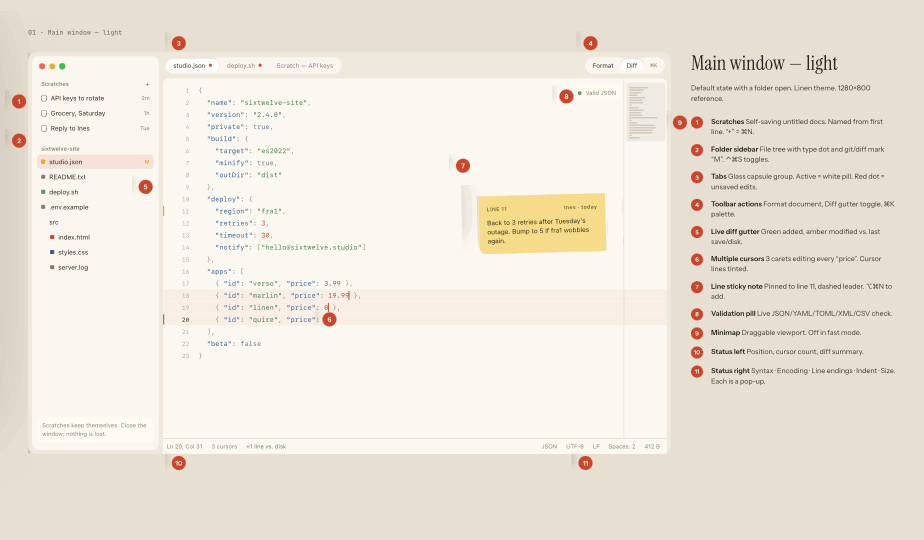
Untitled Scratches Save Themselves
Open Linen and begin typing. You do not need to choose a folder, pick an extension, or assign a title. The first line of text becomes the tab label.
Scratches stay active across system reboots, crashes, and power outages. When you are ready to export or commit your code, save it to your desired repository with Command-S.
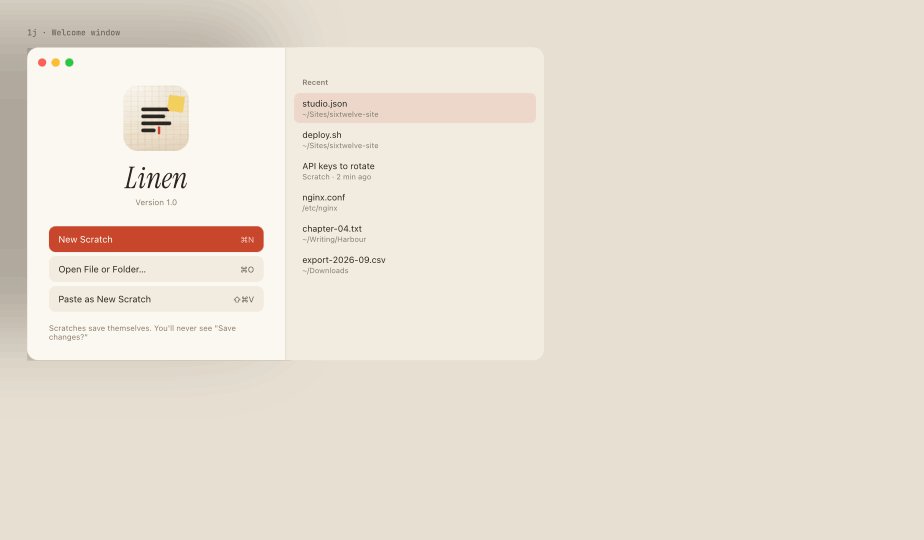
Opening Files and Folders
Linen handles both standalone plain-text files and multi-root project folders. Drag any folder or file onto Linen's dock icon to open it immediately.
The sidebar presents an unobtrusive tree of your workspace, allowing swift navigation through thousands of files without background indexing lag.