Linen's scratch architecture ensures you never lose a single keystroke. Learn how background caching and session resumption protect your daily work.
Zero-Dialog Document State
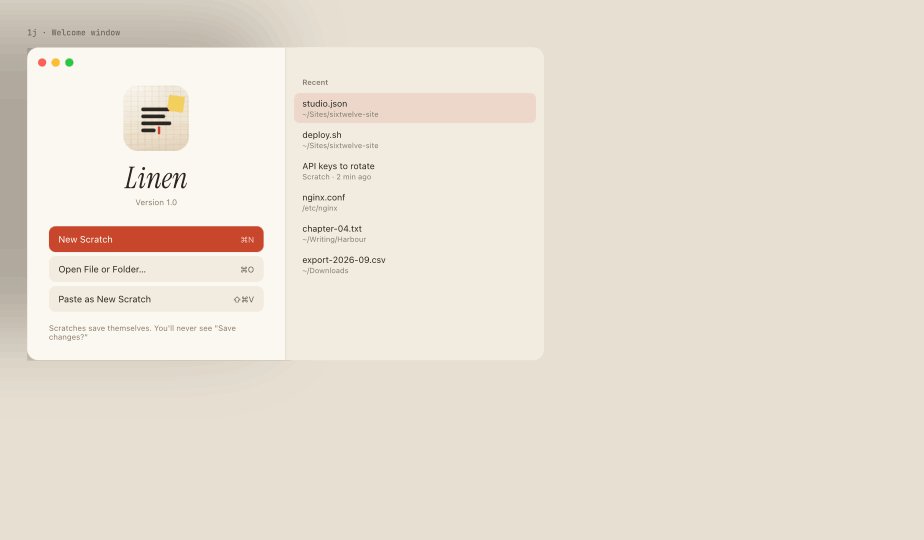
In Linen, closing an untitled tab does not destroy it. Scratches are moved into Linen's local scratch repository, reachable from the Recents menu and Command-K palette.
Buffer edits are saved asynchronously using atomic file writes to ensure that your local files are never corrupted even during abrupt system shutdowns.
Crash-Proof Memory Cache
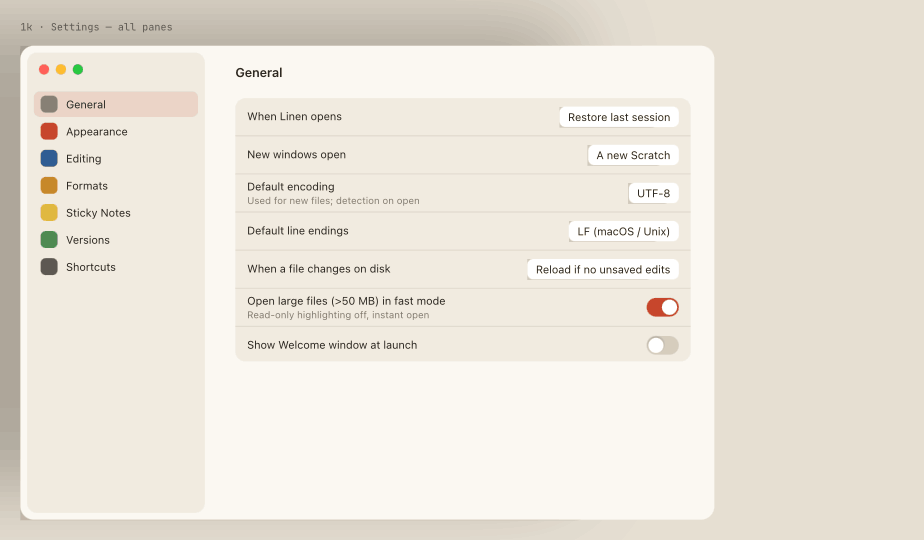
Linen maintains a continuous append-only transaction journal for active documents. If macOS shuts down unexpectedly, Linen restores every window, tab, and split pane to its exact state on next launch.
Promoting Scratches to Named Files
When you want to save a scratch into a project directory, press Command-S. A standard native macOS save panel lets you designate the file name and directory, after which Linen transitions the document from scratch mode to direct disk sync.